

By 2026, 80% of no-code and low-code platform users will come from outside traditional IT departments — up from 60% just five years ago, per Gartner. Business owners are building mobile apps, web applications, client portals, and internal tools without a developer in the room. The tools have genuinely caught up to the ambition. A business owner with no coding background can now build a working customer portal, field service app, or internal workflow tool in days rather than months.
The problem is signal-to-noise. Search “best no-code app builder” and you’ll get lists mixing three fundamentally different categories: visual builders, AI code generators, and developer augmentation products. These categories require very different skill sets to maintain. A business owner who picks the wrong category doesn’t just choose the wrong tool — they spend months building something that breaks or scales beyond what they can manage alone.
This guide applies a clear framework first. It focuses on the platforms a non-developer can genuinely build and maintain independently, covering mobile app development, web app design, and interface customisation — with honest pricing and lock-in data before you commit. The no-code app builder market has a signal-to-noise problem. This is the signal.
The Three-Tier Problem (Why Most Comparisons Mislead You)
“No-code app builder” in 2026 describes three different product types. Most comparison guides put all of them on the same list, and the result is rankings that are accurate in isolation and useless in practice.
Tier 1: Visual Builders. Platforms like Adalo, Glide, Softr, Bubble, and Appy Pie. You drag and drop UI components onto an app design canvas, configure logic through menus, and publish directly from the platform — no code written, no deployment infrastructure to manage. The output runs in a browser as a web app, or in Adalo’s case as a native iOS or Android mobile app published to the App Store and Google Play.
Tier 2: AI Prompt-to-App Generators. Platforms like Lovable, Bolt, and Base44. You describe an app in plain language; the AI generates a React or JavaScript codebase. The output looks polished and builds fast, but it’s a software project. When something breaks, or when your feature list grows, you need a developer to extend or debug it. These tools are not code-free — they’re code-deferred.
Tier 3: Developer Augmentation Tools. Products like Claude Code, Cursor, and FlutterFlow. These make experienced developers faster. Not relevant for a non-technical business owner without a developer on staff.
For a Smart Admin managing a business without a development team, only Tier 1 is genuinely low-maintenance. Tier 2 tools start cheap and move fast, but a broken build at 2am has nowhere to go if you can’t read the generated code. For a deeper look at how the top Tier 1 platforms compare on specific features, our Bubble vs FlutterFlow vs Glide breakdown covers the specifics. Whenever you encounter a “no-code” product in search results or social feeds, your first question should be: which tier is this?
The Quick Verdict (TL;DR Comparison Table)
The table below covers Tier 1 visual builders only — platforms a business owner can build, launch, and maintain without writing code. We evaluated each platform on mobile app publishing capability, app design flexibility, pricing transparency, and vendor lock-in risk. Pricing is from official sources as of May 2026. “App Store?” means the platform publishes genuine native mobile apps to the Apple App Store and Google Play — not progressive web apps.
| Platform | Best For | Starting Price | App Store? | Lock-In Risk |
|---|---|---|---|---|
| Adalo | Native mobile apps (iOS + Android) | $36/mo | ✓ | Medium |
| Glide | Internal tools from spreadsheets | $25/mo | ✗ | Medium (row limits) |
| Softr | Client portals on Airtable data | $49/mo | ✗ | Low–Medium |
| Bubble | Complex web apps with custom logic | $29/mo (usage-based) | ✗ | High (no code export) |
| AppSheet | Google Workspace data apps | $5/user/mo | ✗ | Medium |
Pay attention to the last two columns. “App Store?” determines whether you can reach customers through the distribution channel they trust most. “Lock-In Risk” tells you what happens if you outgrow the platform. Both matter more than the monthly headline price.
Platform Deep Dives
Adalo — The Native Mobile Specialist
Only one major Tier 1 visual builder covers the full mobile app development journey — from app design to native iOS and Android publishing — within a single project. That’s Adalo. Outputs are compiled React Native binaries: genuine native mobile apps, not web apps wrapped in a shell. For business owners who need actual App Store and Google Play distribution, no visual builder comes close. Push notifications work natively. Camera access works natively. The apps feel like native apps because they are.
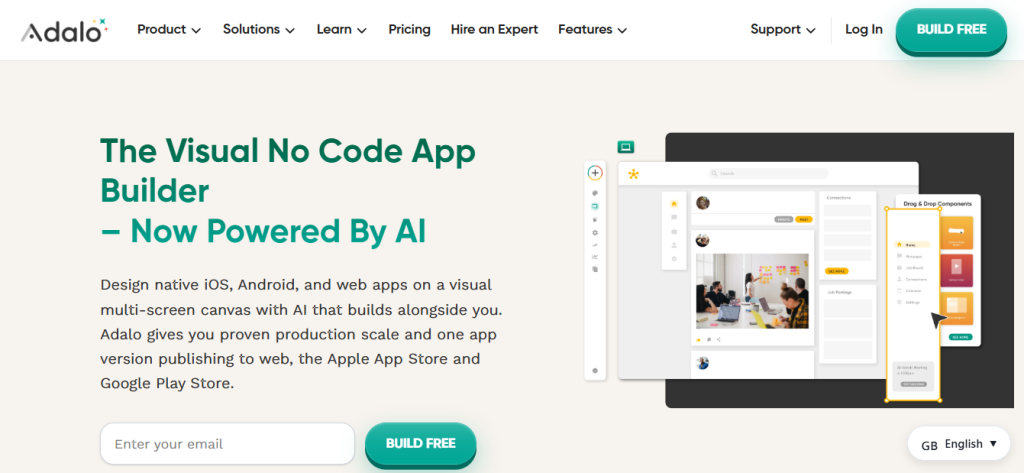
For customer-facing products, that matters. An app store listing builds trust a web link doesn’t.
Ada, Adalo’s AI-powered app builder, adds an artificial intelligence prompt layer to the visual app design canvas. Magic Start generates a complete multi-screen mobile app from a plain-language description — AI-driven interface design with no manual layout. Magic Add extends an existing app from natural language instructions. Both stay inside Adalo’s visual environment, so what machine learning generates can be seen, edited, and maintained without writing code.
Late 2025 brought a full 3.0 infrastructure overhaul. CPU load dropped 40–70% in the rendering engine, and about 3 million PostgreSQL databases moved to updated infrastructure. Old Reddit threads about Adalo’s performance are from 2022–2023 — a different platform. One customer, Art Systems, cut roughly £25,000 per year in admin costs after switching to Adalo-built mobile forms and doubled their service call volume.
Adalo’s limit: it’s built for native mobile. Pure web apps with SEO-driven growth fit other tools better.
Best for: Field service apps, booking tools, delivery tracking, and employee apps that need App Store distribution with native device features.
Glide — The Spreadsheet Whisperer
Glide’s core advantage is singular. If your data already lives in Google Sheets, Airtable, Excel, or SQL, Glide can turn it into a polished functional web app the same day. The platform is built around progressive enhancement — start with your data, and the web app design follows from the structure of your columns. No interface design experience required.
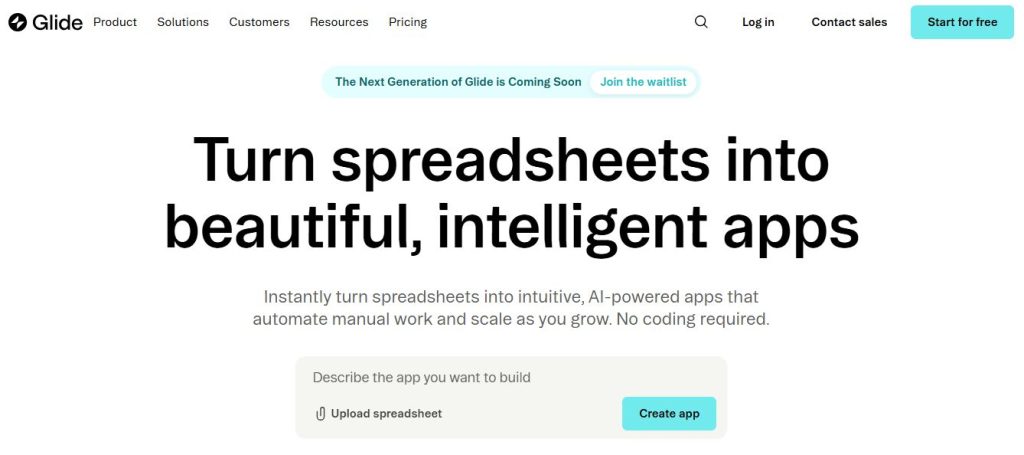
Every Glide app looks professionally designed by default. That opinionated design system, which some builders find constraining, is a practical advantage for non-designers who need something ready to show a client or hand to a team of forty.
In 2026, Glide added what it calls “agentic engineering” — AI-powered columns integrated directly into the data layer for text generation, classification, enrichment, and automated routing using machine learning inference, without API configuration or prompt engineering. For an operations team managing hundreds of support tickets, those AI columns can automate substantial manual work before it reaches the app interface.
Two real limitations. First, Glide doesn’t support native mobile app development or publishing to the Apple App Store or Google Play. Apps are progressive web apps — solid on mobile browsers, not native iOS or Android mobile apps. Second, row limits create hard data ceilings: 10,000 rows on Team at $60/month, 25,000 on Business at $125/month. Project your data volume before committing to a plan.
Best for: Internal team tools such as employee directories, approval workflows, inventory trackers, and HR portals where your data is already in a spreadsheet and App Store distribution isn’t needed.
Softr — The Portal Builder
Softr is a web app design tool built to sit on top of existing data in Airtable, Google Sheets, HubSpot, or SmartSuite. Think of it as the most direct path from “I have data in Airtable” to “my clients have a branded interface design accessing that data.” The app design process is template-first — you choose a layout, apply your brand colours and fonts, and publish.
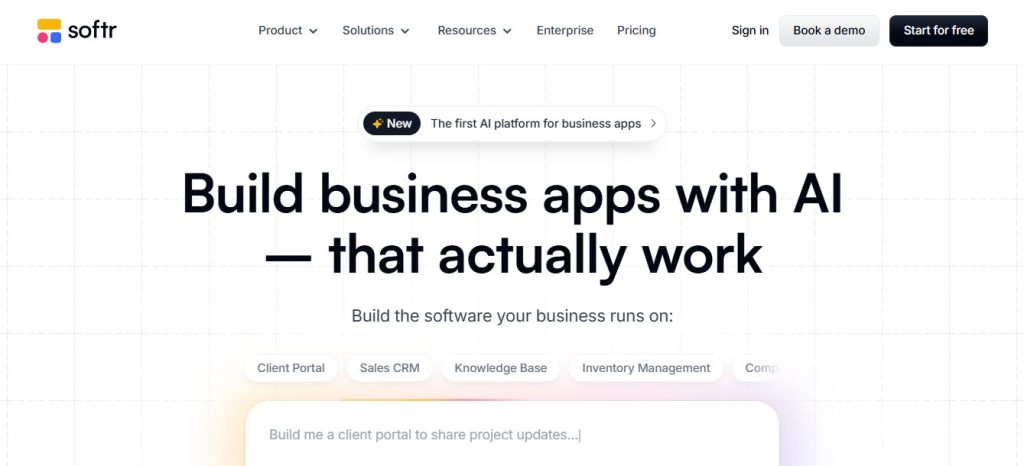
Ease of use is the platform’s calling card. Member portals, client dashboards, job boards, and resource hubs are its natural terrain. Non-technical builders report being productive within hours of starting — a claim that holds up in G2 reviews far more consistently than for Bubble.
The trade-off is the app design ceiling. G2 reviewers flag limited interface customisation beyond Softr’s existing component library consistently. If the layout you need doesn’t match one of Softr’s patterns, you’ll be working around the system. Softr also doesn’t support SaaS features requiring AI processing without external APIs, so more complex functionality needs integration work.
Best for: Client portals, membership sites, directories, and team dashboards where data lives in Airtable and the audience is external clients or members.
Bubble — The Full-Stack Heavyweight
Bubble is the most capable visual builder for complex web application and web app design projects. Database management, custom workflow automation, relational data structures, and a large plugin ecosystem make it the closest Tier 1 equivalent to hiring a web developer — covering everything from data architecture to front-end interface design. Building a SaaS product, a marketplace, or a CRM with logic that Glide or Softr can’t handle? Bubble is the realistic answer.
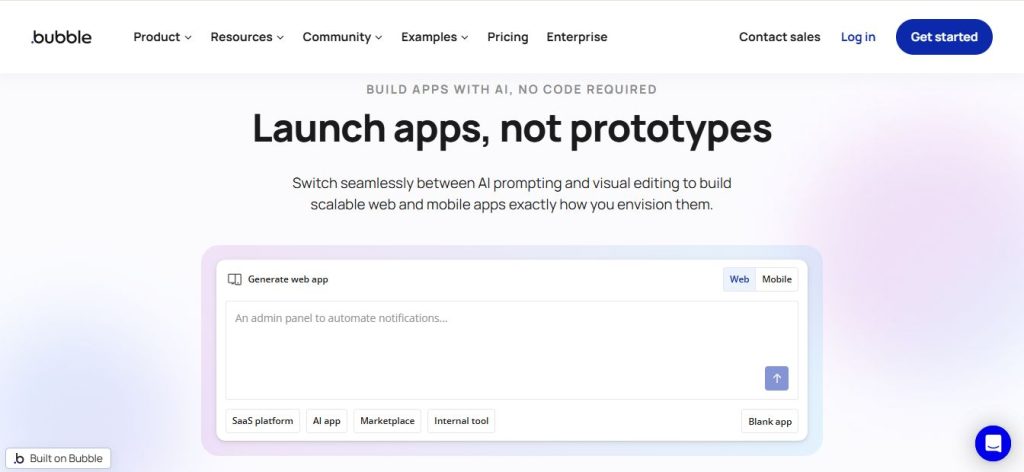
Two facts require attention before choosing it.
Pricing first. Bubble uses a Workload Units (WU) consumption model, ranging from $29 to $349 per month (based on the computing resources your app consumes). A well-optimised Bubble app stays on lower tiers comfortably. A growing one with substantial automation can escalate faster than flat-rate platforms. Test under realistic load before a production commitment.
Lock-in second. Bubble has no code export. An app built in Bubble cannot be moved to another platform without a complete rebuild — new database architecture, new workflows, new page designs. That’s the highest lock-in risk on this list. For mobile app development specifically, Bubble launched a native mobile builder in mid-2025, but it requires rebuilding every mobile app screen separately from the web app version. Choose Bubble as a deliberate long-term commitment, not because it appeared first in a search result.
Best for: Founders building SaaS products or marketplaces with complex custom logic, who understand the WU pricing model and are committing to the platform long-term.
AppSheet — The Google Workspace Native
AppSheet, now part of Google Cloud, is the most overlooked tool here for a straightforward reason. If your business already runs on Google Workspace, AppSheet is the lowest-friction entry into AI-powered mobile app development and web app building — without learning a new data home. It connects natively to Google Sheets, Forms, Drive, and BigQuery. Pricing starts at $5 per user per month — the most affordable per-user rate among platforms covered here.
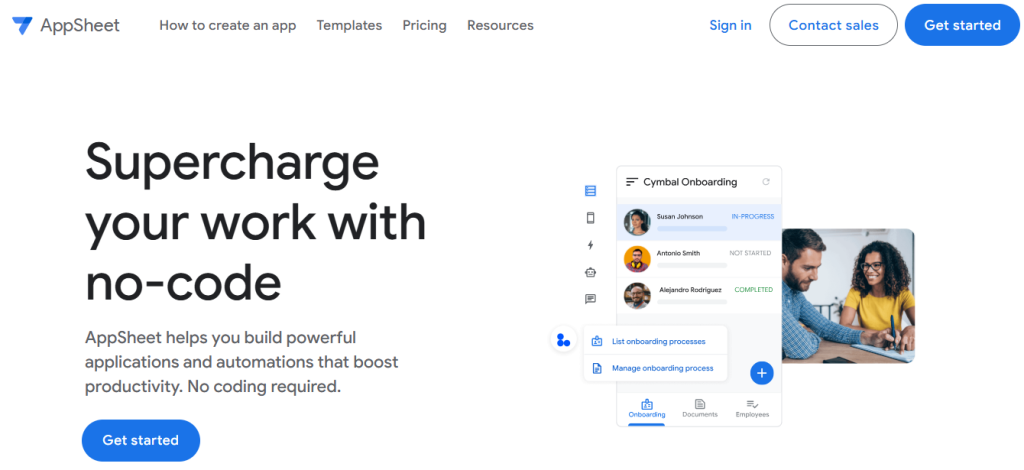
The apps AppSheet produces are functional and data-driven. App design control is limited compared to Adalo or Glide — the interface design options are narrower, and the visual editor carries a steeper initial curve than Softr. AppSheet does include AI-powered app development features: its AI assistant can generate app structure, suggest data models, and automate formula writing from plain language. For internal operations apps though — field inspection forms, asset tracking, simple CRM views — Workspace integration alone justifies evaluating it before paying more for a separate platform.
Best for: Small businesses and teams running on Google Workspace who want to create apps from existing Sheets data without migrating to a new data home.
The AI Question — Real No-Code vs. Prompt-Generated Apps
The biggest source of confusion in 2026 no-code coverage is artificial intelligence. AI-powered app development tools — Lovable, Bolt, and Base44 — appear in every major no-code roundup, generate impressive apps from prompts using machine learning code generation, and look like direct alternatives to Adalo or Bubble. They are not.
Lovable’s output is React/JavaScript code — a software project, not a visual app design environment. The initial AI-generated app is polished and fast. But when a feature breaks in production, or when requirements grow beyond the original machine learning prompt, you’re working directly in a codebase. For a non-developer business owner with no developer on staff, that’s a real liability.
Adalo’s Ada and Glide’s AI-powered columns work differently. The output stays inside the visual app builder — artificial intelligence generates UI components and data structures, but everything lives in the same drag-and-drop interface design environment. You can see what the machine learning model built, modify it through the same dashboard, and fix problems through the same app design interface without understanding the code underneath. No developer required. This is also the model behind AI-enhanced workflow tools — our Zapier alternatives guide covers how automation layers on top of no-code apps without generating code you’d need to maintain.
How the artificial intelligence features in each Tier 1 builder actually work:
Adalo (Ada / Magic Start) — AI-driven mobile app generation from a text prompt. Machine learning generates complete multi-screen app layouts, data models, and navigation structures for iOS and Android. The machine learning output lands inside Adalo’s visual editor, editable through the same interface.
Glide (AI columns) — machine learning inference integrated into the data layer. Classification, text enrichment, and AI-generated content run as data column types. Machine learning models run server-side on Glide’s own AI infrastructure — no API key configuration required from the builder.
AppSheet (AI assistant) — artificial intelligence generates app structure, data schemas, and workflow formulas from plain-language descriptions. Powered by Google’s machine learning models via Vertex AI, the same AI infrastructure underlying Google Cloud services.
Bubble (AI generation) — AI-assisted page layout and front-end component placement. Machine learning generates interface structures from natural language; the AI-generated output is immediately editable in the visual builder.
Softr (AI builder) — artificial intelligence generates portal interface layouts and page structures from descriptive prompts. Covers standard portal configurations without requiring manual template assembly.
The pattern: in every Tier 1 visual builder, artificial intelligence and machine learning generate structure, not code. The AI output stays in the visual editing environment. That’s the fundamental difference from Tier 2 tools where machine learning writes a codebase.
Forrester’s analysis identifies AI-powered, AI-accelerated visual building — not AI-generated code — as the most likely low-code trajectory through 2028–2029. Artificial intelligence and machine learning will increasingly assist app design and interface generation inside visual builders; the underlying no-code mobile app and web app infrastructure stays stable and maintainable. That’s different from code generators replacing visual builders as the default tool for non-developers.
The practical test: if something breaks at 2am, can you fix it yourself? On a Tier 1 visual builder, yes. On a Tier 2 AI generator, probably not.
How Each Platform Handles App Design?
No-code comparison articles spend most of their time on features and pricing. Interface design gets a footnote. It shouldn’t — app design quality is often what determines whether end users actually adopt the tool you build.
Here is what each platform genuinely offers at the app design layer:
Adalo — template-driven mobile app design with a structured UI component library. Global design tokens (colours, fonts, button styles) apply across every screen from a single settings panel. No custom CSS. The app design ceiling is the component library; within it, mobile apps look consistently polished without manual UI design decisions from the builder. Best for mobile-first products where native look-and-feel matters more than custom branding.
Glide — the most opinionated web app design system in this comparison. Glide’s design layer makes most interface design decisions for you: layout structure, spacing, component arrangement. Builders apply brand colours and logos, not page layouts. The result is professional-looking web app design without a designer, at the cost of layout customisation. No custom CSS on most plans.
Softr — the most front-end-flexible portal builder here. Web app design is template-selection-based — a library of interface design patterns covering portals, directories, job boards, and dashboards. Custom CSS is supported on Business and Enterprise plans for pixel-level interface design adjustments beyond the template. If your portal design requirements are specific, Softr is the place to start in Tier 1.
Bubble — full UI design control. Page layouts, element sizing, responsive breakpoints across screen widths, custom fonts, CSS styling throughout. The highest interface design flexibility in this comparison and the highest design-work requirement. Bubble provides no design defaults — the app design process starts from a blank canvas. For design-critical web applications where the front-end is a competitive advantage, Bubble is the only Tier 1 tool that doesn’t impose a design ceiling.
AppSheet — functional app design, not visual app design. The interface is data-table-driven. Layout options are minimal. AppSheet is not a choice for UI-design- sensitive applications where web app design quality drives user trust or brand perception. It’s a data tool with an app interface.
The practical rule: if front-end app design quality is a competitive differentiator for your product, Bubble gives the most control. If you need consistent web app design quality without a designer, Glide’s opinionated system delivers it fastest. If you need a templated portal interface design, Softr. If you need native mobile app design, Adalo.
The Hidden Cost Calculator — What You’ll Actually Pay
Monthly headline prices are the least useful number in any no-code comparison. What matters is what your team actually pays across twelve months, after accounting for user counts, data limits, and the feature unlocks required to reach production.
Maintenance costs for no-code apps run approximately 40% lower than custom-coded equivalents, per McKinsey. That advantage disappears on a platform you can’t maintain yourself, or one where lock-in forces a costly rebuild later.
Realistic 12-month estimates for a 10-person team:
- Adalo: $36/month flat rate = $432/year. Unlimited users on paid plans, no row limits, App Store publishing from the Professional tier at $52/month.
- Glide: $60/month Team plan (10,000 row cap) = $720+/year, with per-user pricing as the team grows.
- Softr: $49/month = $588/year, though your separate Airtable subscription adds to the total.
- Bubble: $29/month base, but WU overages and plugin costs make annual spend variable — realistically $350–$600+/year for a production app with real traffic.
- AppSheet: $5/user/month × 10 users = $600/year, with premium AI features at higher tiers.
Choosing no-code over agency development saves $50,000–$150,000+ in Year 1 for a medium-complexity project. Forrester puts the three-year ROI on no-code adoption at 342%. Platform cost rarely kills a no-code project. Wrong platform choice does.
Which Builder Fits Your Situation
Stop asking which platform has the highest feature score. Ask which one solves your specific business problem — the custom business software your team actually needs — without requiring skills or budget you don’t have.
You need iOS and Android mobile app development with App Store and Google Play distribution → Adalo. No genuine Tier 1 alternative exists for native mobile app publishing. Glide, Softr, Bubble, and AppSheet are all web-first platforms; none publish true native mobile apps.
Your data lives in Google Sheets or Airtable and you need a web app or internal tool fast → Glide. A working web application with professional app design is achievable the same day your spreadsheet is clean. Project your data volume carefully; the row limits are real.
You’re building a client-facing portal and your data is in Airtable → Softr. Fastest path from Airtable to a branded client experience. Work within its component library rather than against it.
You’re building a SaaS product, marketplace, or CRM with complex logic → Bubble. Accept the WU pricing model and the no-code-export lock-in as deliberate decisions, not surprises you discover at launch.
Your whole business runs on Google Workspace → AppSheet. Start here before paying more for a platform your team must learn from scratch.
You already have a WordPress site and you’re wondering whether you need a separate app → Pause. Ask whether a WordPress plugin covers the use case first. Forms, e-commerce, membership, booking — all have mature plugin solutions. If the answer is genuinely no, Glide or Softr for web functionality, Adalo for mobile with App Store distribution. Teams coordinating across no-code apps also benefit from the right collaboration layer; our guide to collaboration tools for no-code product teams is worth reading before you scale beyond one builder.
Start with the simplest tool that solves the problem. Upgrade when the problem outgrows it.
Conclusion
The no-code business software question resolves cleanly once you’re asking the right version of it. Not “which platform has the best features?” but “which tier of business app builder can I actually maintain, and which platform in that tier fits the specific app I’m building?” Every tool on this list is business software a non-developer can genuinely own and operate.
For most non-developer business owners building mobile apps or web business software, the answer sits in Tier 1: Adalo for native mobile app development, Glide for spreadsheet-to-app, Softr for client portals, Bubble for complex web apps, AppSheet for Google Workspace teams. AI is deepening capabilities across all of them. By 2028, describing what you want and seeing it appear on the canvas will be standard, not a premium feature.
Free plans on Adalo, Glide, and Softr let you build and test before committing. Start there. A few hours of building reveals which platform fits your workflow far better than any comparison article.
Frequently Asked Questions
Yes. Adalo, Glide, Softr, and AppSheet all offer free tiers for building and testing. Free plans typically include limited database records, no custom domain, and no app store publishing. Shipping a production app — especially one with custom branding or App Store distribution — requires a paid plan. Adalo’s Starter plan begins at $36/month. Most platforms let you prototype in full before any payment is required.
Bubble is a full-stack visual web app builder for complex logic, custom databases, and SaaS-scale projects. It has a steeper learning curve, usage-based pricing, and no code export — the highest lock-in risk among Tier 1 platforms. Glide is a simpler, spreadsheet-first builder for internal team tools. It’s faster to start with but has row limits and no App Store publishing. For straightforward, data-driven use cases, Glide. For complex custom logic at scale, Bubble — with full awareness of the lock-in trade-off.
Among major Tier 1 visual builders, only Adalo covers the full mobile app development cycle — from app design to native iOS and Android publishing — for both the Apple App Store and Google Play. Glide, Softr, Bubble, and AppSheet produce progressive web apps that work well on mobile browsers. If distribution through the stores matters — for consumer-facing apps, push notifications, or trust signalling — Adalo is the specific platform to evaluate.
Vendor lock-in means the work you’ve built on a platform can’t be moved elsewhere without a rebuild. Bubble is the highest-risk example: no code export means migrating a Bubble app to any other platform requires starting over. Glide and Softr store your data externally in Airtable or Sheets, so the data remains portable even if the app interface doesn’t. For a long-term production app, treat lock-in risk as a primary decision factor — not something to think about later.
Adalo, Glide, Softr, and AppSheet are built for non-developers. No coding knowledge is required to build, launch, maintain, or publish mobile apps and web applications on these platforms. Bubble sits in a grey zone: technically no-code, but understanding workflow logic and database relationships is required to build anything beyond simple apps. For a first app, Glide or Softr offer the fastest starting point regardless of technical background.