

High-performance client sites are no longer built by hand-coding every page. No-code website builders now handle the layout, hosting, and SEO controls that used to require a developer, which lets agencies and freelancers ship client sites faster. This guide covers the 8 best no-code website builders for 2026 — what each one builds, who it fits, and how it handles speed, structured content, and client ownership.
Several of these tools double as no-code app generators, so you can build both marketing sites and simple web apps in the same editor. If you’re comparing the best no-code website builders for 2026, use this page to match a tool to the site you actually need to launch.
What is a No-Code Website Builder?
A no-code website builder is a visual editor that lets you design, publish, and manage a website without writing HTML, CSS, or JavaScript. You place page elements with a drag-and-drop editor, edit text and images directly on the page, and set layout rules visually. The builder writes the underlying code and handles hosting and deployment for you.
As you make visual changes, the builder generates the page code and applies performance features like CDN delivery, image compression, and deferred scripts. Most builders also include a content management system, so you or your client can update pages later without touching the design.
What Makes a No-Code Website Builder Effective?
The best no-code website builders in 2026 share five concrete capabilities:
- Fast Core Web Vitals — low Largest Contentful Paint and quick Interaction to Next Paint out of the box.
- Real SEO controls — editable meta titles, canonical tags, schema markup, and robots rules without a plugin.
Strong SEO capabilities also make it easier for businesses to find backlinks and strengthen their domain authority, helping websites achieve better rankings and long-term organic growth.- A client-ready CMS — clients can edit copy and swap images without breaking the layout.
Additionally, a user-friendly Client-Ready CMS is vital, empowering clients to effortlessly update content without disrupting the site’s layout, much like automotive IoT solutions enable seamless real-time data management.- Code export or portability — you can move the site if pricing or strategy changes.
- Structured, crawlable content — clean markup and fast pages that AI search crawlers can read.
These are what separate a professional builder from an entry-level site maker.
1. Webflow — Exportable HTML, CSS & JavaScript Sites
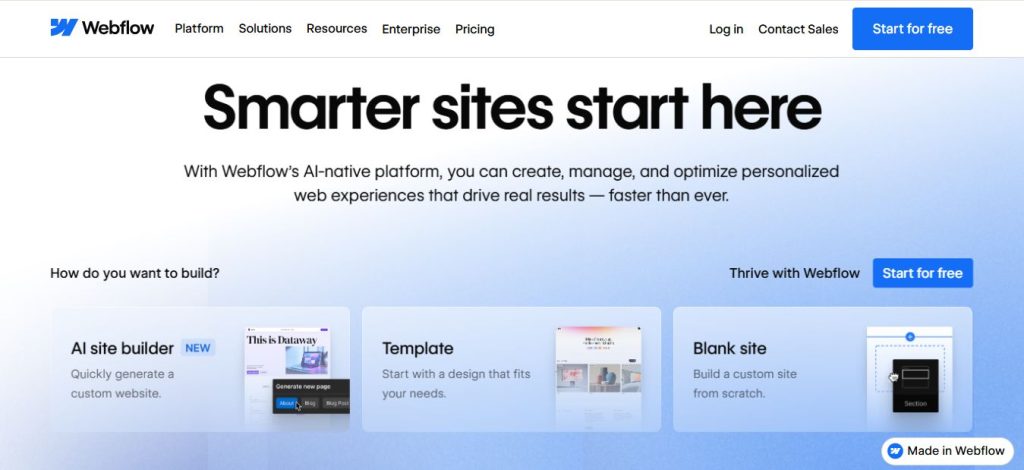
Best for: agencies and SaaS brands that need design control and custom interactions.
Webflow is the benchmark no-code website builder in 2026. You design layouts and responsive breakpoints visually, and Webflow outputs clean HTML, CSS, and JavaScript you can export for full client ownership. It ships with a built-in CDN, automatic image optimization, and SEO fields for meta tags, Open Graph, schema, and sitemaps. Its content management system lets clients update collections and pages without disturbing the design. Choose Webflow when a client needs a fast, custom marketing site they can later export and host elsewhere.
2. Wix Studio — Multi-Site Agency Builds
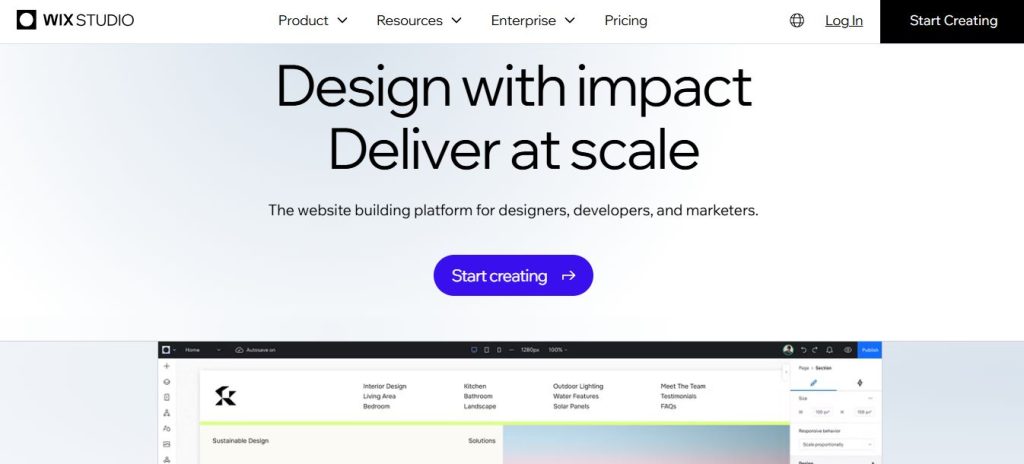
Best for: agencies managing multiple client sites with a need for scalable workflows.
Wix Studio is built for designers and agencies running many client sites at once. It combines a visual editor with central multi-site management, custom CSS when you need to push past the defaults, and built-in caching, mobile optimization, and SEO settings. Pick Wix Studio when you want a polished, client-friendly CMS and managed performance without touching hosting or infrastructure.
3. Framer — Motion & Animated Pages
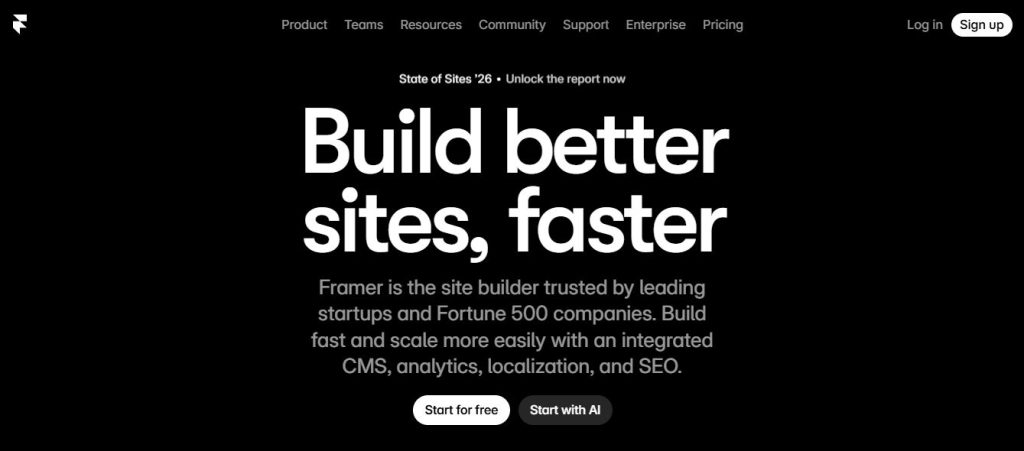
Best for: design-led brands and landing pages that need advanced motion and animation.
Framer is the strongest no-code website builder for pages where motion carries the brand. You build scroll effects, transitions, and custom animations in a visual editor, and Framer optimizes them at build time so pages still load fast. Its visual programming controls let designers add interaction logic without scripting. Choose Framer for design-led landing pages and brand sites that need premium animation without giving up speed or SEO.
4. PlayCode AI — Prompt-to-React/Tailwind Code
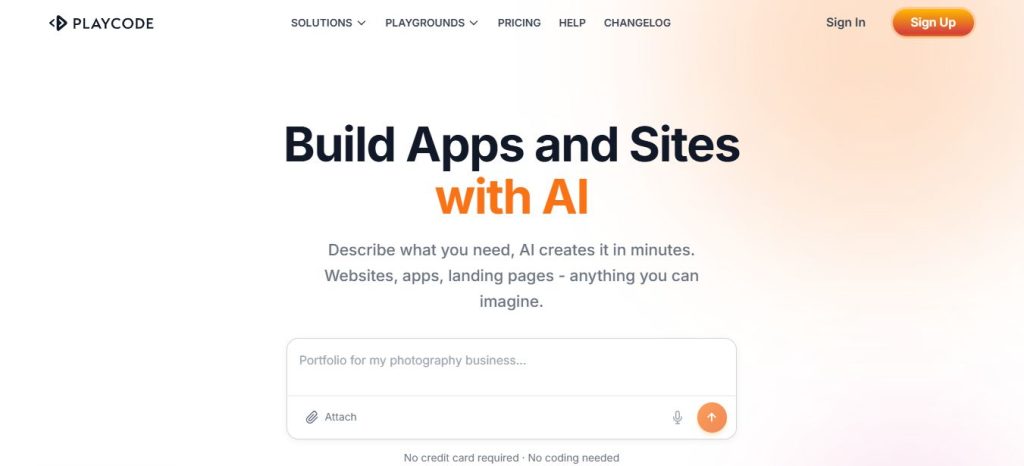
Best for: founders and product teams who value code ownership and rapid site generation.
PlayCode AI turns natural-language prompts into working React and Tailwind code. You describe the page, it generates the layout, and you can export the codebase to host anywhere — which is why it appeals to founders and product teams who want to own their source. Its visual programming approach and AI assistance speed up wireframes and landing pages. Use PlayCode AI when you want the speed of a no-code builder plus a real, exportable codebase.
5. Shopify — Storefronts & Checkout
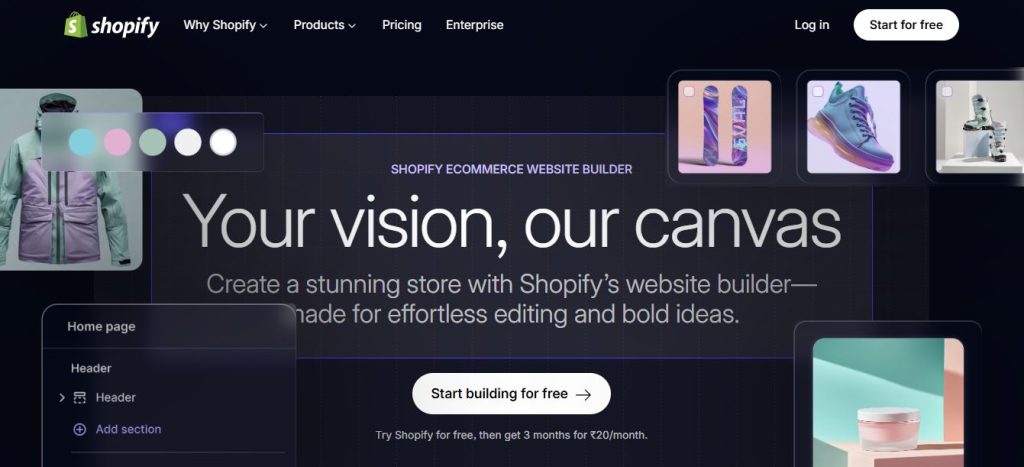
Best for: clients who need the strongest commerce stack with built-in conversion features.
Shopify is the best no-code website builder for stores. It runs product catalogs, checkout, inventory, promotions, and subscriptions on a fast, secure hosting platform with a global CDN, and its editor stays simple for merchants. Choose Shopify for client sites that need a real commerce backend and fast checkout without custom development. For stores looking to improve organic visibility, applying practical Shopify SEO tips can also help optimize product pages and improve search performance. When stores outgrow off-the-shelf themes and need tailored features, a Shopify development agency bridges the gap between no-code and fully custom.
For merchants scaling operations behind the storefront, an ERP like Enerpize handles invoicing, inventory, and financials in one place while an e-commerce marketing agency drives the demand.
6. Dorik — White-Label Client Sites
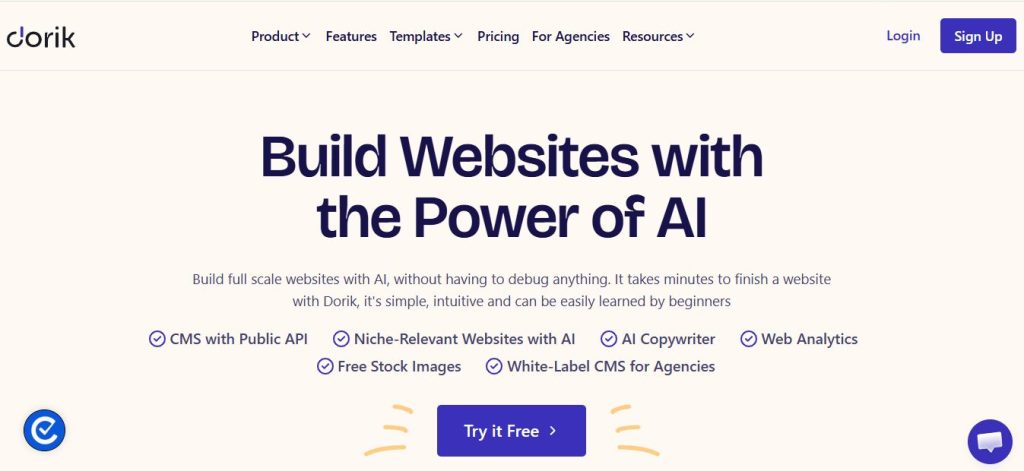
Best for: freelancers and boutique agencies needing affordable white-label client sites.
Dorik is a low-cost no-code website builder aimed at freelancers and small agencies. It offers a clean editor, white-label client access so the CMS carries your brand, code export so you keep the site files, and agency pricing that scales across many client sites. Choose Dorik when you want affordable, ownable client sites with your own branding on the editor.
7. Squarespace — Template-Driven Portfolio & Service Sites
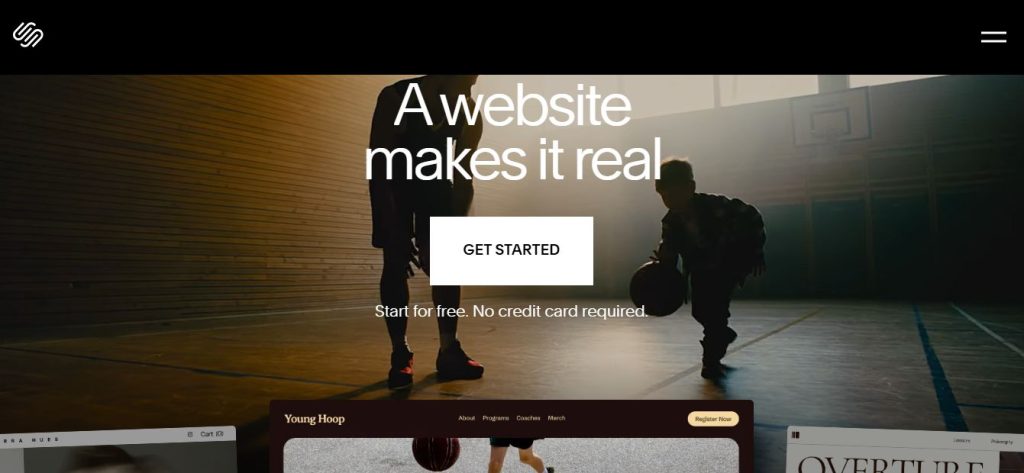
Best for: creatives, restaurants, and local businesses that need strong templates and polished design.
Squarespace is the best no-code website builder for clients who want polished design with almost no setup. Its templates are built for galleries, portfolios, and service businesses, and it includes built-in SEO fields, mobile optimization, and a content management system simple enough for non-technical clients to run themselves. Choose Squarespace for creatives, restaurants, and local businesses that need a beautiful, reliable site fast.
8. Elementor Cloud — Hosted WordPress Visual Builds
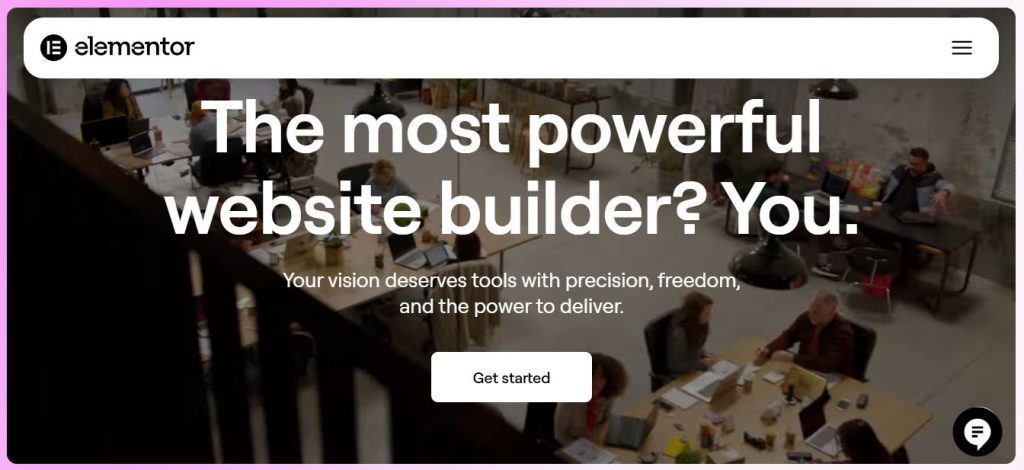
Best for: WordPress clients who want a managed visual builder with modern performance.
Elementor Cloud brings WordPress into the no-code category as a fully hosted, visual-first builder. You get drag-and-drop design with WordPress compatibility, managed hosting with security and backups included, and access to the wider plugin and theme ecosystem when a project needs it. Choose Elementor Cloud when a client wants WordPress flexibility without running their own hosting or maintenance. With its fully managed platform and visual-first approach, users can enjoy the freedom of the UI kits for WordPress without any technical headaches.
Performance Comparison Matrix
| Platform | Primary Strength | Core Web Vitals | Code Export | Ideal Client |
|---|---|---|---|---|
| Webflow | Design control | High | Yes | SaaS / Marketing teams |
| Wix Studio | Agency workflow | High | No | Scalable agencies |
| Framer | High-end animation | Moderate | No | Design-led brands |
| PlayCode AI | Code ownership | Elite | Yes | Dev-adjacent founders |
| Shopify | Sales conversion | High | No | E-commerce retailers |
| Dorik | White-label value | High | Yes | Freelance solopreneurs |
| Squarespace | Visual simplicity | Moderate | No | Creatives / Local biz |
| Elementor Cloud | WordPress flexibility | Variable | Yes | WordPress loyalists |
Conclusion
No-code website builders are now a practical choice for client work. The right one depends on what the site must do: design control (Webflow), agency scale (Wix Studio), motion (Framer), exportable code (PlayCode AI), commerce (Shopify), white-label delivery (Dorik), template speed (Squarespace), or hosted WordPress (Elementor Cloud). If ownership matters, favor a builder with code export; if speed matters, favor strong Core Web Vitals and clean, crawlable markup.
Frequently Asked Questions (FAQs)
A no-code website builder works by letting you design pages visually and then translating those designs into website code behind the scenes. It also handles hosting, performance, and deployment so you don’t need to manage servers.
An effective no-code website builder delivers fast page loading, strong SEO controls, client-ready editing, and the option to export code or move the site if needed. It should also support modern search expectations and AI-ready content structure.
For client sites, Webflow is the top choice for design control, Wix Studio is best for agency workflows, and PlayCode AI is the strongest option for code export and ownership. Choose based on the client’s needs, not the tool’s popularity.
The best no-code website builders in 2026 are Webflow, Wix Studio, Framer, PlayCode AI, Shopify, Dorik, Squarespace, and Elementor Cloud. Each one serves a different client use case.