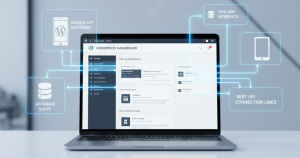

Your WordPress site already holds structured data — posts, products, users, custom fields. With the WordPress REST API, no-code app builders can read that data directly and turn it into a native mobile app, a client portal, or an internal tool, without you writing code or copying your database somewhere else. Here are seven builders that connect to WordPress and what each one is best at building.
The rise of no-code platforms has revolutionized how businesses and individuals approach app development, driving a surge in creativity and innovation. According to recent statistics, the no-code development market is projected to grow exponentially, with 84% of enterprises utilizing some form of no-code or low-code development by 2026. This transformation is not just a trend but a fundamental shift in how we build and manage technology. In this guide, we will explore the top 7 no-code app builders that can help you harness the full potential of your WordPress database, opening doors to endless possibilities and keeping you ahead in the competitive landscape.
1. FlutterFlow: The Ultimate for High-Performance Native Apps
FlutterFlow stands out as the go-to solution for developing high-performance native apps effortlessly. Its compatibility with the WordPress REST API empowers users to seamlessly integrate posts, products, and custom post types into native Flutter interfaces.
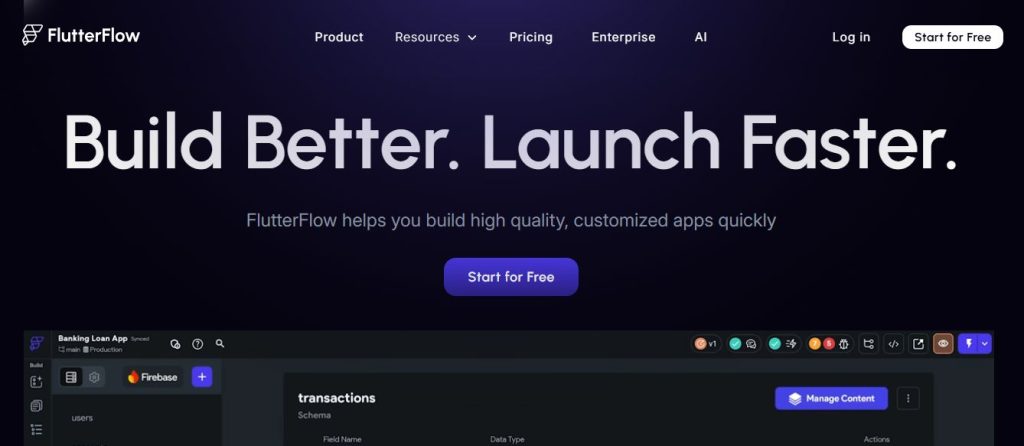
The “API First” Workflow elevates FlutterFlow‘s superiority in 2026 by offering a streamlined approach to API integration. By directly mapping WordPress JSON responses to Flutter widgets without any Dart coding, users can enjoy a hassle-free development process.
This also makes it easier for beginners to understand API integration concepts and gradually learn coding while building real-world apps.
2. MobiLoud: The Hands-Off Conversion Powerhouse
This solution particularly shines in 2026 for its exceptional performance optimization capabilities, ensuring a swift and efficient transition for high-traffic news sites or online communities like BuddyBoss.
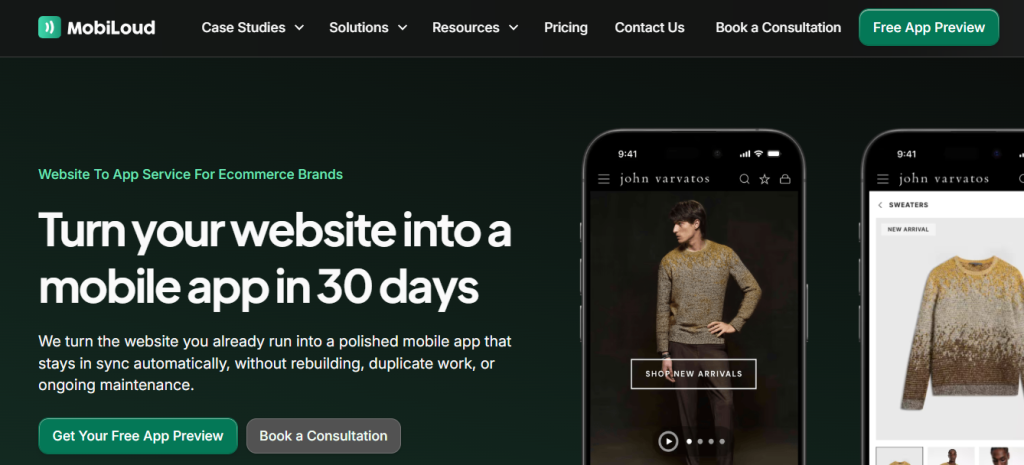
One key feature that sets MobiLoud apart is its provision of native navigation and UI elements, elevating the user experience by overlaying native headers and menus to deliver a genuine “App Store” ambiance.
Moreover, the full plugin support feature eliminates the hassle of separate API configurations, guaranteeing that essential plugins such as WooCommerce and LearnDash seamlessly integrate with the app, making it a versatile and robust choice for app development enthusiasts.
3. AppMySite: The DIY Builder for WooCommerce
AppMySite stands out as the go-to DIY builder for WooCommerce, offering a seamless experience for e-commerce app creation. This platform excels in syncing products, inventory, and checkout flows from WordPress, catering specifically to the needs of an online store. With a focus on user-friendly design, AppMySite streamlines the app generation process for WordPress users, making it a top choice in 2026.
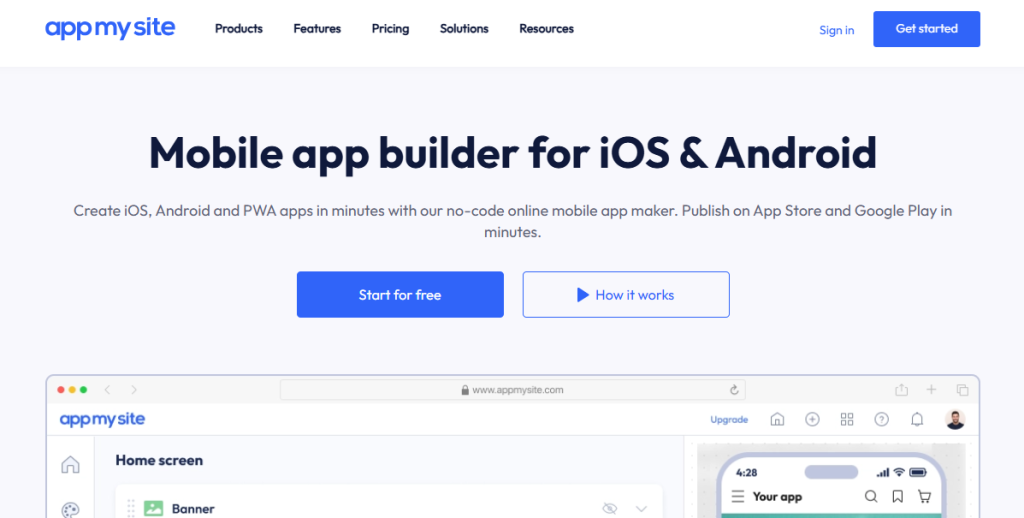
Its AI-assisted design sets AppMySite apart, providing advanced features like one-click sync for effortless integration of WordPress menus and categories into a mobile-first interface.
Additionally, the real-time preview functionality allows users to instantly visualize WordPress changes within the app interface, ensuring a smooth and efficient development process.
4. WeWeb: The Headless Web App Specialist
WeWeb emerges as the specialist in headless web applications, focusing on building “Desktop-First” SaaS solutions on WordPress. By leveraging WordPress as the CMS and WeWeb’s expertise in high-performance frontends, users can create powerful web applications seamlessly.
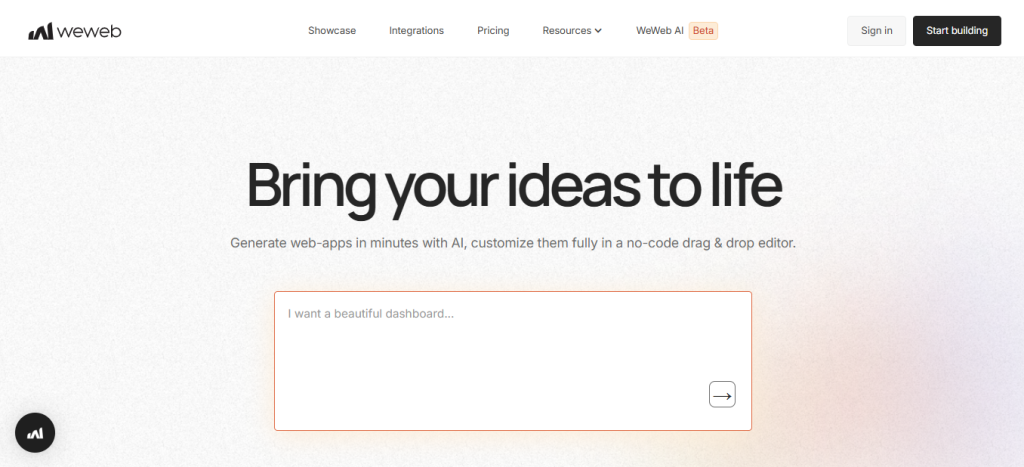
In 2026, its decoupled architecture sets it apart, offering advanced SEO control by generating lightning-fast pre-rendered pages that excel in Google rankings. Moreover, the integration of complex user roles through WordPress functionalities allows for precise content gating within the WeWeb application environment.
With WeWeb’s innovative approach, users can harness the full potential of their WordPress database, making it a top choice among the array of no-code app builders for WordPress in 2026.
5. Softr: Turning WP Data into Client Portals
Softr takes the spotlight in 2026 for turning WP data into client portals effortlessly. By connecting your WordPress database through API integration, creating exclusive member areas and portals becomes a seamless process. The platform’s speed to market advantage makes it a top choice for businesses aiming to establish their online presence quickly.
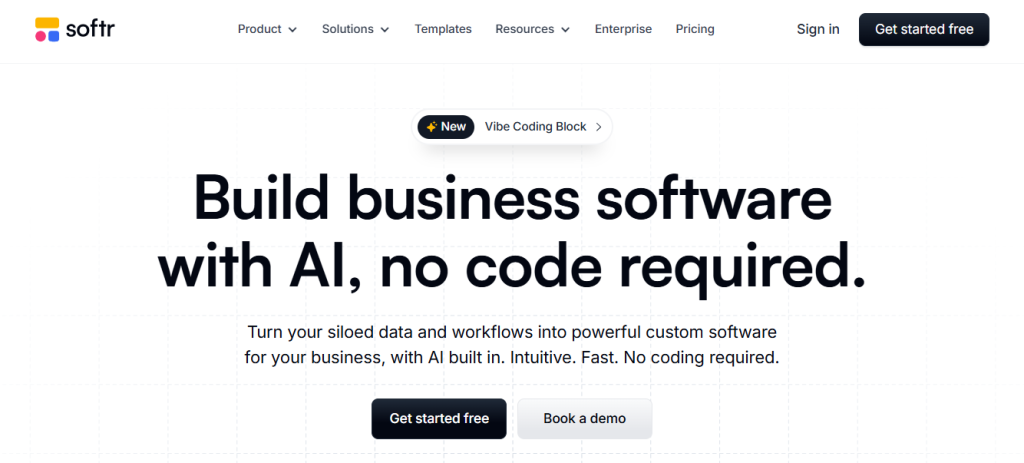
One of Softr’s key features is its ready-made block templates, including drag-and-drop options like “List” and “Detail” blocks. These templates automatically fetch and display your WordPress posts, saving you time on manual configurations.
Softr also works from a built-in no-code database or a spreadsheet-to-app source, not only the WordPress API — so it suits internal tools as well as portals.
With Softr, building a dashboard for your WordPress site is not only simple but also highly efficient, making it a standout solution among the various no-code app builders available for WordPress in 2026.
6. Adalo: The Drag-and-Drop Visual Builder
Adalo with its drag-and-drop visual builder, Adalo offers rapid prototyping capabilities for WordPress data integration. This makes it perfect for creating simple internal tools or MVPs that require seamless communication with your WordPress site. What sets Adalo apart in 2026 is its external collections feature.
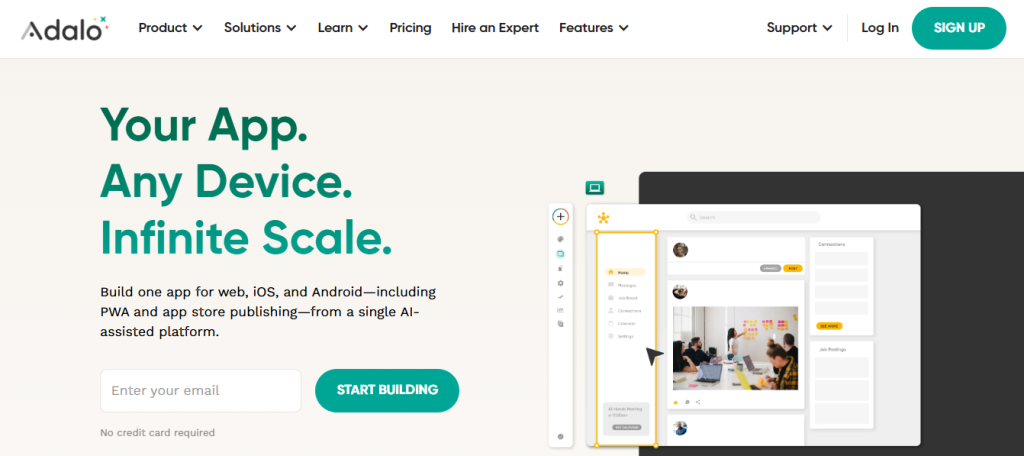
By treating your WordPress REST API as an “External Collection,” Adalo provides true API connectivity, making your WordPress data feel like a native Adalo database.
In the realm of no-code app development tools for WordPress, Adalo stands out for its innovative approach to external collections and API connectivity, simplifying the process of building apps that interact effortlessly with your WordPress site.
7. Natively: The AI-Powered Native Converter
By articulating your app vision in simple language, this tool seamlessly connects with the WordPress API, streamlining the app development process. With a focus on text-to-app conversion, Natively stands out as a game-changer for WordPress users looking to create dynamic mobile applications without the need for extensive coding.
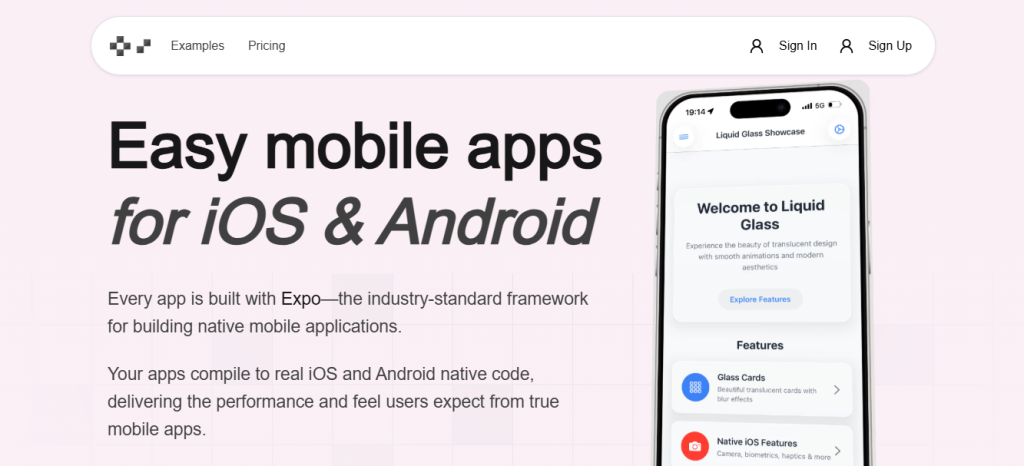
One key factor contributing to Natively’s success in 2026 is its low-cost entry barrier. By leveraging the robust foundation of React Native, this platform ensures high-performance mobile app development while significantly reducing expenses compared to custom solutions.
For WordPress enthusiasts seeking efficient app building tools, Natively emerges as a cost-effective and efficient choice, aligning perfectly with the evolving app development landscape.
Comparison Table: Choosing Your WordPress App Builder
When selecting a WordPress app builder, it’s crucial to refer to a detailed comparison table. This table will assist you in evaluating various features.
| Tool | Best For… | Build Type | Data Sync Method | Learning Curve |
| FlutterFlow | Custom Native Apps | Native (Flutter) | REST API | Medium |
| MobiLoud | Content & Community | Hybrid/Native | Direct Sync | Low |
| AppMySite | WooCommerce Stores | Native | WP Plugin | Low |
| WeWeb | SaaS & Portals | Web App | REST API | Medium |
| Softr | Client Dashboards | Web App | REST API | Very Low |
| Adalo | MVPs/Prototypes | Native/Web | External Collection | Low |
| Natively | AI-Driven Builds | Native (React) | REST API | Medium |
Ensure that the app builder aligns with your no-code requirements for seamless development. Take into account factors like scalability and compatibility with your existing WordPress database for a smooth app building experience.
Conclusion: Your WordPress Database is a Goldmine
The right builder depends on what you’re making: FlutterFlow or Natively for native mobile apps, AppMySite for a WooCommerce store app, WeWeb for a headless web app, Softr or Adalo for client portals and internal tools. All of them read your existing WordPress data through the REST API, so you build on what you already have.
By tapping into the capabilities of these no-code app builders, you can transform your WordPress database into a valuable resource for developing tailored solutions. Don’t confine your WordPress data to the constraints of a web browser; instead, leverage it through innovative applications that enhance user experiences and streamline operations. Embrace the endless possibilities that your WordPress database offers with the right tools at your disposal.
Frequently Asked Questions (FAQs)
Yes, as long as you have the WP REST API enabled (standard in all modern versions).
Yes. In a u0022Headlessu0022 setup, your WordPress site acts as the server. If the site goes down, the app won’t have any data to show.
Absolutely. Most builders allow you to fetch ACF or JetEngine data via the API, making it easy to display custom data.
Yes, that is the power of the API. When you hit u0022Publishu0022 in WordPress, the app fetches that new data instantly.