

Gartner projects that by 2026, 80% of no-code and low-code platform users will sit outside formal IT departments — up from 60% just five years ago. That shift isn’t theoretical anymore. Operations managers, marketing leads, and solo business owners are now building workflows, client dashboards, and full web apps without touching a line of code. The challenge isn’t finding no-code tools. There are hundreds of them. The challenge is knowing which ones actually fit your situation — and which you’ll pay for, underuse, and quietly replace in six months.
The average no-code project deploys in 3.2 weeks, compared to 14.8 weeks with traditional development (Searchlab, 2026). That speed advantage is real. But only if you’re working with the right tool for the job. This guide covers the 10 no-code tools that consistently deliver in 2026: assessed by what they’re genuinely best for, what they cost at the tier that actually matters, and where they run out of road.
The 2026 No-Code Landscape: What’s Actually Changed
The no-code market has grown to a projected $44.5–$65 billion in 2026, and while the numbers are large, the more important change is structural.
For years, no-code automation operated on a strict trigger-action model: when this happens in App A, do that in App B. That model still works. But as of 2026, the leading tools — Zapier AI Agents, Make’s AI modules, n8n’s LLM nodes, Airtable’s Field Agents — have added a reasoning layer. You can now describe a goal; the tool determines the steps. That’s not a minor feature update. It changes who these platforms are practical for and what they can do without deep workflow setup.
It changes who these platforms are practical for and what they can do without deep workflow setup, including use cases such as lead management, customer outreach, and LinkedIn automation.
Gartner predicts 70% of new enterprise applications will use no-code or low-code by 2026, up from under 25% in 2020. For a Smart Admin — a non-developer managing operations, a website, or a small team’s toolstack — this no-code tools news confirms the infrastructure is mature enough to run real workloads.
Two categories are worth keeping distinct: automation and integration tools (Zapier, Make, n8n) that connect existing apps, and build tools (Bubble, Webflow, Glide, Airtable) that create new interfaces or data structures. Most Smart Admins need one from each column. If you’re evaluating the low-code no-code automation tools landscape for the first time, that distinction is the most important one to get right before comparing platforms. The ten tools below span both.
The Top 10 No-Code Tools in 2026
1. Zapier — The Automation Backbone
Zapier is the most widely adopted no-code automation tool in the world. It connects 9,000+ apps through trigger-action workflows called “Zaps.” Over 3 million users rely on it — roughly 49.9% of them micro-businesses with 1–10 employees. That user profile says something: Zapier is built for people running real operations, not enterprise IT teams.
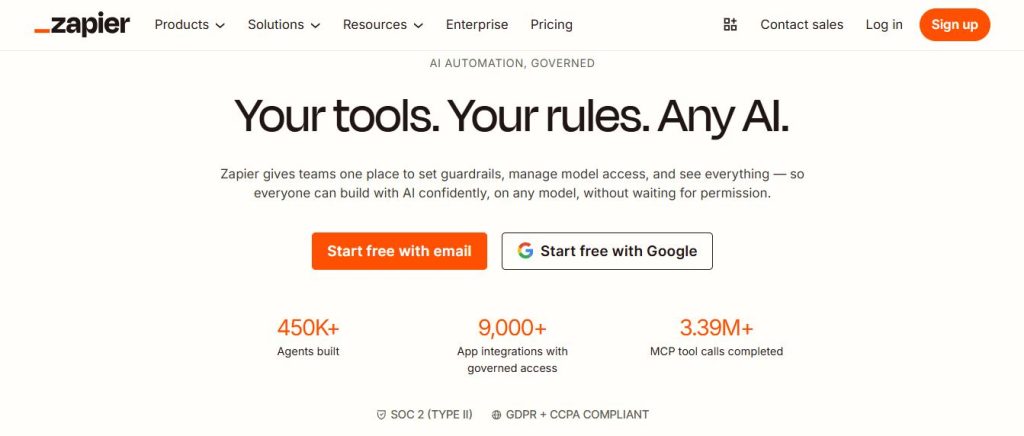
The 2026 version differs from what launched three years ago. Zapier AI Agents let you describe a workflow goal in plain language. Zapier handles the step mapping. For a non-developer who previously had to configure every trigger and action by hand, that closes a real gap.
Best for: Connecting two or more apps without writing code. Sending form data to a CRM, posting Slack alerts from spreadsheet updates, routing leads across tools — these are Zapier’s native territory.
Pricing reality: The free tier is limited to single-step Zaps. Multi-step workflows — what most real automations require — start at the Starter plan (~$20/month). Heavy use climbs quickly to the $49–$69/month range.
The catch: Zapier’s growth has plateaued at enterprise scale. Complex branching logic with multiple conditions and parallel paths is better handled by Make. If Zapier’s pricing has you looking around, our guide to Zapier alternatives covers ten platforms worth comparing.
2. Make (formerly Integromat) — The Visual Logic Master
Make operates on a visual canvas where each automation is a flow you can see and follow. It handles conditional branching better than Zapier. Think about logic like: “if customer type is A and purchase exceeds $500, do X; if not, do Y.” Make holds that structure clearly and reliably.
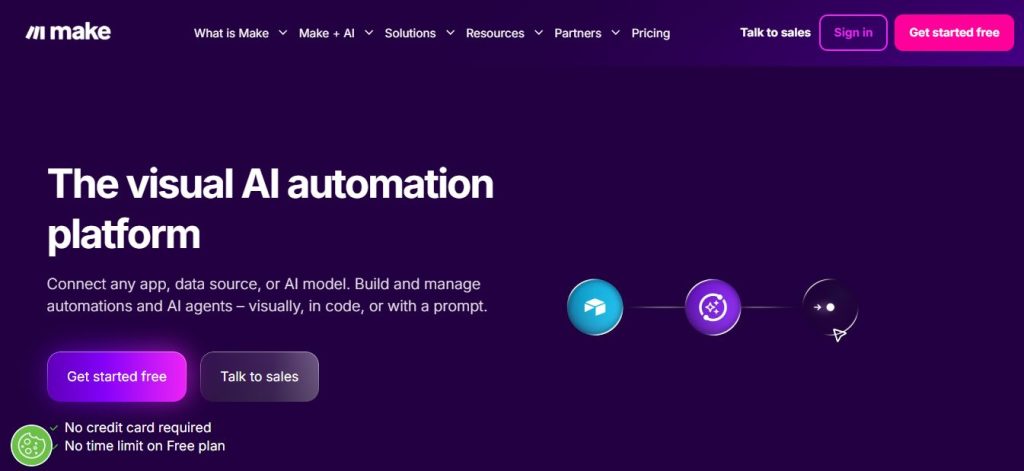
The free tier includes 1,000 operations per month. Paid plans start at $9/month for 10,000 operations — substantially better value than Zapier at similar volumes. Make’s 2026 AI modules add content generation, text classification, and data changes inside workflows without a separate API call.
Best for: Ops teams and low code no code automation builders who need multi-branch logic, custom data changes, or high operation volumes at lower cost.
Pricing reality: Free tier works for testing. Core plan ($9/month) handles most small-business workloads cleanly.
The catch: The learning curve is real. On workflows with 15+ nodes, the canvas gets complex fast. This isn’t a tool you’ll master in an afternoon.
3. n8n — The Self-Hosted Wildcard
n8n is an open-source automation platform — the only tool in this list that gives you genuine data ownership. Run it on a server you control, and your automations and data stay there. It’s also the most AI-native of the three automation tools. n8n has a dedicated library of no-code AI tools nodes for calling LLMs, storing vector data, and chaining agent steps. For a deeper look at how AI-native no-code compares to legacy automation, our guide to the best no-code AI platforms breaks down the key differences.
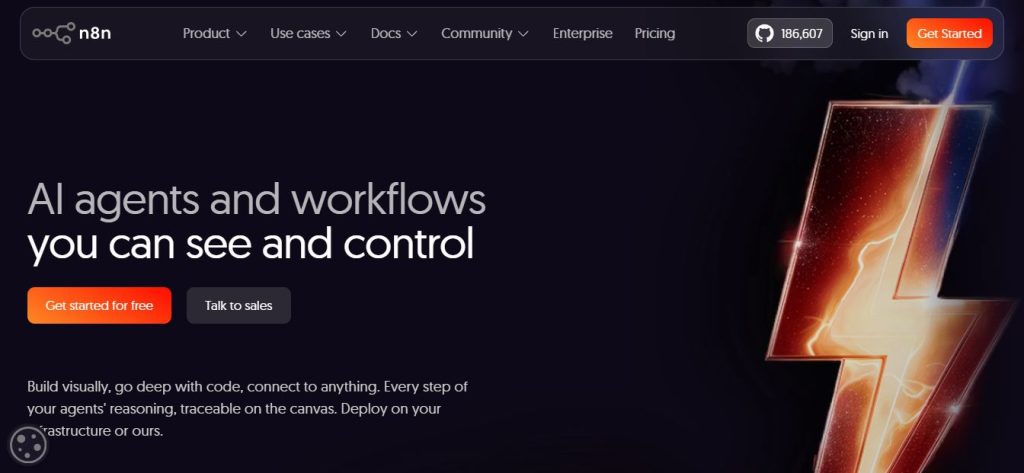
Cloud-hosted n8n is free to start. Self-hosting runs roughly $5–12/month on a DigitalOcean or Render instance. At high automation volumes, that cost difference versus Zapier’s growth tiers adds up fast.
Best for: Technical non-developers or ops teams with basic server skills who need full data control, AI-native automation, or open-source flexibility.
Pricing reality: Free on cloud (with volume limits). Self-hosting on a $6/month server gives you unlimited workflows.
The catch: n8n is not plug-and-play. Self-hosting requires basic comfort with a cloud console. The interface is less polished than Zapier or Make. Some setup work is unavoidable.
4. Bubble — The Full-Stack App Builder
Bubble builds web applications. Not just websites — full software products with databases, user accounts, dynamic content, and business logic. It scored highest in the 2024 State of No-Code Development Report (surveying over 350 no-code developers). The depth of its community shows in the forum, plugin store, and tutorial library.
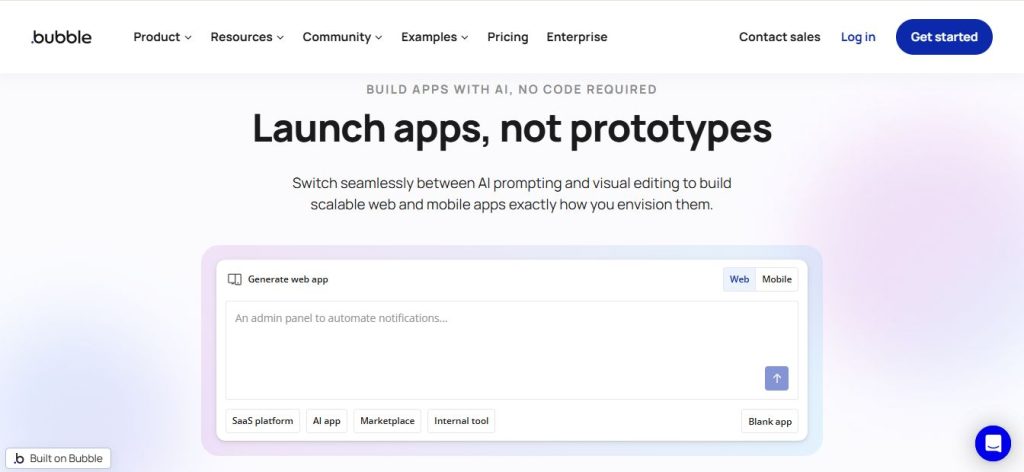
The free tier supports testing. Any app going to real users needs at least the Starter plan ($29/month) for a custom domain. Production apps with active traffic belong on the Growth plan ($119/month). If you’re deciding between Bubble and similar full-stack builders, our comparison of the best no-code platforms for MVPs covers the trade-offs in detail.
Best for: Founders building a product, internal tools with user accounts, or marketplaces where the UI and the database need to live together.
Pricing reality: Starter ($29/month) is the minimum for production use. Growth ($119/month) is the realistic tier for anything with an active user base.
The catch: Performance ceilings exist. Apps approaching 5,000–10,000 active users need careful database design. Code can’t be exported, which creates real vendor dependency.
5. Webflow — The Professional Web Builder
Webflow sits at the intersection of design and development. It generates clean, production-grade HTML and CSS visually. Unlike nearly every other no-code builder, it lets you export the full code. For a Smart Admin managing a professional website or a marketing team building landing pages, Webflow produces the highest-quality output available without a developer.
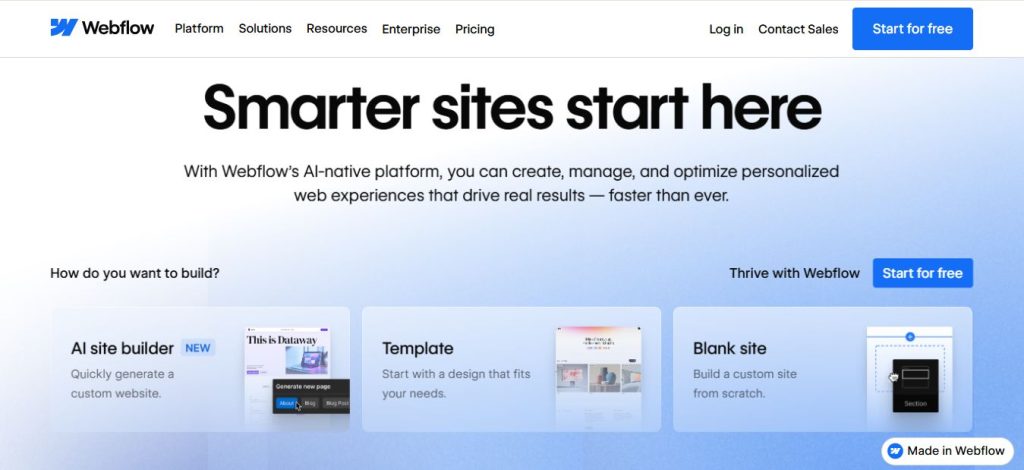
It’s not a full-stack platform. Webflow handles design and CMS content well. Dynamic data with user logins and complex app logic requires an outside database — Airtable, Xano, and Supabase are common pairings.
Best for: Marketing teams, agencies, and operators who need a polished external website with CMS and full design control.
Pricing reality: Free for exploration. Basic ($14/month) for a simple published site. CMS ($23/month) for content-heavy sites. E-commerce starts at Business ($39+/month).
The catch: Webflow is a website builder, not an app builder. Adding plugins often requires code. Data-driven apps hit a ceiling without more tools in the stack.
6. Airtable — The Database Powerhouse
Airtable started as a spreadsheet replacement. In 2026, it’s something different: an AI-native platform where a relational database, project management, workflow automation, and autonomous agents live together in one product.
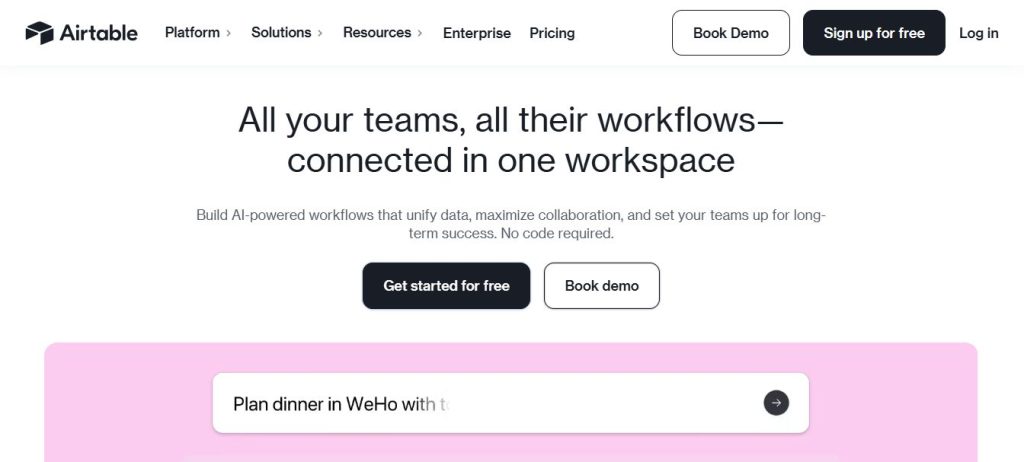
In April 2026, Airtable launched an open beta of Field Agents — AI agents that read and write data across connected external tools. For Smart Admins, this removes manual trigger mapping. Tell Airtable to route an incoming request to the right person. Ask it to sync a record to your CRM. It handles the steps. You don’t need a separate automation rule for each task.
The old view of Airtable as “Excel but better” misses where the product has gone. Content pipelines, client databases, operations workflows, and team project tracking all run reliably on it at small-to-medium scale.
Best for: Ops teams managing structured data who need automations, views, and AI-powered workflows all tied to the same source of truth.
Pricing reality: Free for individuals (1,000 records). Team plan ($20/user/month) unlocks meaningful automation runs and AI features. Costs climb fast for teams larger than five.
The catch: Airtable isn’t built for customer-facing app development. Without a front-end layer — Softr, Webflow, or similar — the interface it produces for end users is rough.
7. Notion — The Knowledge and Ops Hub
Notion has pulled more tools into one workspace than any other platform on this list. Notes, wikis, databases, project management, lightweight CRM, SOP libraries, and content calendars all coexist. The 2026 Business plan adds AI Agents that take multi-step actions within your workspace.
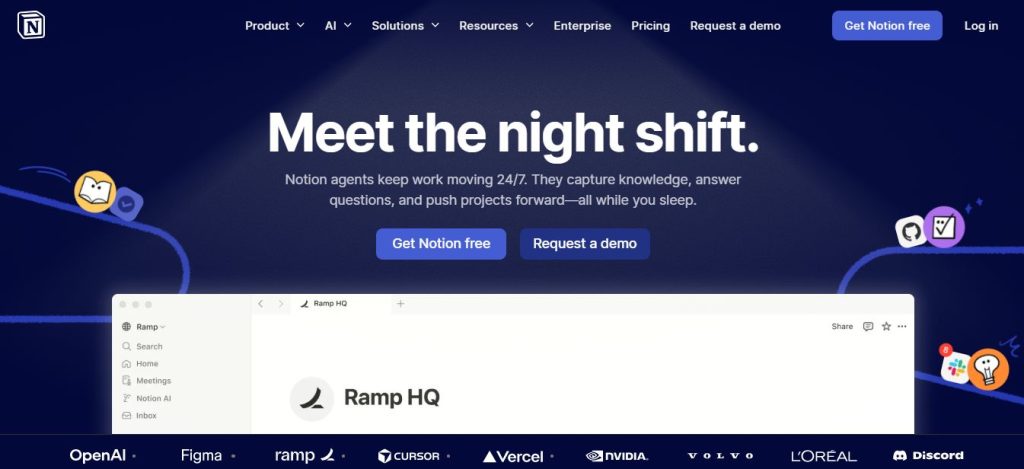
Notion’s MCP integration with AI assistants is mature and well-documented in 2026. Notion pages map naturally to how large language models read context. This makes structured Notion workspaces a practical knowledge layer for AI-powered internal tools. If an AI workflow needs to reference your company’s SOPs or documentation, Notion is the natural starting point.
Best for: Teams reducing tool count; founders running solo operations; setups where knowledge capture and project tracking need to share a workspace.
Pricing reality: Free tier is useful for individuals. Plus plan ($10/user/month) adds unlimited pages and collaboration. Business plan ($15/user/month) needed for AI agents.
The catch: Notion’s automation is more basic than Airtable’s. Complex workflows still depend on Zapier or Make. Heavy relational data work belongs in Airtable.
8. Glide — The Mobile App Shortcut
Glide builds mobile-friendly apps directly from existing data — Google Sheets, Airtable, or Excel. It’s the fastest route from “I have a spreadsheet” to “I have a working app on my phone.” Glide’s AI generates UI components and basic business logic from plain language prompts. For data display use cases, it’s the lowest-friction no-code AI tool in the list.
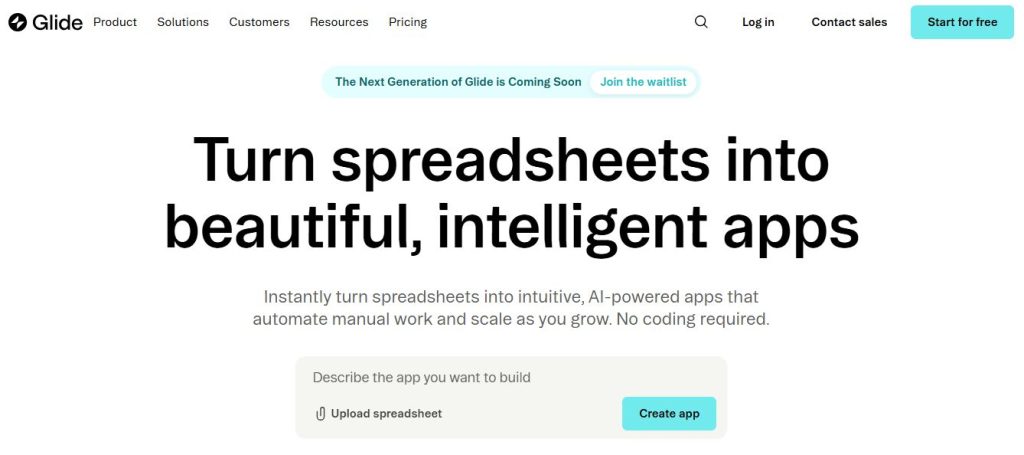
Typical deployments: field inspection checklists, staff directories, event apps, inventory trackers, and simple customer-facing portals. For a head-to-head of Glide against other mobile-first builders, our Bubble vs FlutterFlow vs Glide breakdown covers the decision clearly.
Best for: Teams needing a mobile interface to existing spreadsheet data, without rebuilding a database from scratch.
Pricing reality: Free for personal projects. Team plan (~$49/month) needed for custom domains, user roles, and business features.
The catch: Glide is a narrow tool. Complex multi-step logic, payment flows, or customer-facing SaaS products are outside its range. It excels within that narrow band.
9. Softr — The Client Portal Builder
Most real no-code setups combine tools. Softr covers a specific combination that Smart Admins frequently need: turning an Airtable or Google Sheets database into a password-protected client portal, member site, or internal dashboard — no code needed.
An agency tracking client work in Airtable can build a Softr portal where clients log in, view their project status, and submit new requests. No developer. No hand-off.
Best for: Agencies, freelancers, and small businesses needing secure portals built on top of Airtable data.
Pricing reality: Free tier available. Starter plan (~$49/month) for business-grade features.
The catch: Softr is a portal and dashboard builder. Logic-heavy applications with complex workflows belong on Bubble.
10. Typeform / JotForm — The Smart Form Layer
High-conversion forms often activate the rest of the stack. Typeform uses a one-question-at-a-time format that outperforms traditional multi-field forms on completion rates. JotForm offers a broader template library and, in 2026, generates complete forms from AI prompts with conditional logic built in.
Both connect natively to Zapier, Make, Airtable, and most CRMs. A single form submission can kick off an entire chain: create a CRM record, send a Slack alert, assign an Airtable task, and start a welcome email — all from one no-code tools setup. For a deeper look at what makes a form convert well, our guide to the best no-code tools for high-conversion forms covers the key design and integration choices.
Best for: Lead capture, customer intake, surveys, and application forms where completion rates matter.
Pricing reality: Both offer free tiers. Paid plans start at $25–29/month for advanced logic and integrations.
The catch: Form tools don’t stand alone. A Typeform with no integrations is just a prettier Google Form. Their value multiplies when connected to the automation tools above.
How to Choose the Right No-Code Tool for Your Situation?
Here’s the decision framework most lists skip.
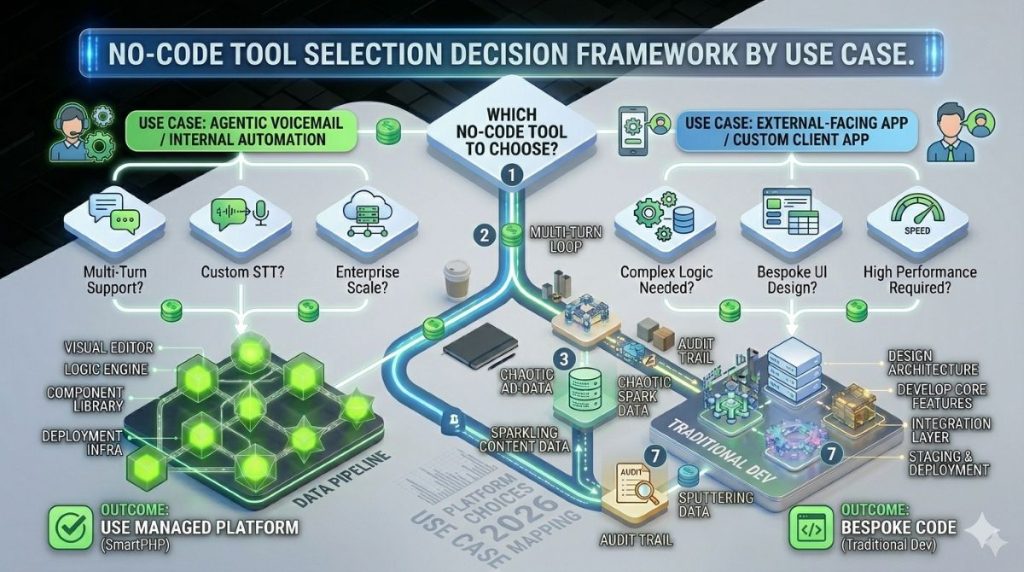
If you need to connect two apps: Start with Zapier. If workflows need branching logic or high volumes, switch to Make. If data ownership matters, use n8n.
If you need to build an internal tool or dashboard: Combine Airtable (data) with Softr (interface). For mobile-first tools with simple data, Glide deploys faster.
If you need to build a full web app with user accounts: Bubble. Nothing else on this list handles full-stack app development without code.
If you need a professional marketing website: Webflow. The design output and code export set it apart from every template builder.
If you need to manage knowledge, SOPs, and project tracking: Notion. It consolidates more use cases than any other single tool.
If you need structured data management with AI automation: Airtable, especially now that Field Agents are live.
If you need AI-native automation with full data ownership: n8n.
Most production setups use two or three tools. A common small-business stack: Airtable (data) + Zapier (automation) + Webflow (website). Another: Notion (knowledge) + n8n (automation) + Glide (mobile field interface). If you’re still weighing whether a low-code or no-code approach fits your situation, our guide on when to use a low-code platform walks through the decision criteria in detail.
Two risks worth naming: 47% of organizations cite poor scalability as a concern and 37% worry about vendor lock-in. These aren’t edge cases. Tools without data export or API access create real dependency. Before committing to any platform, check: can you get your data out? Is there an API? Airtable and Webflow both give clear answers.
Approximately 16.2 million citizen developers are active globally in 2026 (Searchlab, citing Gartner), with operations managers (24%) as the most common role. The framework above gets you from “which tool?” to a specific answer in under a minute.
The Platform Choice Ahead
The AI-agent layer building inside Zapier, Airtable, and n8n means the ceiling for what a non-developer can automate is rising each quarter. By 2028, Gartner predicts citizen developers will outnumber professional developers 4:1 in large enterprises. That trajectory makes tool selection — not technical skill — the key variable.
Start with one automation tool and one build or data tool. That combination handles the vast majority of non-developer use cases. Pick based on use case, not brand recognition. Zapier is excellent — but if your primary need is a client portal on top of Airtable, Softr and n8n serve that job better than adding a third Zapier subscription. The tools exist. The framework above points to the right one.
Frequently Asked Questions
No-code tools require zero programming knowledge. Everything is built through visual interfaces, drag-and-drop editors, and configuration menus. Low-code tools use similar visual development but allow optional coding for advanced customization. Most platforms in this list are true no-code. n8n and Webflow lean toward low-code for advanced users. For a non-developer, the key difference is this: low-code tools may eventually need a developer for complex edge cases. No-code tools are designed to work entirely without one.
Yes — with realistic expectations about ceilings. Thousands of businesses run on Bubble-built apps, Airtable databases, Zapier automations, and Webflow websites. The limits appear at scale: complex permissions, high user loads, and advanced security needs often push toward custom code. Starting no-code and moving specific components to custom development later is a common path for growing businesses. It’s sensible, not a failure.
Zapier is still the most accessible entry point for app-to-app automation, especially for non-developers who want fast results without a learning curve. But “best” depends on the job. For complex branching logic, Make is stronger. For data ownership and AI-native automation, n8n is more flexible. Zapier AI Agents close part of the gap. Its pricing model still penalizes growth in ways that Make and n8n don’t.
Yes. Zapier, Make, n8n, and Airtable all have native connections to OpenAI, Anthropic, and other LLM providers. n8n goes furthest — its AI node library supports vector databases and multi-agent chains. Zapier AI Agents and Airtable Field Agents use AI models internally. Building AI-powered workflows on top of existing business data is a realistic no-code task in 2026. Not a future one.
Vendor lock-in and scalability are the two most cited concerns. Platforms with data export, API access, or self-hosting (n8n) remove most of the lock-in risk. Scalability is more nuanced. The tools in this list are reliable for small-to-medium workloads. Complex apps with tens of thousands of users need planning that no-code can’t always absorb. Start with no-code. Build a hybrid model when the use case demands it.