

According to Gartner, 70–75% of new enterprise applications will be built using low-code or no-code tools by 2026. Three years ago, that figure was under 25%. The shift did not happen because enterprise software got simpler. It happened because traditional enterprise application development stopped working for most organizations. Developer shortages, long IT backlogs, and legacy systems that resist change have pushed business leaders to find a different path.
This guide is for the operations manager or digital lead who owns an application problem but cannot source developers fast enough to solve it. It covers what enterprise application development requires, which challenges make it hard, and how today’s no-code enterprise application development platforms solve each of those challenges. You will also find a platform selection guide and a realistic adoption path.
TL;DR — The Challenge-Solution Map
| Enterprise Challenge | No-Code Capability | What to Prioritize in Platform Selection |
|---|---|---|
| Developer shortage | Citizen development / visual builders | Ease of use, training, template library |
| IT backlog | Self-service app building for business units | Workflow governance, approval routing |
| Legacy modernization | Connector libraries, API/webhook support | Pre-built connectors for your ERP/CRM |
| Security and compliance | Baked-in certifications, audit logging | SOC 2/HIPAA certs, RBAC, data residency |
| IT-business misalignment | Fusion team model with governed deployment | IT review workflow, deployment controls |
What Is Enterprise Application Development, and Why It’s Different?
Enterprise application development is the process of building large-scale software for the complex needs of a mid-to-large organization. These are not consumer apps scaled up. A real enterprise application must handle complex business logic, support many users at once, connect with existing systems, and meet strict security and compliance rules.
A 2026 WeWeb analysis found that a large enterprise runs over 1,000 different applications on average. These applications — ERP platforms, CRM tools, HR systems, supply chain trackers, department portals — form the backbone of daily operations. When they work, they are invisible. When they fail, entire teams grind to a halt.
What makes enterprise software development distinct is the set of requirements that must all be met at once. Performance and reliability are non-negotiable. Downtime on a core business app is not a minor issue — it is a revenue event. Integration is mandatory. A new application that cannot talk to the existing ERP or database is not a solution; it is a new silo. Security is a baseline. Role-based access, audit logs, and GDPR or HIPAA compliance cannot be added after the fact.
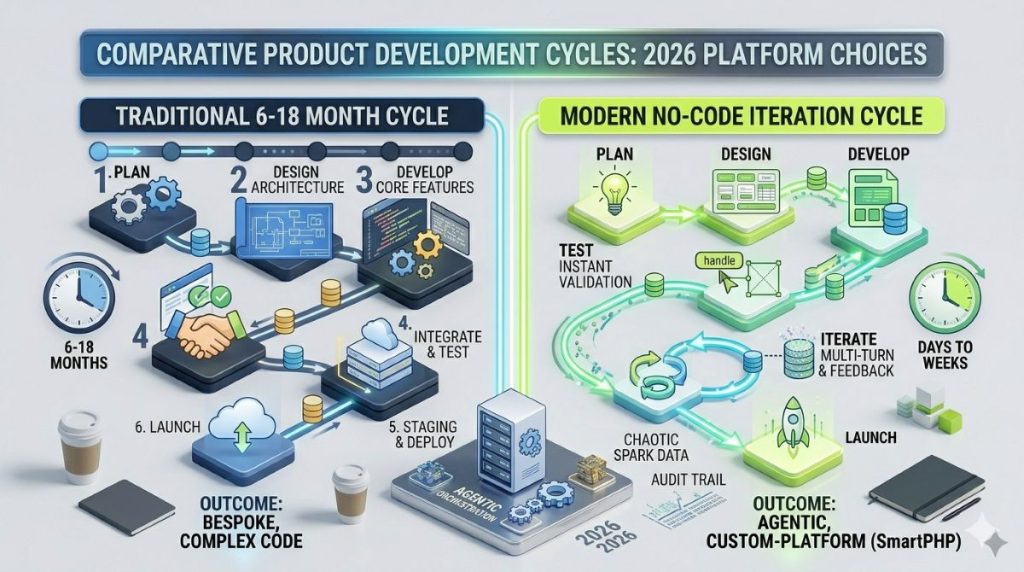
The traditional development cycle for an enterprise app takes 6–18 months. Business needs change every quarter. That gap is where the problem starts.
The Five Biggest Challenges of Enterprise Application Development
Enterprise application development hits structural barriers that most vendors prefer not to discuss. Here are the five that matter most.
The Developer Shortage Is Structural, Not Cyclical
82% of companies report difficulty hiring the engineers needed for digital transformation. This is not a market blip. Global demand for developer talent has outpaced supply for a decade, and the gap keeps growing. For enterprises trying to build or update internal apps, this means longer timelines, higher contractor costs, and a backlog that IT cannot clear.
87% of IT leaders now say no-code and low-code platforms help address this shortage, per Gartner’s 2026 CIO Survey. That figure signals that the IT community has accepted the talent gap as permanent and is building strategy around it.
IT Backlog Paralysis
Even at organizations with capable IT teams, the backlog problem is real. 84% of enterprises adopted no-code or low-code platforms to reduce IT backlogs. For a line-of-business leader, the backlog is not abstract. A workflow request that would take a week to configure sits in a queue and resurfaces eight months later.
72% of IT leaders say backlogs block strategic work. Developers spend their capacity on routine maintenance and feature requests while bigger modernization projects stall. If your organization is evaluating options to reduce dependency on traditional development cycles, this challenge is usually the trigger.
Legacy System Complexity
Most large organizations built their core infrastructure over 10–20 years. About 45% of organizations reported limited modernization progress in 2025, with complexity as the main barrier. Connecting a new app to a 15-year-old ERP with custom data schemas and no API documentation is not a quick project.
This creates a trap. Organizations know they need to modernize, but modernization requires the developers they cannot source. The result is stagnation.
Security and Compliance as a Build Barrier
Enterprise application development services must handle compliance rules that change often and carry real penalties. GDPR, HIPAA, SOC 2, and sector rules all require new apps to secure data, keep audit trails, enforce role-based access, and often meet data residency standards. Building compliance into a custom app from scratch requires specialized skills that most teams must hire or contract for.
The IT-Business Alignment Problem
IT builds for long-term robustness. Business teams need speed. That tension compounds in large organizations where requirements pass through layers of approval before a developer touches the project. By the time the app ships, the need has often changed. Poor collaboration between business stakeholders and IT teams is one of the most common reasons enterprise app projects fail. It is a recurring theme in every assessment of what are the challenges of enterprise application development.
How No-Code Enterprise Builders Address Each Challenge?
Most guides stop at a tool list. What follows is a direct map of each challenge to the capability in modern no-code enterprise application development platforms that solves it.
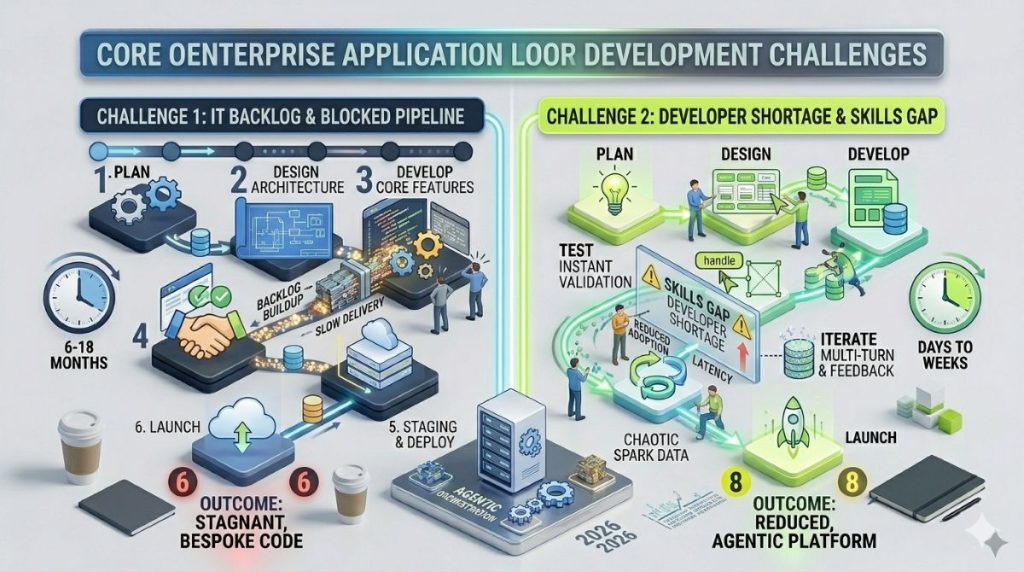
Challenge 1: Developer Shortage → Citizen Development
No-code enterprise platforms shift app ownership to the people who understand the business problem. In 2026, the ratio of citizen developers to professional software engineers at large enterprises is approaching 4:1. HR directors build their own onboarding portals. Supply chain managers automate their own inventory workflows. Finance teams build exception-reporting tools their IT team would have queued for 12 months.
The entry requirement is not a coding background. It is familiarity with the process and access to a good visual interface. Custom enterprise no code application development in this model works like this: a department lead maps the workflow in a drag-and-drop builder, sets approval logic and access controls, and submits it for IT governance review before deployment. For a broader look at the platforms making this possible, our overview of the top no-code app builders covers the leading options across use cases.
Challenge 2: IT Backlog → Self-Service Building
IT teams report a 50% reduction in application backlog when business units handle department-level needs through no-code tools. Developer focus shifts from building routine apps to reviewing them — setting governance policies and maintaining the platform, rather than owning every build from scratch.
Organizations report up to a 90% reduction in development time when switching from traditional methods to no-code platforms, per enterprise data from Integrate.io. A workflow that would take four developers three months to build might take a department lead three weeks to configure.
Challenge 3: Legacy Modernization → Connector Libraries
The practical way to modernize enterprise application with no code is not to replace the legacy system. Build a modern interface layer on top of it. No-code platforms ship with pre-built connectors to SAP, Salesforce, Oracle, and Microsoft Dynamics, plus REST API and webhook support for custom integrations. The legacy system becomes a data source. The user-facing app gets built around it without touching the backend. Platforms that specialize in this kind of integration work are covered in depth in our guide to no-code API builders.
One real caveat: connectors work well when the source system has documented APIs. Organizations with heavily customized legacy ERP environments and non-standard schemas may still need developer help to build the integration layer. That is the 20% of use cases where no-code has genuine limits.
Challenge 4: Security and Compliance → Baked-In Certifications
Enterprise no-code platforms — Kissflow, Blaze, Creatio Studio, ServiceNow App Engine — include SOC 2, HIPAA, and GDPR compliance by default. Role-based access, audit logs, data encryption, and SSO are platform features, not custom builds.
This matters. In custom development, compliance requires deliberate design decisions and a security review at the end of each build cycle. On a certified enterprise no-code platform, the compliance baseline ships with the subscription.
Challenge 5: IT-Business Misalignment → Fusion Teams
No-code tools move app ownership without removing IT oversight. The model Gartner calls the “fusion team” pairs business users who understand the workflow with IT staff who set the rules. Business teams build. IT approves and maintains standards. The enterprise no code application builder provides the shared space where both roles work without friction.
This does not cut IT out. It gives IT a different job — platform governance, integration maintenance, and pre-production review — rather than end-to-end ownership of every app request. Teams building collaborative workflows often benefit from the right collaboration tools for no-code product teams as this model scales.
The 80/20 Reality
No-code handles roughly 80% of internal enterprise application use cases well. Workflow automation, department portals, approval routing, data collection, intake forms, and process dashboards all fit. The other 20% — deep financial transaction systems, real-time high-concurrency platforms, apps with proprietary algorithm logic — still need traditional development. Knowing which category your problem falls into is the most important call you will make before selecting a platform.
What to Look for in a No-Code Enterprise Application Development Platform?
Platform selection is not a feature checklist. Start with your challenge type and work backward.
For process automation and approvals: Look for platforms with strong workflow engines — multi-step approvals, conditional logic, and automated escalations. Kissflow and Creatio Studio are built for this. ServiceNow App Engine is the right choice for organizations already on the ServiceNow stack.
For internal data tools and operational portals: Choose database-first platforms with strong relational data modeling and fine-grained access controls. Knack has served this use case for over a decade. Retool is a low-code option for more technical teams. Our comparison of the best no-code database managers is a practical starting point for organizations in this category.
For compliance-sensitive environments — healthcare, finance, insurance, government — platform certifications are not optional. Blaze is built for HIPAA and SOC 2 environments. Kissflow Enterprise covers most regulated industry needs.
For legacy-adjacent modernization: The connector library decides the outcome. Test the platform against your actual ERP or CRM before committing. A generic claim of “integrates with everything” does not equal a reliable connector to your specific legacy system. Low-code integration platforms are often the right layer for this kind of heavy legacy connectivity work.
Four non-negotiables for any enterprise application development platform purchase:
- SSO / SAML — your platform must work with your existing identity provider
- Audit logs — every action in a regulated environment must be traceable
- Data residency controls — especially relevant under GDPR for European data
- A documented upgrade path — platforms with no migration route create lock-in risk
Pricing reality: entry-level enterprise plans run $1,500–$3,000 per month. No-code app maintenance costs run about 40% lower than custom-coded alternatives, per McKinsey Digital. Forrester’s three-year ROI analysis for enterprise low-code adoption shows returns of 342%, with payback in 6–9 months.
Building a Realistic No-Code Adoption Path
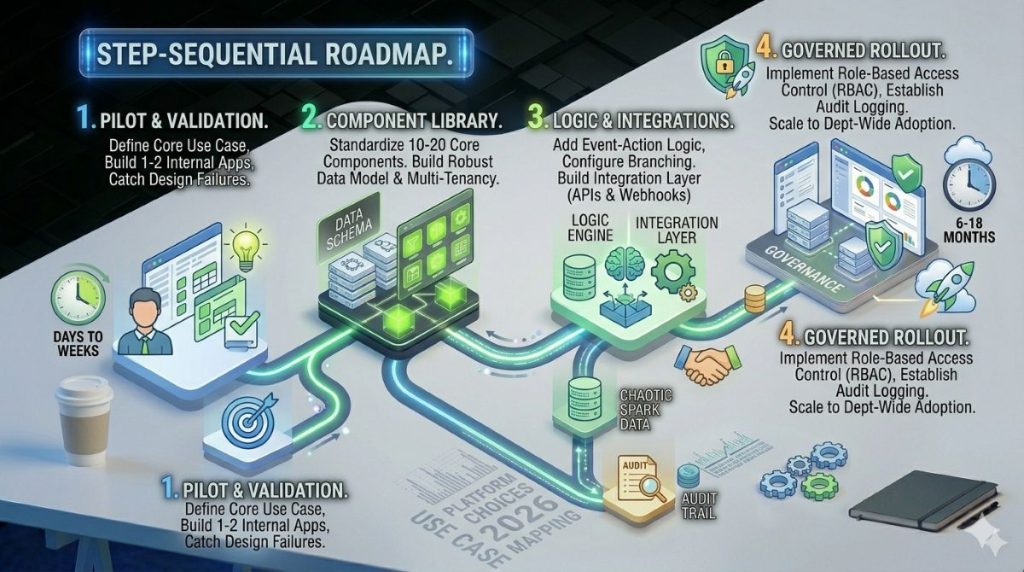
Most failed no-code rollouts follow the same script: a platform is purchased, company-wide adoption is announced, and 200 undocumented apps appear across 30 departments. None meet security standards. Many duplicate each other. The rollout collapses under its own weight.
Sequencing avoids this outcome.
Start with one high-friction, low-risk internal process. Vendor onboarding, expense approvals, IT incident reporting, and leave management all work well as pilots. The selection test is simple: a clear input, a clear output, and an obvious manual step where someone is currently entering data by hand. One focused pilot proves value without creating sprawl. Our guide on low-code and no-code automation tools covers the workflow automation layer in detail for teams ready to move beyond the pilot stage.
Once one department shows results, use that deployment as the model for your governance framework. Define who can build. Set the IT review process before any app reaches production. Require documentation so the app does not become a liability when the person who built it changes roles.
The governance risk is real. One IDC study found that a process automation platform saved enterprise teams 62,800 work hours annually — but that result requires the app to be maintained and governed after the initial build. Without governance, those saved hours return as maintenance debt inside two years.
Enterprise low-code spending grew 31% year-over-year in 2025, outpacing overall IT budget growth by nearly four times. The organizations behind those numbers run focused pilots, govern early, and expand in measured steps.
The Shift Is Already Underway
The case for enterprise no code application development platforms has moved past theory. Gartner projects that by 2029, 80% of mission-critical enterprise applications will rely on low-code or no-code platforms. The technology is heading toward the core of enterprise operations, not staying at the edges.
What separates the organizations that benefit from those that struggle is not the platform choice. It is the governance model. Enterprises that set up oversight before opening the platform to business units end up with a scalable capability. Those that adopt first and govern later end up with a new kind of technical debt — distributed, undocumented, and owned by no one.
The developer bottleneck is real. The legacy modernization challenge is real. The tools to work around both exist, are mature, and are priced for enterprise use. The right question is not whether to start, but which single process to fix first.
Frequently Asked Questions
Enterprise application development is the process of building large-scale software for the complex operational and data needs of a mid-to-large organization. These apps differ from consumer tools in their scale, security demands, integration needs, and compliance rules. They must serve thousands of users, connect to existing systems, and meet regulatory standards — all at the same time.
A standard no-code tool handles simple tasks: forms, basic websites, light automation. An enterprise no code application builder adds the features large organizations need — SSO, role-based access, audit logs, compliance certifications, multi-environment deployment, advanced workflow logic, and connectors for enterprise systems like SAP or Salesforce. The distinction is less about what you can build and more about what happens after you build it.
Yes — but not every platform. Enterprise-focused options like Blaze, Kissflow, and Creatio Studio carry SOC 2 and/or HIPAA certifications and include audit logging, data encryption, and role-based access as standard features. Consumer-grade no-code tools often do not. Check certifications against your regulatory needs before selecting. Treat compliance certifications as a filter, not a footnote.
No-code platforms rely entirely on visual interfaces — drag-and-drop builders, form tools, pre-built workflow logic. No programming is needed. Low-code platforms offer the same visual tools but allow developers to add custom code for complex integrations. For most internal enterprise apps, no-code is enough. For apps needing deep custom integrations or specific business logic, low-code gives you more flexibility without giving up the visual approach.
For a well-scoped internal application — an approval workflow, a department portal, a vendor onboarding process — expect two to six weeks from initial build to production deployment. That covers building, governance review, user testing, and go-live. Compare that to 6–18 months for a custom build of similar scope. The 90% time reduction enterprise adopters commonly report reflects a real structural difference in what “building” means on a visual platform versus a traditional codebase.