

The $2.99/month shared-hosting plan is the most expensive hosting you can buy. On shared hosting your site sits on a server with thousands of others, so one neighbor’s traffic spike or malware slows everyone down — and the resulting website downtimes and server outages cost real sales. Managed hosting fixes that with automatic updates, server-side caching, and support from people who actually know WordPress. It costs more than $2.99, and it’s worth it. Here are five hosts built for speed.
Platform 1: Kinsta (The Premium Choice)

Kinsta runs on Google Cloud Platform’s premium-tier network, which is what gives it consistently fast response times under load — useful when sudden traffic spikes would knock a cheap host over. The Smart Admin benefit: its APM (Application Performance Monitoring) tool traces a slow page back to the exact plugin or query causing it, so you fix the real bottleneck instead of guessing. Staging sites are built in, so you test changes before they hit production.
Best for e-commerce, high-traffic blogs, and anyone who needs to debug a slow site rather than just hope it speeds up.
Platform 2: WP Engine (The Industry Standard)
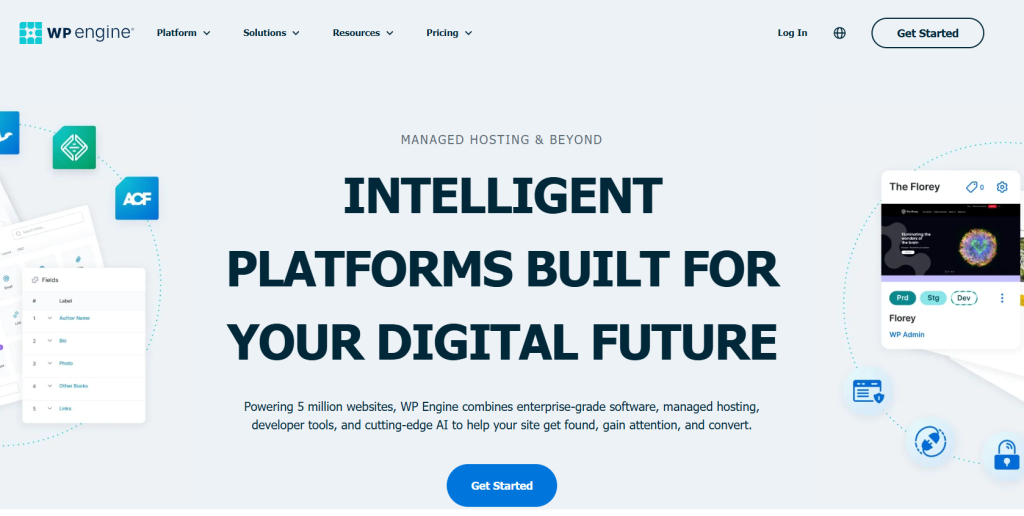
WP Engine is the long-standing managed-WordPress standard, known for its EverCache caching layer and genuinely good one-click staging and development environments — you clone the live site, test freely, and push changes back when they’re safe. It also handles multisite management well for teams running several sites.
Best for agencies and teams that need a reliable staging-to-production workflow.
Platform 3: Rocket.net (The Speed Specialist)
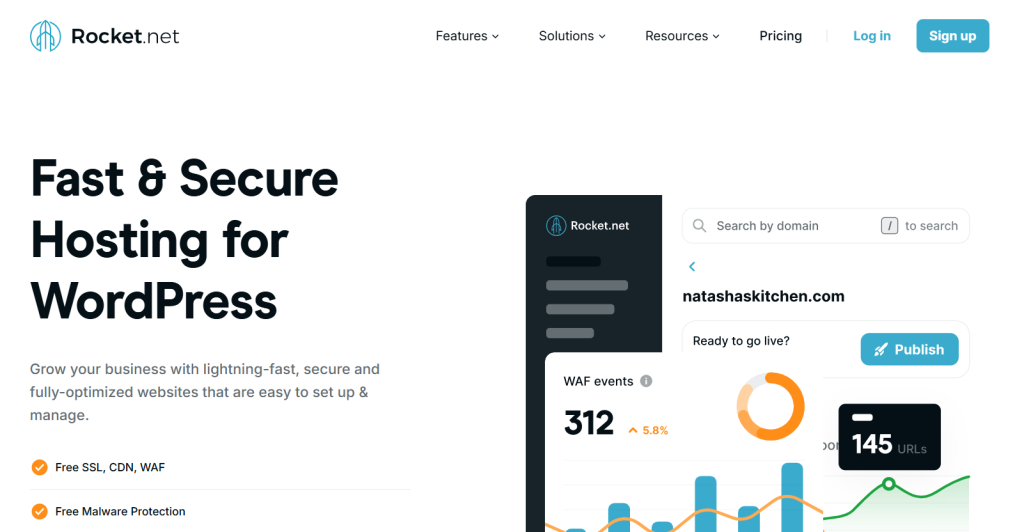
Rocket.net includes Cloudflare Enterprise on every plan, which puts your pages on Cloudflare’s edge network so they load fast worldwide — a visitor in London gets the same speed as one in New York. That edge delivery is the whole point: worldwide loading speed without you configuring a separate CDN.
Best for sites with a global audience where consistent international load times matter most.
Platform 4: SiteGround (The Value King)

SiteGround is the value pick: strong speed at a prosumer price, plus its own SiteTools dashboard, which is friendlier than the traditional cPanel control panel most budget hosts ship. A good step up from shared hosting without a managed-host price tag.
Best for smaller sites that want real performance on a tighter budget.
Platform 5: Flywheel (The Designer’s Favorite)
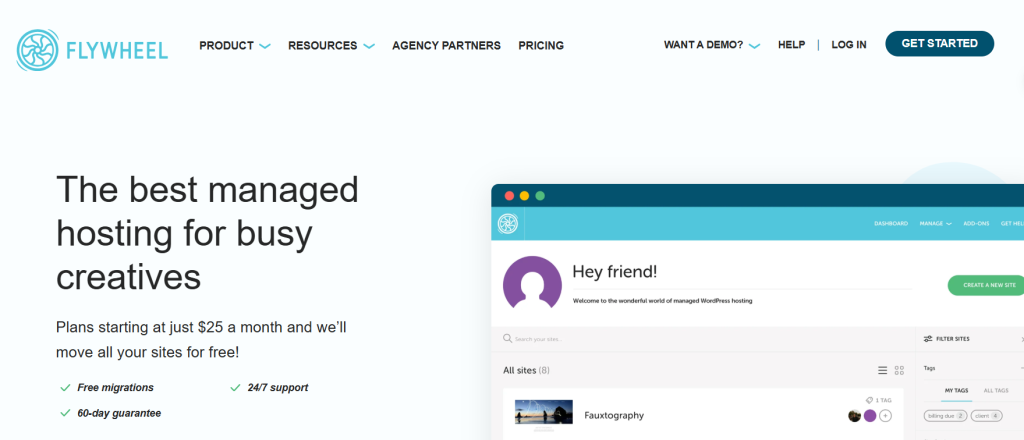
Flywheel is the designer- and agency-favorite: its Blueprints feature lets you save a preferred site setup and clone it for new projects in seconds, and the dashboard is genuinely pleasant to use. Handy for media-heavy client sites where you’re spinning up similar builds repeatedly.
Best for designers and agencies launching many similar sites.
Platform 6: bodHOST (Affordable Web Hosting)
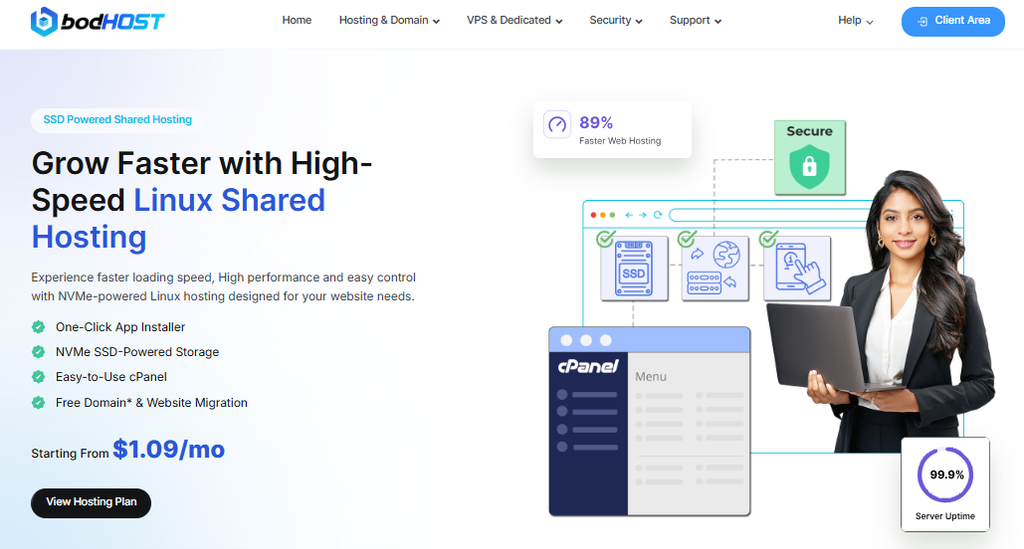
bodHOST provides reliable hosting services with features like 99.9% uptime, SSD/NVMe storage, free SSL certificates, free website migration, one-click setup, 24/7 expert support, and a free domain on eligible plans. Their Linux Shared Hosting starts at just $1.09/month, making it a budget-friendly option for individuals, startups, and small businesses.
Best for freelancers, startups, and small businesses looking for steady, no-frills performance on a tight budget.
The “Smart Admin” Hosting Scorecard
Use this quick-reference table to match your specific project needs to the right platform logic.
| If your priority is… | Choose this Platform | The “Smart” Reason |
| Pure Global Speed | Rocket.net | Cloudflare Enterprise is integrated at the edge. |
| Debugging slow sites | Kinsta | Their APM tool identifies the exact “heavy” plugin. |
| Workflow & Scaling | WP Engine | Best-in-class staging and dev-to-prod tools. |
| Client Work / Design | Flywheel | Use “Blueprints” to launch new sites in seconds. |
| Budget Performance | SiteGround | High-end speed at a “prosumer” price point. |
Checklist: 3 Things to Do Before You Switch Hosts
Before you switch hosts: delete deactivated plugins so you’re not migrating dead weight; confirm your site runs PHP 8.1+ (modern hosts may not support older versions); and take a manual backup with a tool like UpdraftPlus even if the new host offers free site migration.
Final Verdict
Match the host to your traffic and your job: Rocket.net for global speed, Kinsta for diagnosing slow sites, WP Engine for staging workflows, Flywheel for repeat client builds, SiteGround for value. All five give you the reliable uptime that cheap shared hosting can’t.
Frequently Asked Questions (FAQs)
On cheap shared hosting, your site lives on a server with thousands of others. If one site gets a traffic spike or a virus, everyone’s speed drops. For a business, a 1-second delay can drop conversions by 7%. Paying $25–$30/mo for Managed Hosting isn’t a cost; it’s insurance against lost sales.
If you choose Rocket.net or Kinsta, a high-end CDN (Content Delivery Network) is usually baked into the architecture. However, for others, adding a service like Cloudflare or Bunny.net is a “Smart Admin” move to ensure your images and scripts load instantly for users in London just as fast as they do in New York.
Plugins like WP Rocket are great, but server-side caching (standard in the Top 5 platforms) happens at the hardware level before WordPress even “wakes up.” It is significantly faster and more stable because it doesn’t rely on PHP to serve your pages.
Yes. Every platform on this list offers either a free automated migration plugin or a “White Glove” migration service where their engineers move your site for you. As a Smart Admin, you should always opt for the professional migration to ensure no data is lost.
No. Managed hosting means the host handles PHP updates, security patches, and daily backups automatically. If your site breaks, you aren’t talking to a general support script; you’re talking to a WordPress expert who can actually see your code.