

For those looking to streamline their workflow without the hassle of coding, utilizing no-code form builders can be a game-changer. These tools empower users to create complex forms effortlessly, saving time and resources. In this blog post, we will explore the top 8 no-code form builders that cater to various needs and preferences.
Why this matters more than ever in 2026: According to Gartner, by 2026 developers outside formal IT departments will account for at least 80% of all no-code/low-code tool users — a shift that has made choosing the right form builder a genuine business-critical decision, not just a productivity hack. The global low-code/no-code market is projected to exceed $30 billion this year, growing at a CAGR of over 20%, making it one of the fastest-expanding segments in enterprise software.
Beyond the “Submit” Button: What Makes a Workflow “Complex”?
When it comes to building complex workflows, it’s crucial to look beyond the traditional “Submit” button.
The Static Form Trap: This is a common issue that businesses face when using basic form builders like Google Forms. These tools may work fine initially, but as the business scales, their limitations start to show.
The numbers back this up: the average form completion rate across all industries sits at just 40–50%, meaning roughly half of all form visitors abandon before submitting. For businesses relying on basic, all-fields-on-one-page designs, that abandonment rate can climb as high as 81%. The right form builder — one built for complex workflows — directly closes that gap.
The 3 Pillars of Complex Workflows:
1. Conditional Logic: One of the key pillars of complex workflows is Conditional Logic. This feature allows forms to show different questions based on the user’s previous answers. This then creates a more personalized and efficient experience. No-code form builders that excel in this area provide a seamless way to implement conditional logic. All this without the need for extensive coding.
2. Dynamic Data: Dynamic Data is another essential pillar of complex workflows. Integrating with databases such as Airtable or Notion allows forms to pull existing information, reducing manual data entry. This feature streamlines processes and enhances data management within the workflow.
3. Post-Submission Routing: Post-Submission Routing is the third pillar that sets apart form builders for complex workflows. The ability to automatically send data to Customer Relationship Management (CRM) systems, trigger alerts on Slack, or generate PDF reports saves time and reduces errors. These integrations add a layer of automation that is invaluable for businesses with intricate workflows.
In the world of no-code form builders, the top 8 tools offer a combination of features. Choosing the right tool that aligns with your business requirements can streamline operations, improve data accuracy, and enhance workflow efficiency.
The Top 8 No-Code Form Builders
1. Fillout (The Database Powerhouse)
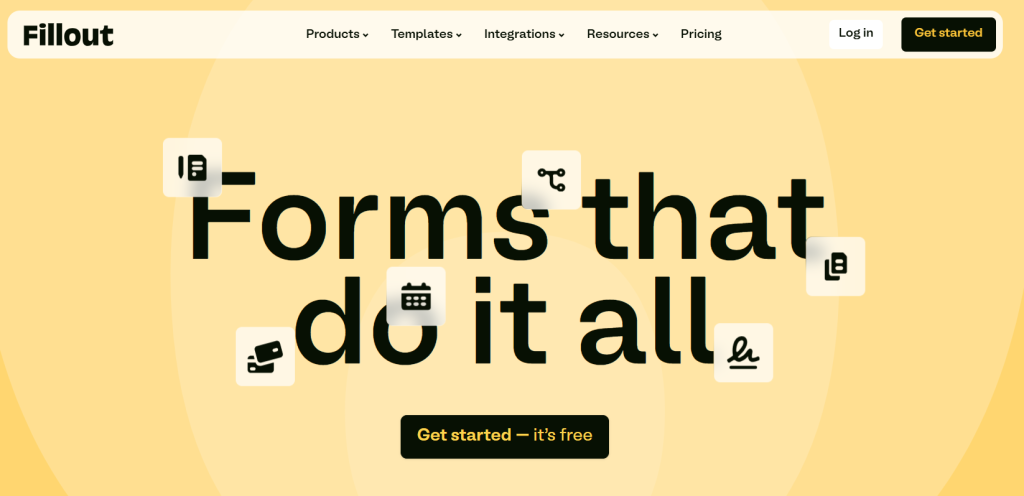
The Edge: One of the top choices for no-code form builders, Fillout stands out as a database powerhouse with its deep native integrations. Some of the popular platforms it integrates with are Airtable, Notion, and Shopify.
Smart Feature: A standout feature of Fillout is its “Update Records” mode, allowing users to effortlessly edit existing data in the database. This feature adds a layer of convenience by enabling users to update records instead of solely creating new entries.
Best For: Fillout’s seamless integration with Airtable, Notion, and Shopify makes it an ideal choice for creating client portals. The ability to streamline data management and updates across these platforms simplifies workflows and enhances overall efficiency.
For organizations looking to optimize their data management processes and enhance collaboration, Fillout proves to be a powerful tool. Its intuitive interface and robust features make it a valuable asset for handling complex workflows with ease.
2. Jotform (The Workflow Veteran)
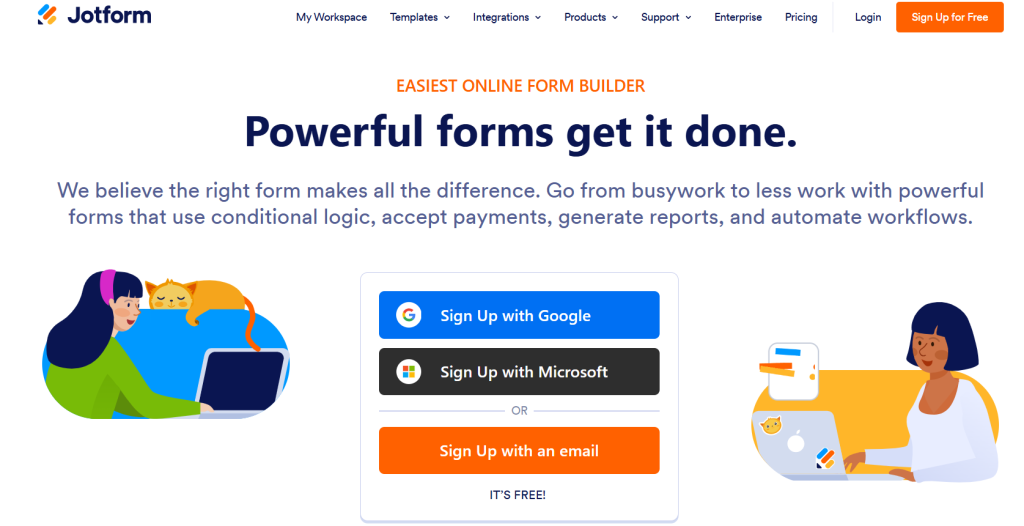
Jotform, known as “The Workflow Veteran,” stands out in the realm of no-code form builders with its cutting-edge features and functionalities.
The Edge: One of its key strengths lies in its massive library of over 10,000 templates, offering users a wide array of options to choose from. This extensive shadcn template collection caters to various industries and use cases, making it a versatile tool for creating customized forms without starting from scratch.
Smart Feature: A standout feature of Jotform is its built-in Approval Sign-off system, which streamlines the review and approval process for submissions. This feature is particularly beneficial for teams working on collaborative projects or processes that require multiple levels of authorization before finalizing a submission.
Another smart feature that sets Jotform apart is Jotform Tables, a tool that functions as a hybrid between a spreadsheet and a database. This feature enables teams to effectively manage and organize submissions in a structured and easily accessible format. With Jotform Tables, users can track, update, and analyze data seamlessly, making it an ideal solution for teams handling complex workflows and processes.
Best For: Jotform shines brightest in industries where data security and compliance are paramount. It is particularly well-suited for creating HIPAA-compliant healthcare forms, ensuring that sensitive patient information is handled with the highest level of security and confidentiality. Additionally, Jotform is an excellent choice for managing complex e-commerce orders, providing businesses with a robust platform to streamline their order management processes efficiently.
In conclusion, Jotform’s extensive template library, Approval Sign-off system, and innovative Jotform Tables feature make it a top choice for teams looking to streamline their workflows and create customized forms with ease. Whether you’re in the healthcare industry or managing intricate e-commerce operations, Jotform offers the tools and capabilities to simplify your processes and boost productivity.
3. Typeform (The Conversion Specialist)
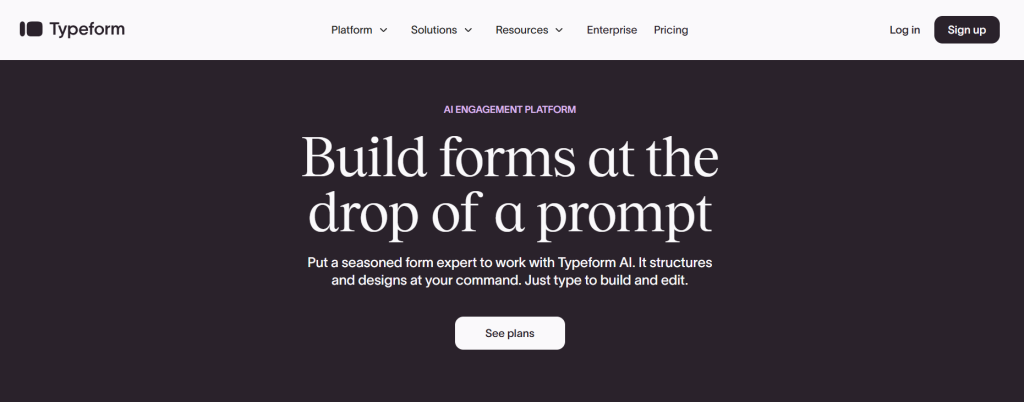
The Edge: Typeform, known as the conversion specialist, stands out as the pioneer of the “One-Question-at-a-Time” approach in form building. With its cutting-edge 2026 AI-driven brand kits, Typeform offers a unique edge in creating engaging and interactive forms for various purposes.
Smart Feature: One of Typeform’s standout features is its Smart Feature: Logic Jump and Recall Information. These features enable form creators to customize the form’s flow based on user responses and recall previous information provided by the user, enhancing the overall user experience.
A key strategy recommended by Typeform is to personalize the form by using a person’s name throughout the survey. This approach creates a personalized touch, making even a complex survey feel like a one-on-one conversation, ultimately improving user engagement and completion rates.
The data confirms this: Typeform’s own analysis of 2.6 million forms published in a single year found an average completion rate of 47.3% — more than 25 percentage points higher than the industry average of 21.5%. Forms that include images or video see a further 120.6% increase in completion rates. Independent testing has consistently shown Typeform’s conversational format achieving 40–60% completion compared to 15–20% for the same questions on traditional Google Forms.
Best For: Typeform is particularly well-suited for high-end lead generation and brand-heavy marketing strategies. Its intuitive interface and advanced features make it an ideal choice for businesses looking to capture quality leads and convey their brand identity effectively through interactive forms.
In the realm of no-code form builders for complex workflows, Typeform stands out as a top choice, offering unparalleled versatility and customization options. By leveraging its unique features and user-friendly interface, businesses can streamline their data collection processes and create dynamic forms tailored to their specific requirements.
4. Tally (The “Notion” of Forms)
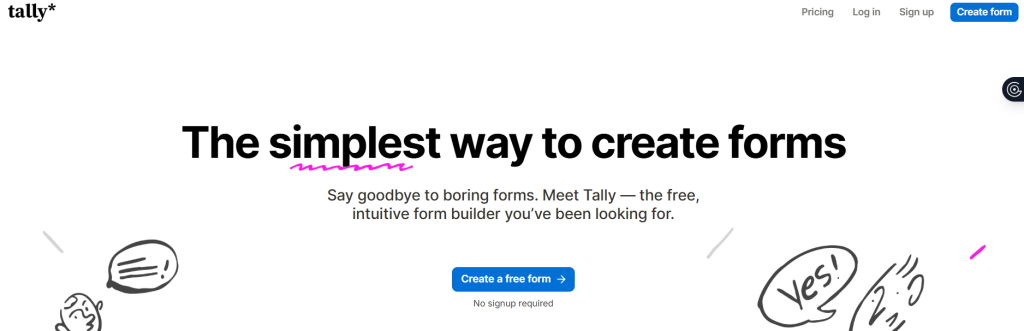
The Edge: Tally is a block-based builder that offers a user-friendly experience similar to Notion.
Smart Feature: One standout feature is its unlimited usage for free, making it a favorite among users who require extensive form-building capabilities without worrying about hitting a paywall. This makes Tally an excellent choice for startups and creators looking for clean and minimal designs to enhance their workflows.
When it comes to no-code form builders catering to complex workflows, Tally stands out as a top choice. Its seamless interface and smart features make it an ideal tool for users who value efficiency and ease of use. With Tally, users can create an infinite number of forms without any limitations, making it a go-to option for those with varied form-building needs.
🎙️ From the Founder’s Mouth — LowCode Podcast, Season 2, Episode 9
Marie Martens, Co-founder of Tally, explained how the unlimited free model was a deliberate strategic choice on the LowCode Podcast:
“There’s definitely more churn [on the free tier], especially for a product like a form builder, which is often used on a project basis. But for us, that wasn’t really a problem because we’re a very small team. We need a lot less clients than a Typeform to be profitable.” She added: “We have around 70,000 people now using the product — and our biggest acquisition channel is our users sharing their forms. Respondents see our branding and discover us. The more users come in, the more people see Tally forms.”
On why the Notion-style design philosophy matters: “We wanted to build something that people just love to use — the way a lot of people love using Notion. It’s just so fun to work in Notion, and that’s something we wanted to recreate.”
— Marie Martens, Co-founder, Tally | LowCode Podcast S2 Ep9 Full episode:
Best For: Startups and creators seeking a reliable form builder that offers unlimited features without any additional costs can benefit greatly from Tally. Its intuitive design and functionality make it a preferred tool for those looking to streamline their workflows and enhance productivity. By combining the best aspects of Notion with its own unique features, Tally provides users with a comprehensive solution for building forms effortlessly.
5. Cognito Forms (The Logic King)
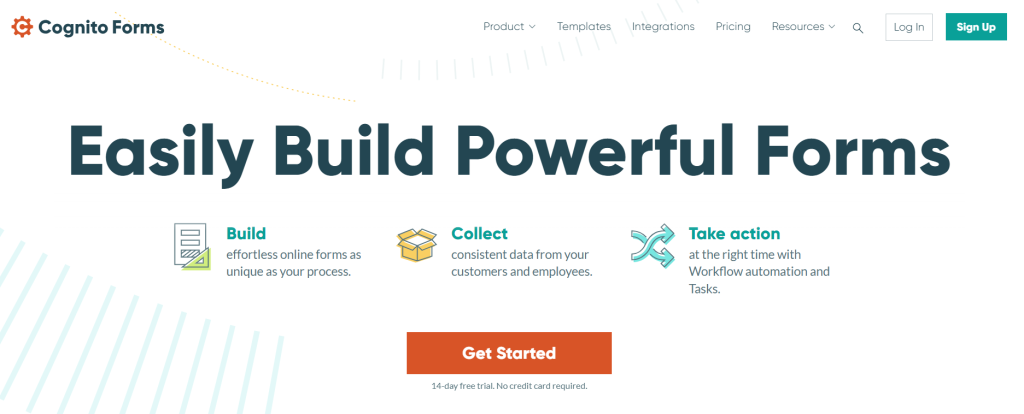
The Edge: Cognito Forms, known as “The Logic King,” stands out in the world of form builders for its industry-leading Calculated Fields feature.
Smart Feature: This smart tool allows users to perform complex mathematical operations, such as insurance quotes or tax calculations, directly within the form in real-time.
Best For: Ideal for industries like finance, legal, and heavy-duty data validation, Cognito Forms empowers users to create dynamic and interactive forms that cater to their specific needs. By incorporating Calculated Fields, users can streamline processes and enhance efficiency by automating calculations that would otherwise be time-consuming and prone to errors.
The ability to perform intricate math within the form itself sets Cognito Forms apart from the competition, making it a top choice for businesses and professionals looking to create forms with advanced functionality. Whether you need to generate accurate insurance quotes or calculate complex tax amounts, Cognito Forms provides the flexibility and precision required for such tasks.
In a landscape where seamless workflows and data accuracy are paramount, Cognito Forms emerges as a powerful tool that simplifies the form-building process while offering sophisticated features that cater to the demands of various industries.
6. Feathery (The Developer’s No-Code Tool)
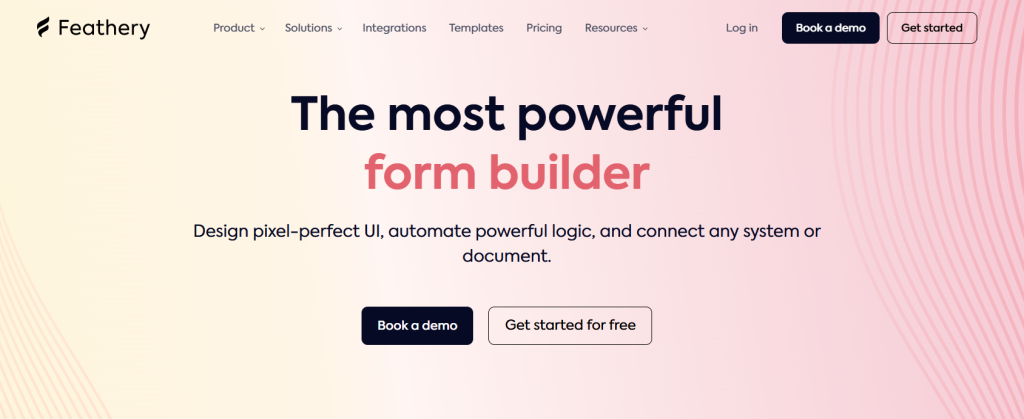
The Edge: Feathery, a powerful no-code tool tailored for developers, offers a competitive edge with its pixel-perfect control capabilities. Designed specifically for product teams, Feathery addresses the need for intricate workflow customization.
Smart Feature: One standout feature of Feathery is its 2-Way API Sync functionality. This smart feature allows seamless integration with custom APIs by pulling data, enabling users to make modifications, and instantly pushing the updated information back. This ensures real-time collaboration and data accuracy within projects.
Best For: Targeting fintech onboarding processes and SaaS registration flows, Feathery excels in handling complex workflows with ease. Its flexibility and user-friendly interface make it an ideal choice for businesses looking to streamline operations without extensive coding knowledge.
In a landscape where efficiency and precision are paramount, Feathery stands out as a top contender among the best no-code form builders available. Its ability to deliver tailored solutions for specific industry needs sets it apart as a valuable tool for product teams seeking optimal control and customization in their workflows.
7. Heyflow (The Lead Gen Engine)
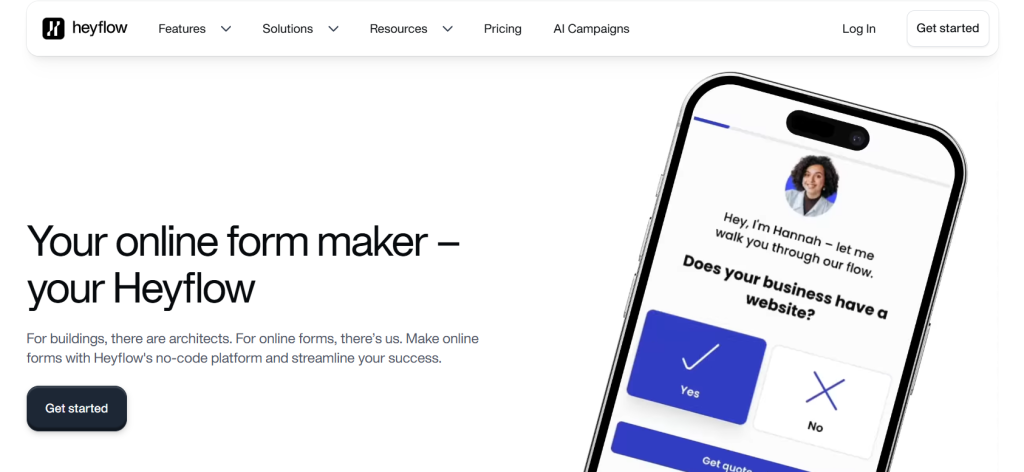
The Edge: Heyflow, known as The Lead Gen Engine, stands out for its specialization in multi-step funnels with built-in A/B testing. This feature makes it a top choice for high-volume agencies and click-to-lead ad campaigns.
Smart Feature: The Smart Feature of Heyflow, the Visual Decision Tree, allows users to map out over 50 branching paths visually, ensuring a seamless navigation through complex workflows.
For those looking to streamline their lead generation process, Heyflow offers a comprehensive solution tailored for managing intricate and multilayered funnels. The ability to conduct A/B testing within the platform enhances optimization strategies, making it ideal for marketers aiming to maximize their conversion rates on fb ads services and other paid channels.
Best For: High-volume agencies dealing with a large influx of leads can benefit greatly from Heyflow’s intuitive interface and robust features. The Visual Decision Tree feature simplifies the visualization of complex workflows, ensuring that every step in the lead generation process is carefully mapped out and easy to follow.
In conclusion, Heyflow’s focus on multi-step funnels, A/B testing, and the innovative Visual Decision Tree feature makes it a standout option for businesses seeking to streamline their lead generation efforts. Its suitability for high-volume agencies and click-to-lead ad campaigns solidifies its position as one of the top choices for managing complex workflows efficiently.
8. Formstack (The Enterprise Standard)
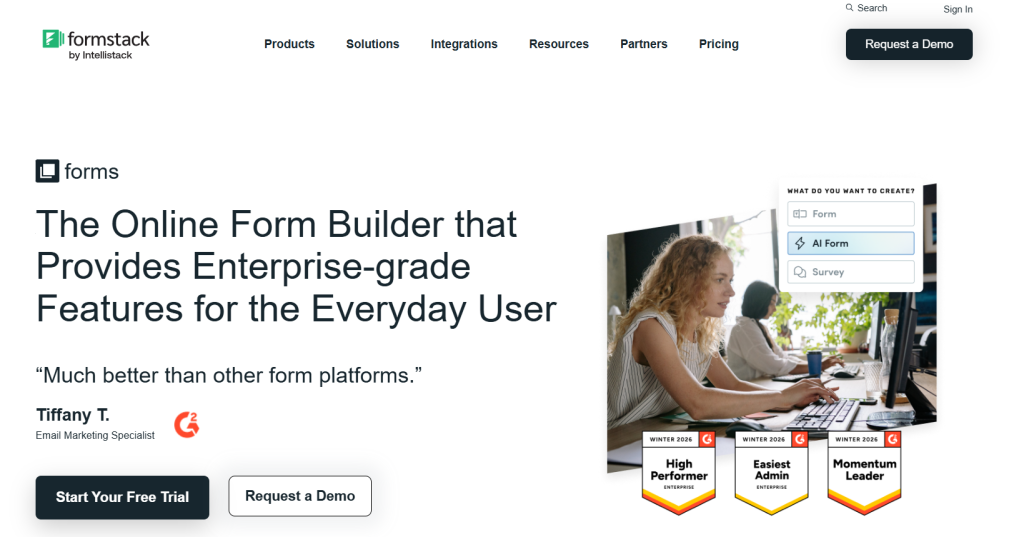
The Edge: Formstack stands out as the enterprise standard for document automation with its innovative edge, focusing on the Form-to-Document smart feature.
Smart Feature: The Form-to-Document unique capability allows users to effortlessly transform form submissions into branded, signable PDFs or Word documents in an instant. Such a feature is particularly beneficial for HR onboarding processes and industries within the Government and Legal sectors.
In the realm of complex workflows and no-code form builders, Formstack emerges as a top contender. Its seamless integration of form submission data into customizable, professional documents streamlines operations and enhances efficiency.
Best For: By catering to the specific needs of HR onboarding and the Government/Legal sectors, Formstack addresses critical pain points in these industries.
🎙️ The No-Code Side of Formstack — LowCode Podcast, Season 2, Episode 6
Zak Pines, VP of Partnerships at Formstack, described on the LowCode Podcast how Formstack’s document automation capability was put to a real-world stress test:
“We had a customer — a national bank — that, in the heart of COVID, needed to launch a new application form tied to government relief programs. With Formstack as a no-code solution, they were able to deploy that in less than a week: new form, all the business logic, documents generated from those applications, routing through internal systems. That would have been unheard of in a legacy banking environment.”
On Formstack’s position in complex, regulated industries: “Healthcare companies want to move away from paper. They want to make their processes more digital — and do so in a highly secure, high-confidence way. That became a very intentional strategy for us as we realized what we do serves that market.”
— Zak Pines, VP of Partnerships, Formstack | LowCode Podcast S2 Ep6 Full episode:
With Formstack’s emphasis on document automation, organizations can significantly reduce manual tasks, minimize errors, and enhance compliance. The ability to generate branded, signable documents directly from form submissions not only saves time but also ensures a streamlined workflow for all stakeholders involved.
In a landscape where efficiency and accuracy are paramount, Formstack’s Form-to-Document feature shines as a testament to its commitment to simplifying complex workflows. By empowering users to create professional documents effortlessly, Formstack remains a top choice for industries that rely heavily on streamlined processes and compliance with legal standards.
Selecting the right tool also depends on your organisation’s maturity with no-code adoption. Research shows that 75% of large enterprises will use at least four low-code/no-code tools simultaneously by 2026 (Gartner), reflecting how different tools genuinely excel at different use cases — exactly the pattern the table below maps out.
Comparison Table: Choosing Your Workflow Engine
| If your priority is… | Choose this Platform | The Reason |
|---|---|---|
| Database-powered forms | Fillout | Deep integrations with Airtable and Notion make complex data workflows easy. |
| All-in-one form builder | Jotform | Combines forms, automation, payments, and integrations in one platform. |
| Conversational user experience | Typeform | Funnel-style forms are designed to maximize conversions and lead capture. |
| Simple forms with a generous free plan | Tally | Notion-style editor with powerful logic and very few limits on the free tier. |
| Complex calculations and data-heavy forms | Cognito Forms | Advanced conditional logic and calculated fields handle detailed workflows. |
| Highly customizable product workflows | Feathery | Built for advanced logic, APIs, and deep customization for complex applications. |
| Marketing funnels and lead flows | Heyflow | Funnel-style forms designed to maximize conversions and lead capture. |
| Enterprise workflow automation | Formstack | An interactive one-question-at-a-time format improves engagement and completion rates. |
Conclusion: Build Processes, Not Just Forms
When it comes to building processes, it’s essential to shift your perspective on forms.
The Smart Admin Verdict: Instead of viewing them as mere contact sheets, consider them as the gateway to streamlining your business automation. By leveraging the right tools, you can transform your workflows and enhance efficiency.
The Recommendation: For those looking to streamline processes in Airtable, Fillout emerges as a top choice. Its seamless integration with Airtable makes it a valuable asset for creating complex workflows with ease. Tally, on the other hand, caters to budget-conscious users, offering a cost-effective solution without compromising on functionality.
If your business operations involve heavy mathematical calculations, Cognito proves to be a reliable option. Its advanced features are designed to handle complex computations, making it ideal for industries where precision is paramount. By utilizing these specialized form builders, you can elevate your automation capabilities and optimize your workflows effectively.
Frequently Asked Questions (FAQs)
Yes. Every tool on this list provides an “Embed Code” or a dedicated WordPress Plugin. A “Smart Admin” usually embeds the form to keep the user on their own domain while the “heavy lifting” happens on the form builder’s server.
Most of these (especially Jotform, Formstack, and Cognito) offer GDPR and HIPAA compliance options. If you are handling sensitive user data, always check for SOC 2 Type II certification in their settings.
The short answer: developer shortages and business speed. Gartner estimates a shortfall of over 1.2 million developers in the US alone by 2026, forcing teams to find faster ways to build. No-code development can reduce application build time by up to 90% — and nearly 60% of custom business apps are now built outside the IT department entirely (Gartner). For non-technical teams, a well-chosen form builder is often the first and most impactful no-code tool they adopt.
Standard plugins store data in your WordPress database. If you have 10,000+ submissions, it can slow down your site’s performance. External builders offload that weight, ensuring your site stays Lightning Fast.