

Most business software is built for every business — which means it’s built for no business in particular. You sign up, get handed a long onboarding doc, and spend weeks bending your process to fit a product roadmap decided by a 2,000-person company you’ve never met. Teams work around the system instead of with it. Managers export to spreadsheets because the dashboard won’t show what they need. And the subscription renews every month while half the features collect dust.
A no-code business app builder flips that. Instead of configuring someone else’s product within their limits, you build software that maps exactly to how your team works — your data, your screens, your logic, your automations. These are visual programming platforms: you get a database layer, a drag-and-drop interface builder, a workflow layer, and a place to publish the finished app to the web or a phone — the same stack a developer would assemble from scratch, without writing a line of code.
This guide covers the seven best no-code app builders for custom business software in 2026 — what each one builds, who it’s for, and where it hits its limits. A custom CRM is one of the most common things teams build with these tools, so it runs through the examples throughout, but every platform here builds far more than that: internal tools, client portals, inventory apps, approval workflows, and field-ops apps all come from the same seven builders.
TL;DR — Quick Answer for the Impatient Reader
| # | Tool | Best for | Editor type | Mobile output | Deployment | Pricing |
|---|---|---|---|---|---|---|
| 1 | Notion | Ops teams who live in docs | Database + views builder | Responsive web | Notion-hosted | Free / $10/user |
| 2 | Airtable | Visual pipelines + automation | Grid + Interface Designer | Responsive web | Airtable-hosted | Free / $20/user |
| 3 | Glide | Mobile-first field apps | Spreadsheet-to-app builder | PWA — installable | Glide CDN | Free / $49/mo |
| 4 | Fibery | Complex multi-entity processes | Relational workspace builder | Responsive web | Fibery-hosted | $10/user |
| 5 | HubSpot | CRM power with no setup | Purpose-built CRM + workflow | Native iOS + Android | HubSpot cloud | Free / $15/user |
| 6 | Softr | Client-facing portals | Block-based front-end builder | PWA — installable | Softr CDN | Free / $49/mo |
| 7 | Noloco | Internal business apps | App-on-data builder | Responsive PWA | Noloco-hosted | From $59/mo |
The one thing all seven share: they let you define the app before the tool defines it for you. That’s the whole point.
What Is a No-Code Business App Builder?
A no-code app builder is a visual programming platform for building working software without writing code. Where a developer would write a database schema, build a front-end, wire up the logic, and configure hosting, a no-code app builder gives you each of those as a visual layer you assemble by dragging, clicking, and typing plain-language rules.
The contrast with traditional development is the whole value. Building a custom internal app the old way means hiring an engineer, waiting weeks, and paying to maintain it. A visual programming platform compresses that into an afternoon of building on a canvas — and hands the ability to change it back to the person who actually understands the process. In 2026, Gartner estimates that 70% of new enterprise applications are being built on no-code or low-code platforms, and teams that adopt these tools early report development speeds up to 50% faster than traditional approaches.
Every platform in this guide includes the same core stack: a database layer where your records live, a UI layer your team interacts with, a workflow layer where automations fire on triggers and conditions, and a deployment layer that puts the app live and keeps it there. As Ben Tossell and Adam Pash of Coaching No Code Apps — whose work Zapier cites in its own no-code app builder roundup — put it plainly: “No-code doesn’t mean no work.” These tools replace the developer, not the thinking. You still design the process and map the workflow. What disappears is the technical barrier and the wait.
What You Can Build With Them
The seven platforms below are general-purpose builders, and the range of what teams ship with them is wide:
- Custom CRMs and sales pipelines — the most common build, and the thread running through this guide.
- Internal tools — dashboards, approval flows, and admin panels that replace a tangle of spreadsheets.
- Client portals — branded, access-controlled apps where customers submit requests, check status, or upload files.
- Workflow automation apps — apps that automate the repetitive follow-up work, from lead routing to onboarding checklists to production tracking.
- Database-driven web and mobile apps — anything backed by a custom relational database, from inventory to event management.
CRM is the running example because it exercises every layer — data, interface, automation, and deployment — but nothing here is CRM-only software. Pick the builder that matches the app you actually need.
How We Evaluated These No-Code App Builders
Not every tool that calls itself an app builder belongs on a shortlist. We filtered against the criteria that decide whether a build succeeds:
- Workflow flexibility — can you define custom data structures, stages, and logic without hitting a wall?
- Automation depth — does the tool act on behaviour and conditions, or just timers?
- Native integrations — how well does it connect to email, calendar, and the rest of your stack out of the box?
- Learning curve — can a non-technical lead build something real in a day, not a sprint?
- Output type — does it publish a hosted web app, an installable progressive web app (PWA), or native iOS/Android builds? This decides where your team can actually use what you build.
- Deployment — is the app live on the platform’s cloud the moment you publish, or does it need separate hosting?
We ignored flashy dashboards with no data depth, AI features that are demos in disguise, and tools that need a consultant to set up what should be self-serve, which is why choosing the right AI development company matters.
#1 — Notion: The Workspace Builder That Doubles as an App Platform
Builder specs: relational database builder (pages, databases, and Kanban/gallery/table/calendar views are the building blocks); responsive web app with a lightweight mobile companion; Notion-hosted the moment you create it; native automations for property and status changes, with Zapier or Make for external connections.
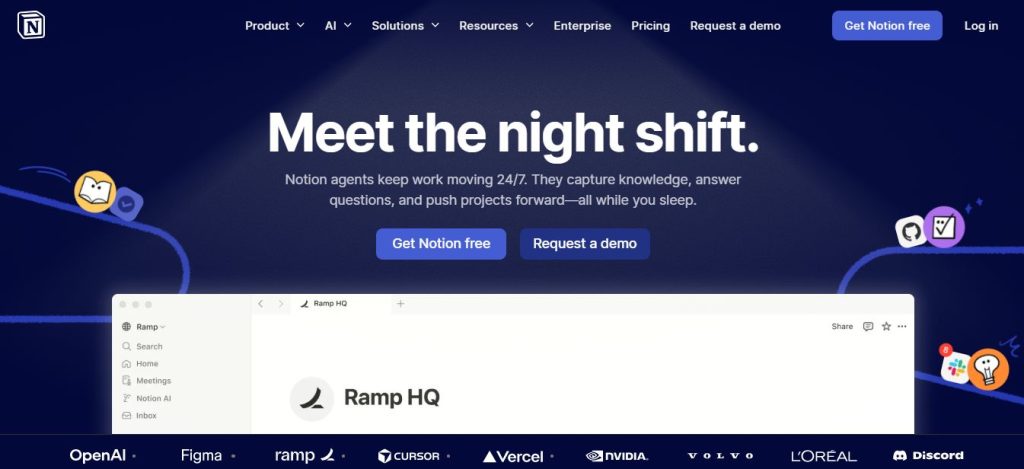
Notion wasn’t built as an app platform. That’s exactly why it works so well for teams tired of being told how to structure their data. Using linked databases, you build a fully relational app where contacts link to companies, companies link to deals, and deals link to tasks — all surfacing in one view without duplicating data. It behaves like a custom relational database without the SQL.
Where it shines: switchable pipeline views over the same data, native automations that sequence follow-ups on status changes without Zapier, and rollup fields that calculate values across linked records. Boutique consultancies and creative agencies routinely run their CRM, project management, and knowledge base as one Notion workspace with zero context-switching.
Where it breaks: at 50-plus active records across multiple users, the automation logic gets hard to manage, and there’s no native email sequencing or call logging.
Best for: small teams under 15 who already live in Notion and want their apps to live there too.
#2 — Airtable: The Relational App Builder With an Interface Layer
Builder specs: two-layer builder — the base (your relational database) plus the Interface Designer (a no-code layer that turns the base into a role-specific app); responsive web with a read-write native mobile app; Airtable-hosted, publishing instantly; 1,000+ native connectors including Gmail, Salesforce, Slack, Calendly, and DocuSign, plus REST API access on paid plans.
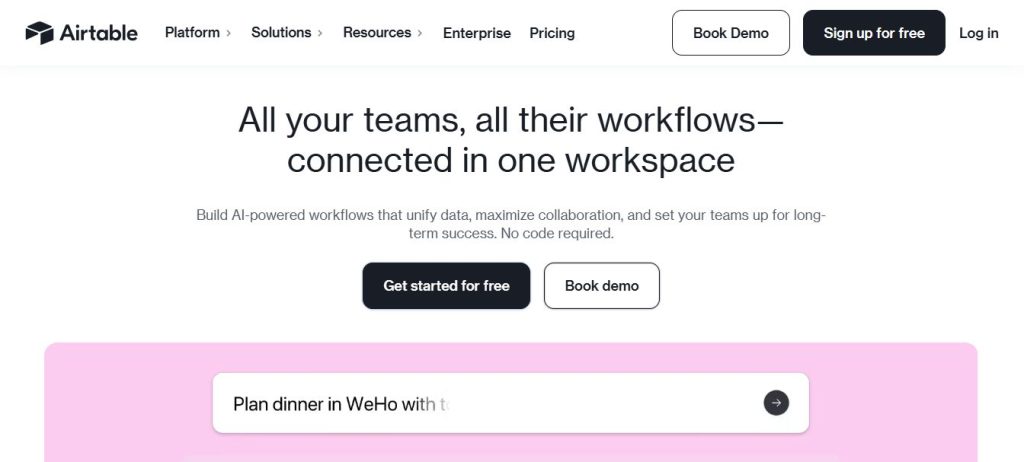
If Notion is the builder for thinkers, Airtable is the one for operators. Its standout is the Interface Designer — you build the data layer once, then design different app screens for different roles: reps see their pipeline, managers see the full funnel, nobody steps on each other’s data. That same pattern builds inventory apps, content calendars, and applicant trackers just as cleanly as a CRM.
Automation that earns its keep: trigger actions when a record changes, auto-assign by territory or source, alert Slack when a high-value item goes stale, sync to Google Sheets or push into HubSpot without a developer. When your process is non-standard — multi-product deals, territory splits, partner-sourced leads — Airtable’s flexibility beats rigid packaged tools that charge enterprise rates for custom fields.
Best for: operations-minded teams that want structure, custom views, and automation without giving up spreadsheet-level control.
#3 — Glide: The Mobile App Builder for Field Teams
Builder specs: spreadsheet-to-app builder — drag lists, forms, charts, and detail views onto a mobile-first canvas wired to Google Sheets, Airtable, or Excel; publishes an installable PWA that opens like a native app with no App Store or Google Play review; Glide CDN hosting with one-click publish and custom domains on paid plans; 50+ connectors plus REST API and Zapier webhooks.
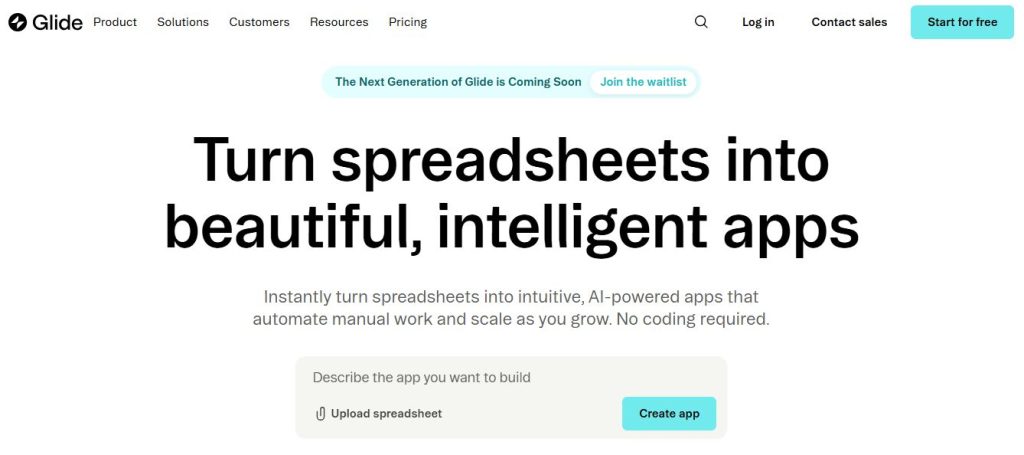
Glide does something none of the others do: it turns a data source into a fully functional mobile app in under an hour. For field teams, distributed reps, and founders who check their business from a phone more than a laptop, this fits how the work actually happens. Role-based views show different data to different users, in-app forms let people log activity from mobile without touching a spreadsheet, and computed columns build scoring logic or flag overdue items using Glide’s built-in formulas.
The average Glide app takes a few hours to build versus days of configuration on a packaged platform. It works best as a front-end over your data — for heavy backend automation, pair it with Make or n8n, which keeps your tools modular.
Best for: field teams, solo founders, and anyone who needs a clean mobile-first app over an existing data source.
#4 — Fibery: The Custom App Builder for Non-Linear Processes
Builder specs: relational workspace builder — entities (Leads, Deals, Accounts, Projects) connect bidirectionally, unlike rigid schemas with fixed object hierarchies; responsive web, desktop-first, no native mobile build; Fibery-hosted from signup; native API, GitHub connector, Zapier, Make, and webhooks.
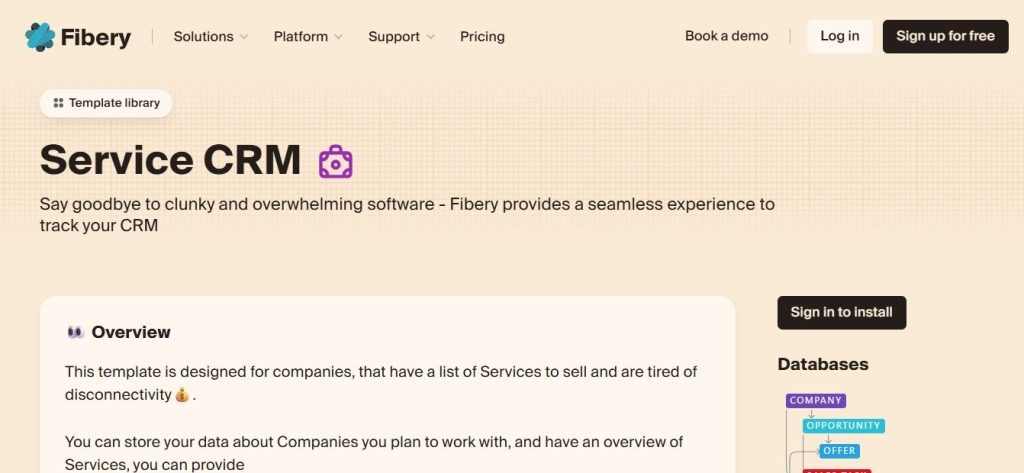
Fibery is the most underrated tool here, and it rarely shows up on roundups — which is exactly why it’s worth attention. Where most builders give you a pipeline with fields, Fibery gives you a fully relational workspace where entities connect in any direction without a line of SQL. That matters because most real business processes aren’t linear: work stalls, branches, involves multiple stakeholders, or re-enters the process months later. Fibery’s connected-data model handles that naturally — build multi-entity relationships that update in real time, embed rich context directly inside records, and automate state changes across related entities so closing one thing updates another and spawns the next task.
Against Airtable: Airtable wins on speed and UI polish; Fibery wins on relational depth and process complexity. If your work involves multiple products, account hierarchies, or long cycles, Fibery is the stronger architectural choice.
Best for: product companies, agencies, and teams with complex, multi-stakeholder processes.
#5 — HubSpot: The Purpose-Built Platform With Native Mobile Apps
Builder specs: purpose-built CRM workflow builder — pipelines, properties, stages, sequences, and custom objects configured through drag-and-drop forms and logic editors; native iOS and Android apps on the App Store and Google Play, the only platform here with true native mobile including push notifications and offline viewing; HubSpot-managed cloud hosting; 1,000+ marketplace apps with deep native connections to Gmail, Outlook, Calendly, Stripe, and Zoom.
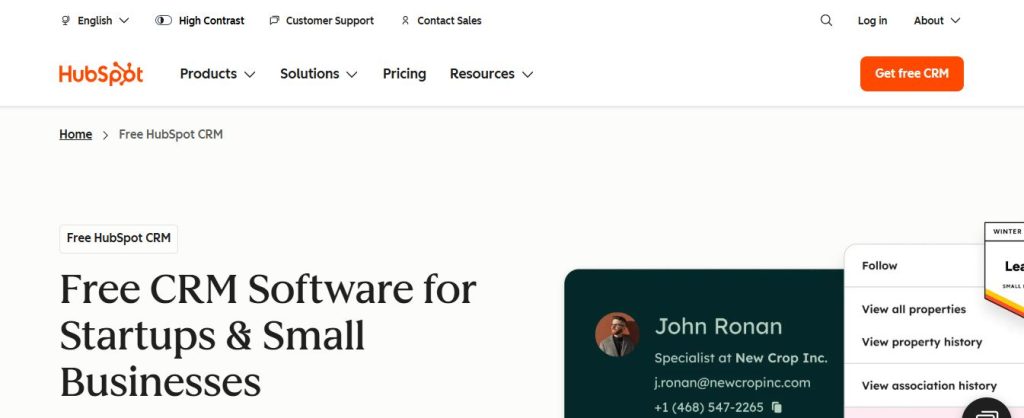
HubSpot earns its place not because it’s the most flexible, but because it’s the most complete option at its price point — including free. For teams that want a ready-built CRM with workflow automation and don’t want to build the data model from scratch, the free tier is hard to beat. You can customise pipelines and stages, add any property type, and build behaviour-triggered automations on paid tiers.
The honest ceiling: the free tier is excellent until you need cross-object workflows, advanced reporting, or custom objects — at which point you’re into Growth Suite pricing that rivals enterprise tools. Know the ceiling before you build on it.
Best for: teams that want a ready-built CRM with room to customise, and expect to grow into HubSpot’s paid ecosystem.
#6 — Softr: The Front-End App Builder for Client-Facing Portals
Builder specs: block-based front-end builder — portals, forms, dashboards, and membership layouts built from a component library on top of your data; publishes an installable PWA, responsive across all screens with no App Store submission; Softr CDN hosting with custom domains on paid plans; 16+ native data sources including Airtable, HubSpot, Notion, Google Sheets, SQL databases, and Softr’s own built-in database.
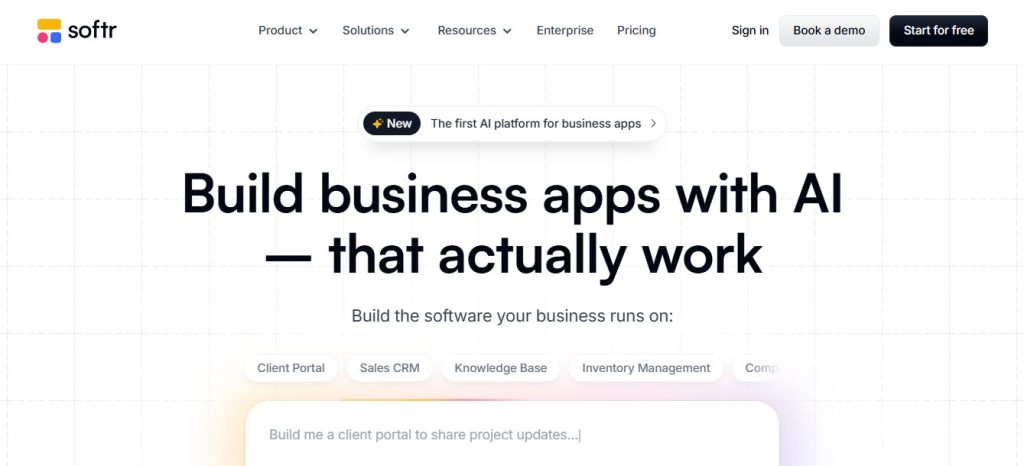
Softr solves a problem most tools ignore: sometimes your app isn’t internal. Clients, partners, or contractors need to interact with your data — submit requests, check status, update their own records. Softr builds client-facing portals on top of Airtable or Google Sheets with access controls, custom branding, and form logic, no code required. Build an intake form that pushes straight into your backend, a portal where prospects check proposal status or upload documents, and role-based permissions so each client sees only their own records.
Softr’s strength is the front-end — it’s not a database itself, but a layer that makes your existing data feel like a polished product. Pair it with Airtable for the strongest combination.
Best for: agencies, consultants, and teams that need a client-accessible layer on top of an existing no-code backend.
#7 — Noloco: The Internal App Builder for Ops Teams
Builder specs: app-on-data builder — connects to Airtable, PostgreSQL, Google Sheets, HubSpot, or MySQL and builds list, kanban, detail, and form views on top; responsive PWA optimised for mobile browsers; Noloco-hosted cloud with custom domains, audit trails, and access logs on all plans; Noloco Tables built-in database plus REST API and webhook support.
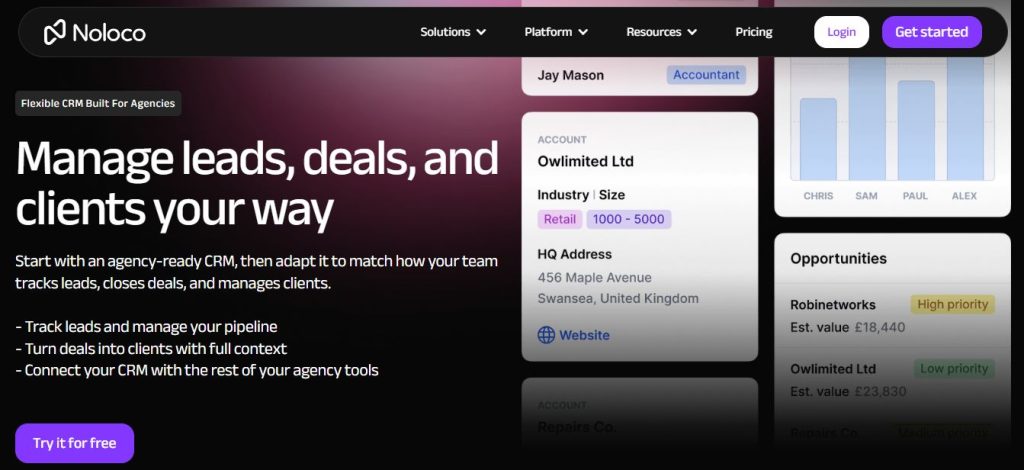
Noloco occupies a specific, useful niche: building internal tools for ops teams who need more than a spreadsheet but less than a full custom build. Think of it as the tool your ops lead uses to build the tools everyone else uses. It connects to data that already lives somewhere, then turns it into a structured internal app with granular access controls — reps see their own records, managers see everything, admins configure the rest — and workflow triggers built for people who understand the process but not the codebase.
Best for: ops leads at growing teams who need internal tooling on top of existing data infrastructure, without waiting for a developer sprint.
Web and Mobile Output: PWAs, Native Apps, and App Store Publishing
Where your app runs determines whether it’s useful. The seven platforms deliver output in three ways, and choosing the right one before you build matters more than any single feature.
Native iOS and Android apps. HubSpot is the only platform here with true native apps, published to the App Store and Google Play, with push notifications and offline viewing. Dedicated no-code mobile builders go further — tools that compile to React Native and publish directly to both stores — and if native store distribution is a hard requirement, that’s the category to look at. Among these seven, HubSpot is the native option.
Progressive web apps (PWAs). Glide, Softr, and Noloco publish apps that install to iOS and Android home screens straight from the browser — no store submission, no review delay. Glide’s mobile experience is the strongest, built mobile-first with swipe-card layouts and tap-to-log interactions that feel native. A Glide app builds in a few hours and ships immediately to any device with a browser.
Responsive web. Notion, Airtable, and Fibery scale to phone screens but weren’t built small-screen-first. They’re fine for a quick check, not for primary mobile work.
The rule of thumb: if most of your app’s use happens on a phone, build on Glide or HubSpot. If mobile is occasional, any of the seven works. Changing output format after your data model is live is far harder than choosing right upfront.
Automating Workflows Without Code
The reason to build a custom app rather than buy a packaged one is usually automation — getting the repetitive work to happen on its own. Every builder here does it, and the pattern is the same regardless of what you’re building. Instead of managers manually reviewing the pipeline, businesses can use automations available in a small business ERP like Enerpize to surface what needs attention automatically:
You define a trigger (a record changes, a form is submitted, a date arrives), a condition (only if the deal is over a threshold, only for a certain source), and an action (send a notification, assign an owner, create a follow-up task). Onboarding a new employee, tracking production, routing a lead, alerting an owner when something goes stale — all of it becomes a rule the app runs for you instead of a task someone has to remember.
For automation that reaches beyond a single app — sending a proposal, updating a calendar, notifying a channel, all in sequence — Make and n8n connect the pieces without code. A typical chain: a record’s status changes, Make sends a document for signature, posts a notification, and creates a calendar follow-up. Zero code, full automation. For a deeper look at the integration layer, smartphp.net’s breakdown of the best low-code integration platforms covers Make, n8n, and their alternatives in detail.
The audit that makes it work comes first: map your process end to end — what data you capture at each step, what triggers the next step, who owns it, what currently falls through the cracks — before you open a single tool. That map tells you which builder fits, not the other way around.
Frequently Asked Questions
Airtable and HubSpot’s free tier are the strongest starting points. Airtable gives you more structural flexibility to build whatever app you need; HubSpot gives you a purpose-built CRM out of the box. For teams under five, Notion is a fast, low-overhead option.
A packaged product gives you a predefined structure you customise within limits. A no-code app builder (Airtable, Fibery, Glide) is a visual programming platform that lets you define the structure from scratch — your data, your screens, your logic. More setup upfront, far more control over how the system behaves.
For most small and mid-size teams, yes. Enterprise platforms are built for enterprise-scale data volumes, complex permission hierarchies, and dedicated development teams. If you don’t need those, Airtable, Fibery, or HubSpot handle the same core functions at a fraction of the setup cost and maintenance overhead.
HubSpot (paid tiers), Airtable, and Notion all have native automation builders. For more advanced multi-step logic, Make and n8n are cleaner and more powerful than Zapier at similar or lower cost.
Among these seven, HubSpot ships true native iOS and Android apps. Glide, Softr, and Noloco publish installable PWAs that add to a phone’s home screen without store submission — enough for most internal and client-facing apps. For native store distribution as a hard requirement, a dedicated no-code mobile builder that compiles to native code is the better fit.
Start with a workflow audit — the steps, owners, and triggers of the process you’re digitising. Pick a data layer (Airtable or Notion). Build your views for each role. Add automation for the repetitive work. Connect email and calendar. You can have a working app in a day, not a quarter.
Yes — especially Airtable, Fibery, and HubSpot. Conditional logic (if stage = proposal and company size > 50, assign the enterprise owner) is supported natively in most of these tools, or via Make/n8n for more complex branching.
Airtable is better when you need structured data, multiple role-specific views, and automation as a core part of the app. Notion is better if your team already works there and wants the app integrated into their daily workspace without context-switching. For data-heavy apps, Airtable has the edge.
For most small and mid-size teams: yes. Salesforce and Zoho implementations are built for enterprise-scale data volumes, complex permission hierarchies, and custom development teams. If you don’t need those things, tools like Airtable, Fibery, or HubSpot handle the same core functions with a fraction of the setup cost and maintenance overhead.
Every platform on this list manages its own hosting — your app goes live on a managed cloud the moment you publish, with no servers to configure and no deployment work between your first workflow map and a working app your team can use. Looking to go deeper on the no-code ecosystem? Smartphp.net covers everything from app builders to low-code integration platforms — practical guides for teams who’d rather build than wait for a developer.