

When it comes to website development, the importance of site speed cannot be emphasized enough. It plays a crucial role in user experience and search engine rankings. Developers are often paid top dollar to conduct tests that ensure a website’s optimal performance. This fee may seem high, but it reflects the expertise and attention to detail required to balance speed and user experience effectively.
In the realm of website audits, identifying tools that can uncover speed-related issues is paramount. Free tools offer a cost-effective solution for developers and website owners to monitor and improve site speed consistently. By leveraging these tools, not only can developers pinpoint areas for enhancement, but they can also enhance the overall user experience.
Understanding the distinction between “Speed” and “Experience” is vital for developers aiming to optimize Core Web Vitals. While speed, measured in seconds, focuses on loading times and server responses, user experience delves deeper into how visitors interact with a website. Balancing these aspects is key to creating a seamless browsing experience that keeps users engaged and satisfied.
In the competitive digital landscape, where every second counts, having a comprehensive understanding of site speed and user experience metrics is essential. By utilizing the right tools and techniques, developers can fine-tune websites to deliver exceptional performance and foster positive interactions with visitors.
7 Free Tools To Audit Your Site Speed
Tool 1: Google PageSpeed Insights (The Grade Book)
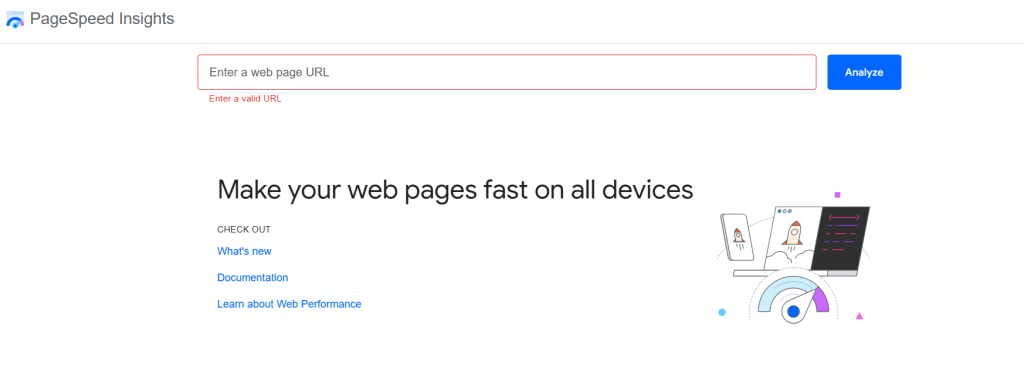
When auditing your site speed, Google PageSpeed Insights becomes one of the great online tools available to website owners and marketers. One key aspect to focus on is understanding the ‘Mobile vs Desktop’ scores provided by the tool. This information is crucial for optimizing your website’s performance.
The Grade Book feature in Google PageSpeed Insights gives you a comprehensive overview of how well your website performs on both mobile and desktop devices. By analyzing these scores, you can identify areas for improvement and prioritize tasks to enhance user experience.
When looking at the scores, pay special attention to the Largest Contentful Paint (LCP) metric. LCP measures how long it takes for the largest element on your webpage to become visible to users. This directly impacts user perception of loading speed and overall site performance.
By understanding the Mobile vs. Desktop scores and focusing on LCP, you can make informed decisions to optimize your website speed. Utilize the insights from Google PageSpeed Insights to enhance user experience and drive better results for your online presence.
Remember, site speed is crucial for user engagement and SEO rankings. By leveraging tools like Google PageSpeed Insights and paying attention to key metrics like LCP, you can ensure your website loads quickly and efficiently across all devices, especially if your site also relies on social media scheduling tools to manage and publish content efficiently.
Tool 2: GTmetrix (The Waterfall View)
The “Waterfall” tab in GTmetrix is a powerful tool for analyzing your website’s performance. By accessing this tab, you can pinpoint the exact elements causing bottlenecks in your site’s speed.
To find the “Waterfall” tab in GTmetrix, follow these steps:
1. Go to the GTmetrix website and enter your site’s URL in the provided field.
2. Click on the “Test your site” button to initiate the analysis.
3. Once the test is completed, you will see an overview of your site’s performance.
4. Look for the “Waterfall” tab, usually located in the navigation menu or as a separate section on the page.
5. Click on the “Waterfall” tab to access a detailed breakdown of your site’s loading process.
Within the “Waterfall” tab, you will see a comprehensive list of all the elements (images, scripts, stylesheets, etc.) that are loading on your site. Each element is displayed in a chronological order, showing how long it takes to load individually.
By analyzing the Waterfall view in GTmetrix, you can identify which specific images or scripts are causing delays in your site’s loading speed. This insight is crucial in optimizing your site for better performance.
Utilizing tools like GTmetrix and exploring features like the Waterfall view can significantly improve your site’s speed and overall user experience. Take advantage of these great online tools to audit your site speed and enhance its performance.
Tool 3: Pingdom Tools (The Regional Reality)

Pingdom Tools is a powerful resource when it comes to testing website speed and performance. When using this tool, one crucial aspect to consider is the regional reality. It’s essential to test your website from the city closest to your target audience. This approach provides valuable insights into how your website performs in real-world conditions for your specific audience.
By testing from the city nearest to your target users, you can accurately assess the loading speed and performance analytics they experience. This localized testing helps in understanding any latency issues or bottlenecks that might affect user experience. It ensures that your website delivers optimal performance to the audience that matters the most.
Testing from multiple locations globally can highlight differences in loading times and performance based on geographical locations. This data is invaluable for optimizing your website to cater to a diverse audience. It allows you to make informed decisions on improving loading speed and overall user experience for users in different regions.
Pingdom Tools offers a user-friendly interface that allows you to select specific locations for testing. This feature enables you to simulate user experiences from different parts of the world accurately. By analyzing these test results, you can identify areas for improvement and tailor your website development to meet the needs of your target audience effectively.
In conclusion, testing your website speed and performance from the city closest to your target audience is crucial for delivering an optimal user experience. Pingdom Tools provides the necessary functionality to conduct these tests efficiently and gain valuable insights into how your website performs regionally. Make use of this tool to ensure that your website meets the needs and expectations of your audience, regardless of their geographical location.
Tool 4: WebPageTest.org (The “Real Device” Test)

When it comes to testing the speed of your website, WebPageTest.org is a powerful tool that stands out. In this digital age, where user experience can make or break a website’s success, testing your site on an actual device can provide valuable insights. WebPageTest.org offers the unique feature of conducting tests on both a “Mid-tier Android” device and a fast office desktop, allowing you to compare performance across different platforms.
Testing on a real device like a “Mid-tier Android” provides a more accurate representation of how your website performs for a significant portion of mobile users. With the increasing usage of smartphones for browsing, optimizing for such devices is crucial. On the other hand, testing on a fast office desktop can give you insights into how your site performs on high-end machines, which might be used by some of your visitors.
By comparing the performance of your website on these two distinct devices, you can identify areas for improvement and optimize your site speed accordingly. Understanding how your site functions on different devices can help you tailor the user experience to meet the diverse needs of your audience.
In the realm of site speed optimization, utilizing tools like WebPageTest.org to conduct tests on real devices can provide valuable data that shapes your website development and optimization strategies. Whether it’s enhancing mobile performance for “Mid-tier Android” users or ensuring a seamless experience on fast desktops, testing on actual devices is essential for delivering a top-notch user experience.
Tool 5: Yellow Lab Tools (The Code Quality Audit)
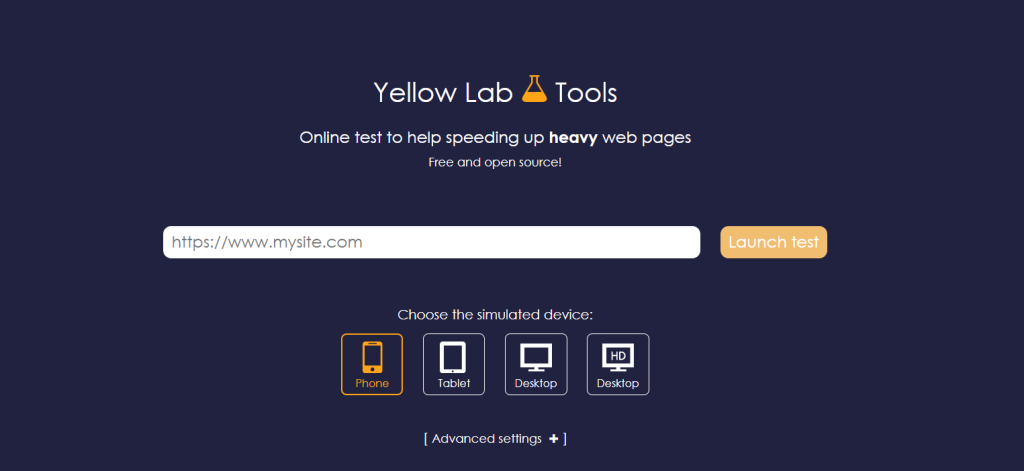
When it comes to conducting a thorough audit of your website’s speed and performance, one indispensable tool that stands out is Yellow Lab Tools. This tool, labeled as “Tool 5” in our list of the 7 Best Free Tools to Audit Your Site Speed, offers a unique perspective by providing a simple letter grade, ranging from A to F, to evaluate the “heaviness” of your theme’s code.
Yellow Lab Tools excels in analyzing the quality of your website’s code, particularly focusing on how heavy or light it is. By assigning a letter grade to your theme’s code, this tool offers a quick and straightforward assessment of the overall code quality.
Understanding the weight of your website’s code is crucial, as heavy code can significantly impact your site’s speed and performance. With a heavy codebase, your website may take longer to load, leading to a poor user experience and potentially affecting your search engine rankings.
By utilizing Yellow Lab Tools to conduct a code quality audit, you can identify areas where improvements are needed to optimize your website’s performance. Whether your code receives an A grade for being light and efficient or an F grade for being overly heavy, the results obtained from this tool can guide you in making necessary adjustments to enhance your site’s speed and efficiency.
In conclusion, incorporating Yellow Lab Tools into your website auditing process can provide valuable insights into the quality and weight of your theme’s code, enabling you to take proactive steps towards improving your site’s overall performance.
Tool 6: Query Monitor (The Plugin Snitch)
The sixth tool in our list of the best free tools to audit your site speed is Query Monitor, also known as the Plugin Snitch. This tool is plugin-based and serves a unique purpose – it identifies which specific plugins are slowing down your website’s load time.
By using Query Monitor, you can pinpoint exactly which plugins are causing performance issues on your site. This information is crucial for optimizing your website speed and ensuring a smooth user experience.
Installed as a WordPress plugin, Query Monitor provides detailed insights into the impact of each plugin on your website’s load time. It offers a comprehensive overview of your site’s performance metrics, including database queries, PHP errors, and hooks.
With Query Monitor, you can easily identify resource-intensive plugins that may be affecting your site’s speed. By analyzing this data, you can make informed decisions about which plugins to keep, optimize, or remove to improve your website’s performance.
Furthermore, Query Monitor allows you to drill down into specific details such as page load times, memory usage, and HTTP requests generated by each plugin. Armed with this information, you can take proactive steps to enhance your site’s speed and overall performance.
In conclusion, Query Monitor is a valuable tool for website owners looking to identify and address performance issues caused by plugins. By leveraging this plugin-based tool, you can optimize your site speed and deliver an improved user experience to your visitors.
Tool 7: KeyCDN Performance Test (The Global Pulse)
When it comes to auditing site speed, one of the essential tools to consider is the KeyCDN Performance Test. This tool offers a unique feature known as “The Global Pulse,” allowing users to assess the “Time to First Byte” (TTFB) in 14+ locations simultaneously.
By using the KeyCDN Performance Test, website owners can gain valuable insights into how their website performs across different geographical locations. This information is crucial for identifying any latency issues and ensuring that the website delivers a consistent user experience worldwide.
Monitoring TTFB is vital as it directly impacts the overall loading speed of a website. A quick TTFB indicates that the server is responding promptly to requests, leading to faster page load times. On the other hand, a high TTFB could signify server or network issues that need to be addressed to improve site performance.
With the ability to check TTFB in multiple locations at once, the KeyCDN Performance Test provides a comprehensive overview of how a website responds globally. This feature is particularly useful for businesses targeting international audiences or operating in regions with varying network conditions.
In conclusion, including the KeyCDN Performance Test in your arsenal of site speed audit tools can help you pinpoint TTFB issues and optimize your website for improved performance. With its Global Pulse feature, you can effortlessly monitor TTFB across diverse locations, ensuring that your website delivers a seamless user experience worldwide.
While performance testing tools play a critical role in identifying speed issues, businesses are increasingly adopting advanced technologies to further optimise their digital platforms. Many organisations now rely on AI development services to build intelligent systems that automate performance monitoring, improve application efficiency, and deliver better user experiences across modern web and mobile platforms.
Takeaway
To optimize your website’s performance, remember this key takeaway: Instead of chasing a perfect score of 100/100, focus on achieving a “Load Time” under 2 seconds. Your website’s speed plays a crucial role in user experience and search engine ranking, making it essential to prioritize load time optimization.
When auditing your site speed using the 7 best free tools highlighted in the blog post, pay close attention to factors that directly impact loading times. These tools are designed to provide valuable insights into areas where improvements can be made to enhance your website’s speed and overall performance.
By prioritizing a load time under 2 seconds, you can significantly improve user satisfaction, reduce bounce rates, and potentially boost conversions. Remember that every second counts in the digital realm, and a faster website can give you a competitive edge in today’s fast-paced online landscape.
So, instead of fixating on a perfect score, focus on the metric that truly matters – load time. By implementing the recommendations from the site speed audit using the recommended tools, you can work towards achieving a faster, more efficient website that keeps visitors engaged and coming back for more.
Frequently Asked Questions
By utilizing free tools specifically designed for site speed audits, you can identify performance issues and optimize your website without any cost.
Yes, the top free tools mentioned in this blog post have proven to be effective in analyzing and improving site speed performance.
Absolutely! These tools are user-friendly and provide clear insights into how to enhance your website’s speed, making them suitable for beginners and experts alike.
While free tools offer valuable insights, they may have restrictions on the depth of analysis compared to premium versions. However, they still provide significant benefits for optimizing site speed.
It is recommended to perform regular speed audits to track improvements and address any new issues that may arise. Depending on your website’s traffic and updates, auditing monthly or quarterly can help maintain optimal performance.