

No-code teams face a unique collaboration problem: traditional project management tools were designed for engineers and waterfall workflows. They don’t work for visual builders who need to show bugs, map database logic, and explain UI workflows without meetings.
This guide covers 5 tools that solve this problem. Each one handles a specific collaboration gap in no-code product development—from visual bug reporting to async video explanations. You’ll learn which tool fits each role and how to stack them for a communication system that keeps your team aligned without constant Slack messages or sync calls.
Beyond Chat: Why No-Code Teams Need Contextual Collaboration
The “Lost in Slack” Problem
Slack is great for quick questions. But it’s terrible for explaining complex issues. When a client reports a form validation bug on their staging site, a text message doesn’t capture:
- Exact browser and device
- Console errors and network logs
- Visual location of the problem on the page
Screenshots help, but they’re still screenshots—static and incomplete. No-code product teams need tools that capture context automatically.
Visual Builders Require Visual Communication
No-code builders like Bubble, FlutterFlow, and Webflow are fundamentally visual. You don’t write code to debug them—you trace connections, inspect workflows, and test interactions on screen. Explaining these visually is 10x faster than describing them in words.
The Async-First Stack (2026 Reality)
Distributed no-code teams can’t afford synchronous meetings. Instead, they use tools that let team members:
- Comment directly on work (not in Slack threads)
- Visually trace bugs and workflows
- Record async explanations instead of scheduling calls
- Maintain a searchable record of decisions and feedback
This section explains the 5 tools that make async-first collaboration possible for no-code product development.
5 No-Code Collaboration Tools That Actually Work
1. Marker.io: Visual Bug Reporting Without the Guesswork
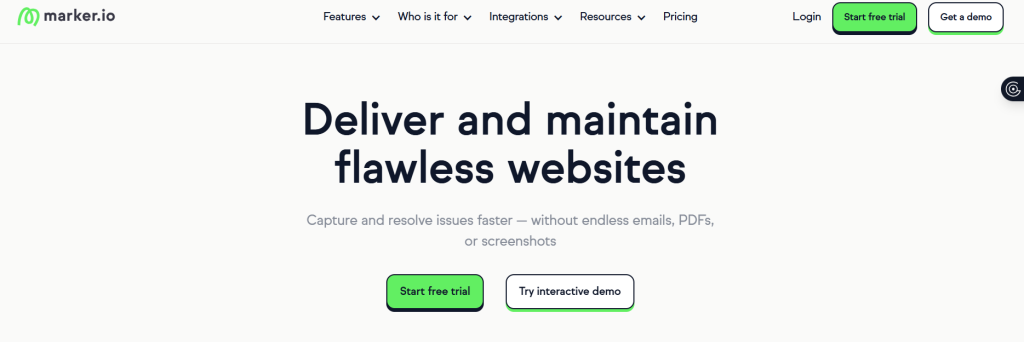
What it does: Marker.io is a feedback widget that turns bug reports into actionable data. Instead of asking “Can you describe the problem?”, clients and team members click Marker’s button, draw on the screen, and submit—Marker automatically attaches browser info, screen dimensions, console logs, and session replays.
Why it’s built for no-code teams: Visual builders can’t debug from descriptions. Marker captures the exact state—browser version, device, network conditions—so you see what the user saw. This eliminates the “Can’t reproduce” problem that wastes hours.
How it integrates: Marker routes feedback directly to Jira, Asana, Linear, or Trello. When a client draws a red circle around a button and hits submit, it becomes a ticket in your issue tracker with all the context already attached.
Best for: Website QA testing, client feedback loops, and staging site collaboration. If you’re managing a client’s Bubble app or website build, Marker turns vague complaints into reproducible bugs.
Real use case: A no-code freelancer builds a form in Bubble. A client reports “The submit button is broken.” Instead of a dozen back-and-forth messages, the client uses Marker to click on the button, draw an arrow, and submit. Marker captures that it’s on Safari 17 on an iPad, with JavaScript errors in the console. The freelancer fixes the Safari-specific issue in 10 minutes.
2. FigJam: Map Your Database Logic Before You Build
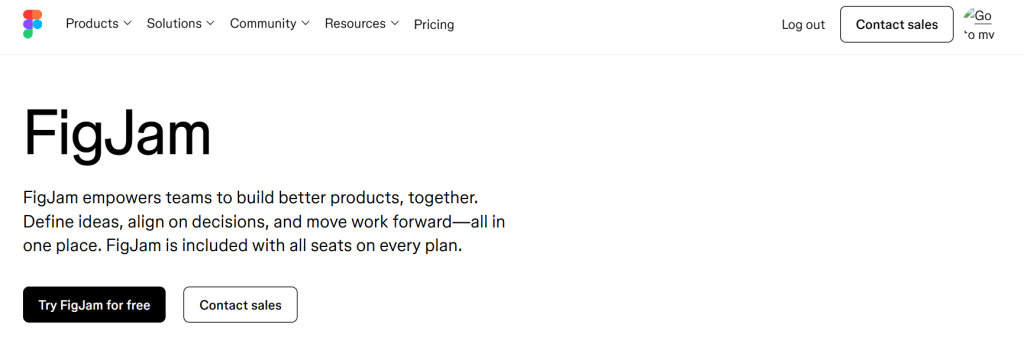
What it does: FigJam is Figma’s digital whiteboard. Non-technical team members, designers, and builders use it to sketch out database schemas, user flows, and API logic—visually, in real-time, without writing code.
Why it’s built for no-code teams: Before you create an Airtable base or design a Xano API, your whole team needs to agree on data structure and logic. FigJam makes this visible. Everyone—designer, product manager, builder—can see the logic and contribute ideas in real-time.
How it works: Draw boxes for database tables, arrows for relationships, and annotations for rules. FigJam’s infinite canvas and real-time collaboration mean your team aligns on architecture before you spend hours building it wrong.
Best for: Brainstorming sessions, database design, user journey mapping, and cross-functional planning. Any time your team needs to agree on “how the system should work” before coding starts.
Real use case: A product team uses Airtable and Zapier to manage customer data. Before designing the base structure, they spend 30 minutes in FigJam mapping out record types, fields, and automation rules. Everyone sees the logic, spots problems early, and the build takes half the time.
3. Linear: Task Tracking Built for Speed
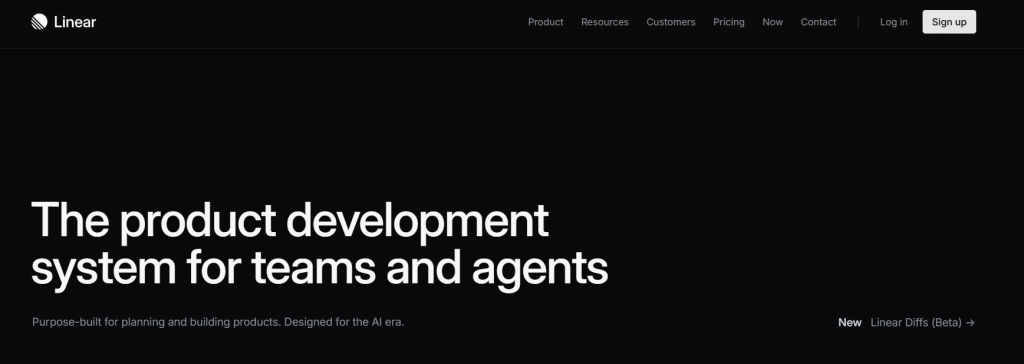
What it does: Linear is a project tracker stripped down to essentials. No bloated feature list—just tasks, status, and automation. It’s built for teams that move fast.
Why it’s built for no-code teams: Jira is overwhelming for small teams. Linear focuses on speed: keyboard shortcuts let you create, update, and close tasks without touching the mouse. It’s faster than any other PM tool.
Key feature: Zapier automation: Connect Linear to Zapier, and you can trigger actions automatically. When a task moves to “Done,” Zapier can send a Slack message, create a customer invoice, or log time in your accounting tool. This keeps your workflow connected without manual updates.
Best for: Agile no-code teams, sprint planning, and fast-moving projects. Any team using Zapier or Make for automation will appreciate Linear’s integration.
Real use case: A 4-person no-code shop uses Linear to track client projects. When a task is marked “Done,” a Zapier trigger automatically moves the billing record in Stripe and sends the client a progress update via email. The team stays aligned without a single status meeting.
4. Notion: Your Single Source of Truth
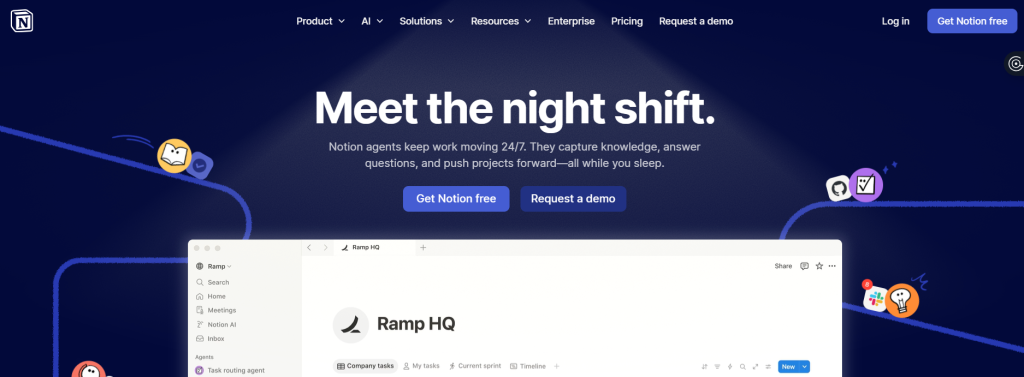
What it does: Notion is a workspace where product teams store documentation, databases, and project info in one searchable place. Instead of digging through 10 tools to find a decision or spec, it’s all in Notion.
Why it’s built for no-code teams: No-code products often rely on multiple tools—Airtable for data, Figma for design, Zapier for workflows. Notion brings all of it together. You can embed Figma files, link to Airtable records, and store API docs alongside project updates.
What it replaces: Google Docs (for specs), Confluence (for wiki), Trello (for task lists). One tool does all three.
Best for: Centralizing team knowledge. If your team is tired of asking “Where is that decision documented?” Notion is the answer.
Real use case: A no-code agency creates a Notion workspace for each client project. The workspace contains: the client brief, FigJam architecture diagrams, Figma design mockups, API documentation, Airtable database schema, and a changelog of deployments. When a new team member joins, they read the Notion space and understand the entire project in 30 minutes.
5. Loom: Explain Workflows Without Scheduling Meetings
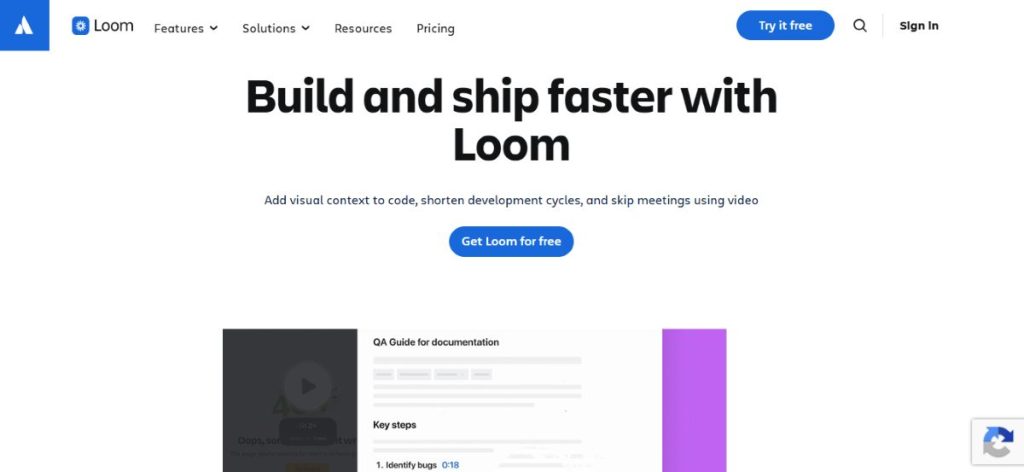
What it does: Loom records your screen and camera, creating instant video explanations. Instead of “Can you jump on a call?” you record a 2-minute video and share it async.
Why it’s built for no-code teams: Explaining a Bubble workflow or Zapier automation is faster with video than with screenshots or words. You click through the tool, explain your thinking, and share. Team members watch on their own time—no calendar juggling.
Why async saves time: Three sync meetings per week = 3 hours of calendar time, but 6 hours of lost deep work (context switching). Loom cuts meeting time by 80%. Your team gets back 4 hours per week.
Best for: Onboarding new team members, walking through client feedback, explaining how a workflow fails, and documenting processes. Any explanation that would usually require a call.
Real use case: A client reports “The order confirmation isn’t sending.” Instead of a Zoom call, the builder records a 3-minute Loom walking through the Zapier automation, showing where the email template broke, and explaining the fix. The client watches it that evening, confirms the solution, and the builder ships the fix the next morning. One async video replaced two sync calls.
The Collaboration Tools Stack for No-Code Teams
| Tool | Solves This Problem | Replaces | Best Integration |
|---|---|---|---|
| Marker.io | Vague bug reports from clients | Email + screenshots | Linear, Asana, Jira |
| FigJam | Unclear architecture before building | Messy Figma comments | Figma, Notion |
| Linear | Slow, feature-bloated PM tools | Jira, Asana | Zapier, Slack, Make |
| Notion | Information scattered across 10 tools | Google Docs, Confluence, Trello | Everything (embed-friendly) |
| Loom | Recurring sync meetings | Zoom calls | Slack, Linear, Notion |
Why This Stack Beats Meetings?
Traditional approach: Problem appears → Slack thread starts → Debate via messages → Schedule call → Call runs late → Decision → Move on.
Async-first approach: Problem appears → Visual context is captured (Marker) or recorded (Loom) → Async discussion in the tool → Decision → Move on.
Time saved per week: 3-5 hours per team member. No context switching. No calendar juggling.
Quality improvement: Decisions are documented and searchable. New team members see the reasoning behind past choices.
How to Implement This Stack?
Week 1: Set Up Bug Reporting (Marker.io)
Install Marker.io on your staging site. Train clients to use the draw-and-submit workflow. Route feedback to Linear or your current PM tool.
Week 2: Map Your Architecture (FigJam)
For your next project or redesign, start with a FigJam session. Let your team design the database structure and logic before anyone touches the builder.
Week 3: Optimize Task Tracking (Linear)
Import your current tasks into Linear. Set up keyboard shortcuts. Test a Zapier automation (e.g., “Mark as Done” → Send Slack update).
Week 4: Centralize Knowledge (Notion)
Create a project template in Notion that includes: project brief, FigJam links, API docs, database schema, and deployment changelog. Use this for all future projects.
Ongoing: Replace Calls with Video (Loom)
Next time someone suggests a sync meeting, ask: “Can we record a Loom instead?” Most explanations don’t need real-time back-and-forth.
Frequently Asked Questions (FAQs)
No. Start with whichever problem hurts most. If clients always submit vague bugs, start with Marker.io. If your team wastes time in calls, start with Loom. Add the others as you grow.
Marker.io and Loom. Both require zero technical skill. Drawing on a screen (Marker) and watching a video (Loom) are intuitive for everyone.
Marker.io, Linear, and Loom all have free tiers for small teams. Notion is free up to a generous limit. FigJam is included with a Figma paid plan. Start free and upgrade only when you outgrow the free tier.
This stack is built for remote work. Every tool supports async collaboration. No time zone conflicts, no scheduling headaches.
Yes. All 5 tools integrate with Slack, and Marker.io, Linear, and Loom connect to most PM tools. Use Zapier to wire them together if needed.
The Bottom Line
No-code teams don’t need the same collaboration tools as software engineering teams. You need tools built for visual work, async communication, and fast iteration. This stack gives you that—without the meetings.
Start here: Pick one tool that solves your biggest pain point this week. Try it for a sprint. Add another once the first one clicks. In 4 weeks, you’ll have a collaboration system that actually works for how you build.
Read our full guide to the best Bubble app examples or explore all resources at SmartPHP.net