

When optimizing a site’s performance, it’s crucial to understand that the number of plugins isn’t the primary factor affecting speed. Instead, focusing on the quality of plugins is key. By curating a “Smart Stack” of plugins that are minimalist, high-performing, and automated, you can enhance your site’s efficiency significantly. This approach ensures that each plugin adds genuine value without unnecessary bulk.
In the realm of “No-Code” plugins, prioritizing quality over quantity is paramount. Selecting the top 5 essential plugins that align with the Smart Stack philosophy can streamline your site’s functionality and maintain optimal speed. By embracing a minimalist yet powerful plugin strategy, you pave the way for a seamless user experience and efficient site performance.
Plugin 1: The Performance Engine (WP Rocket or FlyingPress)
Enhance the performance of your website effortlessly with The Performance Engine, such as WP Rocket or FlyingPress, tackling the issue of slow load times and failed Core Web Vitals head-on. These essential plugins offer a no-code fix through convenient one-click caching, CSS minification, and the innovative “Delay JS” feature, optimizing your website’s speed and user experience.
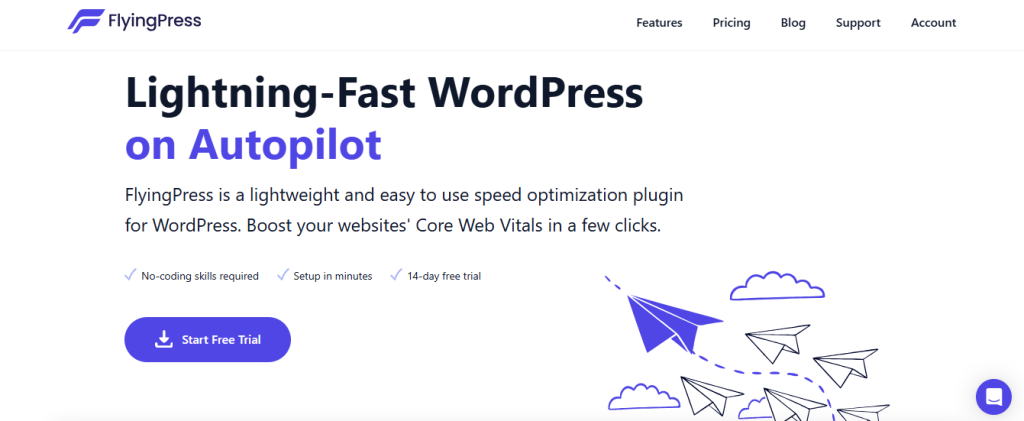
Remember, a smart admin tip to maximize plugin effectiveness is to avoid using two caching plugins simultaneously. This practice prevents conflicts and ensures seamless performance improvements. By leveraging these no-code solutions, you can significantly enhance your website’s performance without delving into complex coding, making them must-have tools for efficient website optimization.
Plugin 2: The Security Guardian (Solid Security or Wordfence)
When it comes to safeguarding your website against brute force attacks and unwanted “Bot” traffic, The Security Guardian, whether it’s Solid Security or Wordfence, is a game-changer. These plugins offer robust solutions to ensure your website’s security remains intact.
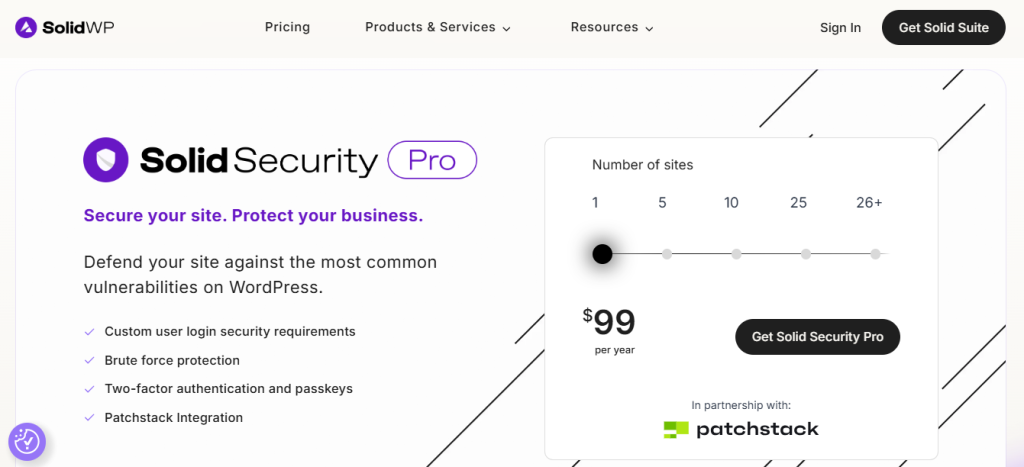
Implementing two-factor authentication (2FA) and concealing the backend by changing the default /wp-admin URL to something unique are simple yet effective no-code fixes provided by these security plugins. By utilizing these features, you can significantly enhance your website’s security posture without delving into complex coding processes. Stay ahead of potential security threats with The Security Guardian and fortify your website against malicious attacks.
Plugin 3: The Automated Insurance Policy (UpdraftPlus)
Plugin 3, the Automated Insurance Policy by UpdraftPlus, addresses a common issue faced by website owners. Often, relying solely on the host’s “daily backup” can lead to failures or difficulties in accessing crucial data. With this plugin, users can implement a simple yet effective no-code solution by scheduling automatic backups directly to Google Drive or Dropbox. This ensures data safety and easy access without the need for technical expertise.
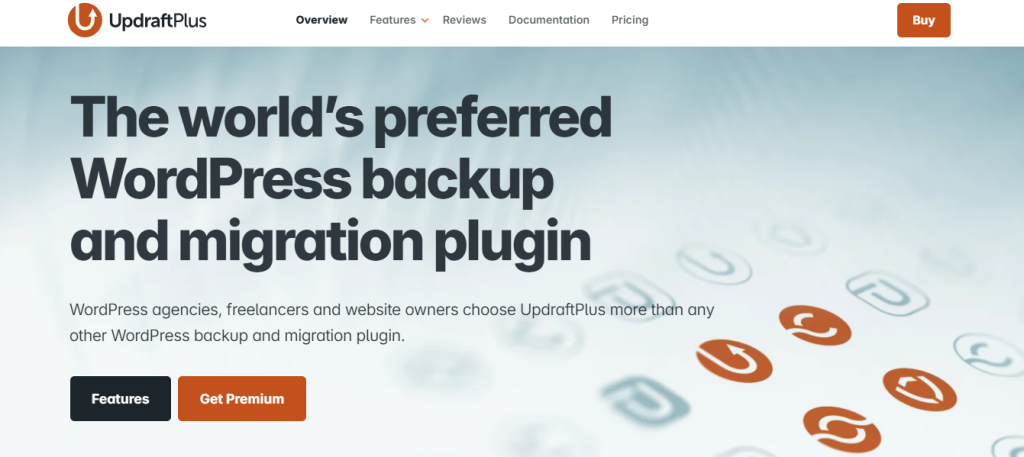
By incorporating The Automated Insurance Policy into their toolkit, website owners can enhance their data protection strategy effortlessly. The convenience of setting up scheduled backups to external cloud storage options such as Google Drive or Dropbox removes the hassle of manual backups and minimizes the risk of data loss. UpdraftPlus provides a reliable and user-friendly solution that empowers users to secure their website data seamlessly.
Plugin 4: The SEO Pilot (RankMath)
By incorporating The SEO Pilot by RankMath, you can effectively address the common issue of uncertainty regarding your content’s readability for Google. This innovative tool offers a no-code solution through its comprehensive “Content Analysis” checklist. With this feature, you can easily identify areas where your content falls short in terms of SEO requirements and make necessary adjustments to improve its visibility. While SEO helps you gain organic traffic over time, many businesses also combine it with professional google ads management services to drive immediate targeted visitors to their websites.

RankMath’s SEO Pilot acts as a guide that seamlessly transforms red signals into green, ensuring that your content meets Google’s standards. By utilizing this plugin, you can enhance your content’s readability and optimize it for search engines without the need for any coding knowledge. Stay ahead in the digital landscape by leveraging this powerful tool to boost your online presence effectively.
Plugin 5: The Database Housekeeper (WP-Optimize)
The Database Housekeeper plugin, also known as WP-Optimize, tackles the issue of “Database Bloat” caused by accumulated old post revisions and deleted comments. This bloat can slow down your website’s performance and affect user experience. The plugin offers a no-code solution by allowing you to schedule weekly cleanups of your site’s internal filing system. By regularly optimizing your database, you can ensure that your website runs efficiently and smoothly without the need for any technical expertise.
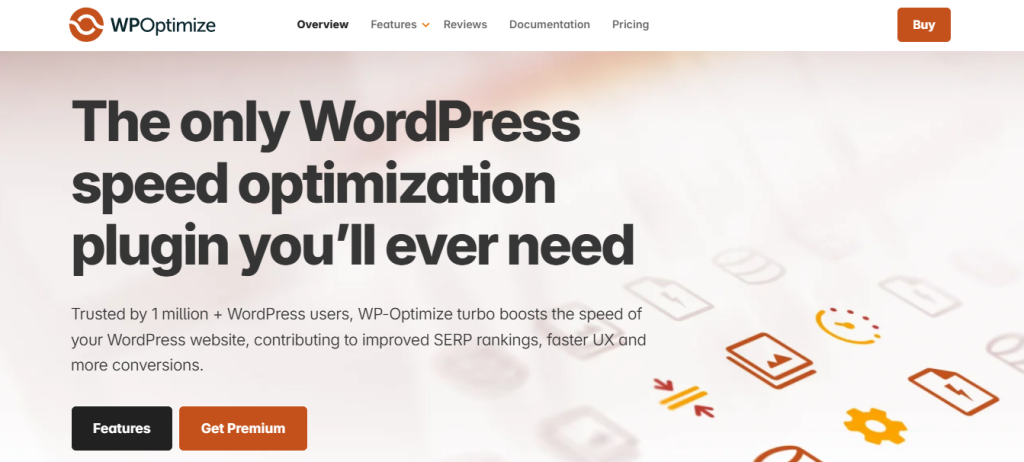
With this plugin as part of the Top 5 Essential “No-Code” Plugins, you can effortlessly maintain the health and performance of your WordPress site. Implementing regular cleanups with the Database Housekeeper ensures that your database remains lean and organized, ultimately improving your site’s speed and responsiveness for visitors.
Summary & Checklist: A “Smart Admin” audit of your current plugin list.
Performing a “Smart Admin” audit of your current plugin list is crucial to ensure optimal functionality and security on your website. Start by creating a summary of all the plugins you have installed, categorizing them based on their functions and relevance to your site’s objectives. Evaluate each plugin’s performance in terms of speed optimization, compatibility with your current website theme, and overall user experience it provides.
Next, use a checklist to assess the necessity of each plugin. Remove any redundant or outdated plugins that no longer serve a purpose or pose a security risk. Prioritize plugins that enhance user engagement, improve site navigation, or boost SEO performance. Regularly reviewing and updating your plugin list will help maintain a streamlined and efficient website operation, ensuring a seamless user experience and strong online presence.
Frequently Asked Questions (FAQs)
Not necessarily. It is a common myth that a high plugin count equals a slow site. The quality of the code and the resource intensity matter more than the number. One poorly coded plugin can do more damage than twenty lightweight, well-coded ones. A “Smart Admin” focuses on the total impact on page load time rather than just the count.
No. Never use two performance or caching plugins at the same time. This leads to “caching conflicts,” where the two plugins fight over the same files, often resulting in a broken layout or even slower load times. Choose one “Engine” and master its settings.
If your hosting server goes down or your account is compromised, a backup stored on that same server is useless. Storing backups in an external “off-site” location like Google Drive or Dropbox ensures that you have an untainted “Insurance Policy” you can access even if your host is completely offline.
While both are powerful, RankMath is often preferred by “Smart Builders” because it includes features in its free version (like Redirection and Schema logic) that typically require multiple separate plugins. It aligns better with our “Minimalist Stack” philosophy.
For a standard site, a weekly scheduled cleanup is sufficient. This prevents “Database Bloat” from slowing down your backend without putting unnecessary strain on your server with daily tasks.