

When it comes to web hosting, falling into the “Shared Hosting” trap can end up costing you more than you think. That seemingly attractive $2.99 per month price tag could actually be causing you to lose thousands in potential sales. So, what’s the alternative? Enter “Managed” Hosting, a solution that offers automatic updates, server-side caching, and most importantly, personalized “Human” support.
Managed hosting, on the other hand, provides a solution to these issues. With automatic updates, your website stays secure and up to date without you having to lift a finger. Server-side caching ensures that your website loads quickly, improving user experience and potentially boosting your search engine rankings. Additionally, having access to “Human” support means that any technical issues or concerns can be addressed promptly by a team of experts, saving you time and frustration.
By choosing a managed hosting platform over shared hosting, you are investing in the growth and success of your online business. While the initial cost may be higher than $2.99 per month, the long-term benefits in terms of improved website performance, security, and customer satisfaction far outweigh the price difference. So, when selecting a hosting provider, consider the value of managed hosting and the positive impact it can have on your business’s bottom line.
Platform 1: Kinsta (The Premium Choice)

Kinsta stands out as a top hosting platform offering an unmatched tech edge.
Tech Edge: It is built on Google Cloud Platform’s “Premium Tier” network, ensuring superior performance and reliability for websites. This premium infrastructure sets Kinsta apart from its competitors, making it the go-to choice for websites that require lightning-fast loading speeds and seamless user experience.
The “Smart” Benefit: One of the standout features of Kinsta is its “Smart” benefit – the APM (Application Performance Monitoring) tool. This tool goes beyond traditional hosting services by actively monitoring your website’s performance and pinpointing any bottlenecks that may be slowing it down. What sets Kinsta apart is its ability to identify slow plugins that could be affecting your website’s speed. By highlighting these plugins, Kinsta helps you optimize your site for optimal performance without the hassle of manual troubleshooting.
Whether you are running an e-commerce store, a high-traffic blog, or a corporate website, Kinsta’s focus on speed and performance makes it an ideal choice. The combination of Google Cloud Platform’s robust infrastructure and Kinsta’s cutting-edge technology ensures that your website stays ahead of the curve in the competitive online landscape.
In a nutshell, Kinsta’s premium hosting services, powered by Google Cloud Platform’s “Premium Tier” network and the innovative APM tool, make it a standout choice for websites that demand nothing but the best in terms of speed, performance, and reliability.
Platform 2: WP Engine (The Industry Standard)
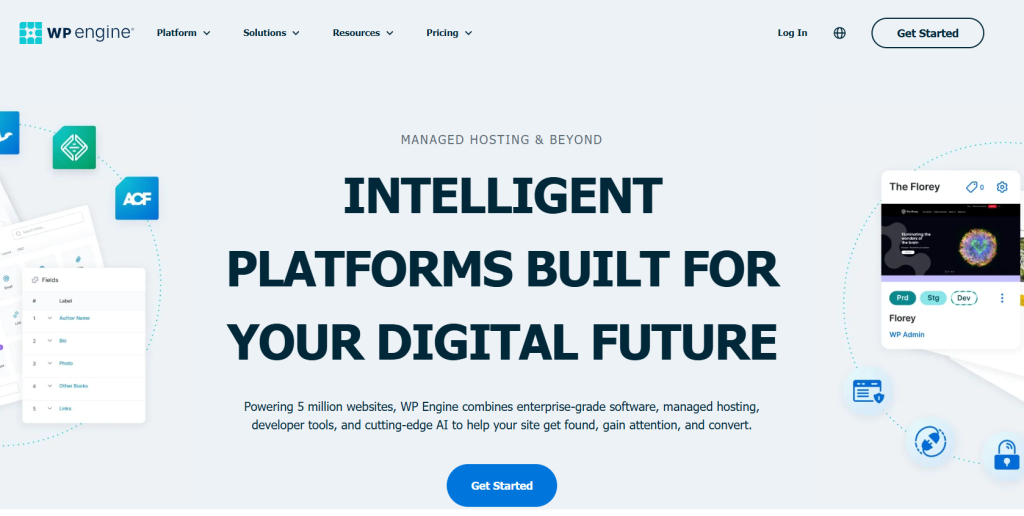
WP Engine stands out in our lineup of lightning-fast hosting platforms.
Tech Edge: Recognized as the industry standard, WP Engine boasts a tech edge with its proprietary “EverCache” technology. This innovative approach enhances website performance and speed, catering to users who prioritize efficiency and reliability.
The “Smart” Benefit: One of the standout features of WP Engine is its “Smart” Benefit – the provision of one-click “Staging” and “Development” environments. These tools enable users to test changes safely before implementing them on their live websites. This feature is especially beneficial for developers and website owners looking to experiment without risking the integrity of their online presence.
In the competitive world of web hosting, WP Engine sets itself apart by offering not only speed and performance but also user-friendly tools that enhance the overall website management experience. The seamless integration of EverCache technology with one-click staging and development environments showcases WP Engine’s commitment to providing a comprehensive hosting solution for businesses and individuals alike.
Platform 3: Rocket.net (The Speed Specialist)
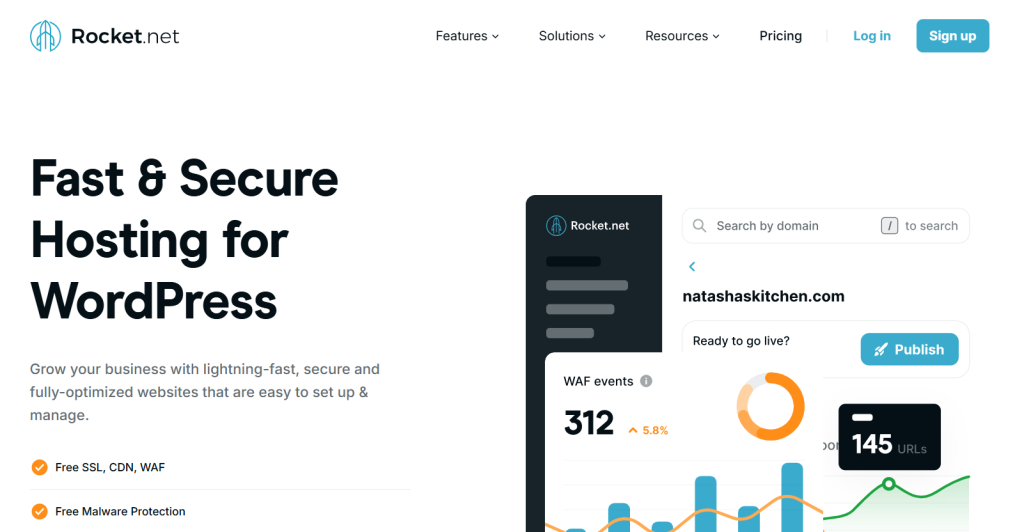
In the world of lightning-fast hosting platforms, Rocket.net emerges as the speed specialist that guarantees optimal performance for your website.
Tech Edge: One of the key tech edges that Rocket.net offers is the inclusion of Cloudflare Enterprise, a premium service worth $2k per month, for free. This strategic partnership ensures that every site hosted on Rocket.net is equipped with top-notch security, speed, and reliability.
The “Smart” Benefit: What sets Rocket.net apart from the competition is the “Smart” benefit it brings to the table. By leveraging Cloudflare’s robust infrastructure, your website is positioned “at the edge,” meaning it is closer to your users, resulting in instant loading times regardless of where your audience is located geographically. This not only enhances the user experience but also boosts your site’s SEO performance, as speed is a vital ranking factor for search engines.
With Rocket.net, you can say goodbye to sluggish loading times and hello to a responsive and dynamic website that keeps visitors engaged. The seamless integration of Cloudflare Enterprise ensures that your site’s performance is always at its peak, giving you a competitive edge in the digital landscape.
If you are looking for a hosting platform that prioritizes speed, reliability, and cutting-edge technology, Rocket.net should undoubtedly be at the top of your list. Experience the power of instant loading times and maximize your online presence with Rocket.net – the speed specialist in the world of web hosting.
Platform 4: SiteGround (The Value King)

Platform 4 in our list of top 5 lightning-fast hosting platforms is SiteGround, crowned as “The Value King.”
Tech Edge: This hosting service stands out with its tech edge – a custom PHP implementation that boasts being 30% faster than standard PHP offerings.
The “Smart” Benefit: One of the standout features that makes SiteGround a top choice for many users is the “Smart” benefit it offers through its innovative “SiteTools” dashboard. This dashboard is a game-changer, providing users with a much friendlier interface compared to the traditional “cPanel” used by other hosting providers.
With SiteGround’s custom PHP implementation, websites hosted on this platform can experience significant speed enhancements, resulting in quicker loading times and better overall performance. This puts SiteGround at the forefront of hosting services when it comes to optimizing website speed and efficiency.
For users who value both speed and user-friendly interfaces, SiteGround emerges as a clear winner. The combination of cutting-edge technology, such as custom PHP implementation, and user-centric design elements in the “SiteTools” dashboard makes SiteGround a compelling choice for those looking to propel their websites to new heights in terms of performance and user experience.
Platform 5: Flywheel (The Designer’s Favorite)
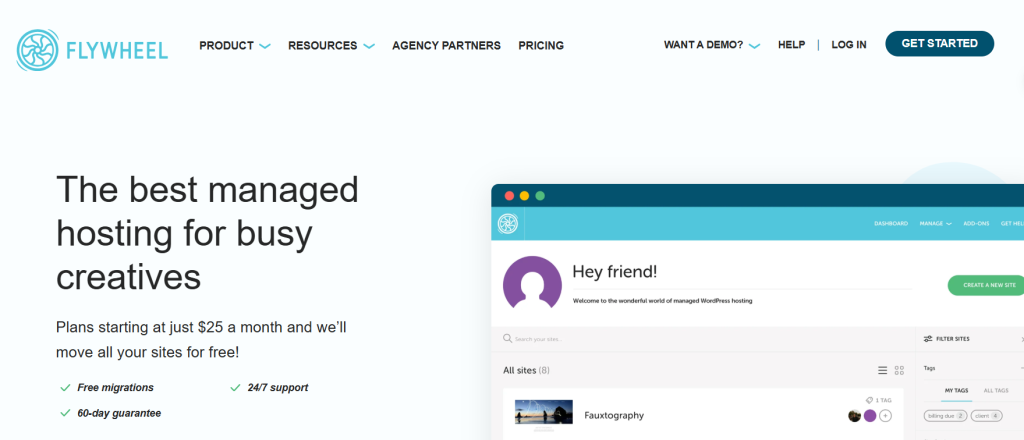
In the realm of lightning-fast hosting platforms, Flywheel emerges as the designer’s top choice.
Tech Edge: With a keen Tech Edge that homes in on “Blueprints” for effortlessly cloning the perfect setup, this platform sets itself apart.
The “Smart” Benefit: Designers rejoice in the seamless experience that Flywheel offers. The “Smart” Benefit comes to the forefront with a gorgeous dashboard that defies the usual tech-heavy stigma. It’s a harmonious blend of aesthetics and functionality, catering to the creative mind.
With a user-friendly interface and lightning-fast speeds, this platform caters to the needs of designers looking for efficiency without compromising on design. The emphasis on “Blueprints” brings a whole new level of convenience, allowing for quick and easy replication of the ideal setup.
In a world where time is of the essence, Flywheel stands out as a beacon of efficiency and style. The marriage of technology and design is seamless on this platform, making it a standout choice for designers seeking a hosting solution that aligns with their creative vision.
The “Smart Admin” Hosting Scorecard
Use this quick-reference table to match your specific project needs to the right platform logic.
| If your priority is… | Choose this Platform | The “Smart” Reason |
| Pure Global Speed | Rocket.net | Cloudflare Enterprise is integrated at the edge. |
| Debugging slow sites | Kinsta | Their APM tool identifies the exact “heavy” plugin. |
| Workflow & Scaling | WP Engine | Best-in-class staging and dev-to-prod tools. |
| Client Work / Design | Flywheel | Use “Blueprints” to launch new sites in seconds. |
| Budget Performance | SiteGround | High-end speed at a “prosumer” price point. |
Checklist: 3 Things to Do Before You Switch Hosts
When considering a switch to new hosting platforms, it’s crucial to follow a checklist to ensure a smooth and efficient transition. Here are three essential tasks to complete before making the switch:
1. Audit your Plugins: Firstly, audit your plugins to optimize performance on the new hosting platform. Delete any “Deactivated” plugins, as there is no benefit in migrating unnecessary data to a premium server, especially when it comes to lightning-fast hosting platforms.
2. Check your PHP Version: Secondly, check your PHP version to guarantee compatibility with modern hosts. Ensure your current site is running on PHP 8.1 or higher, as some hosts may not support older, insecure versions. Upgrading your PHP version is essential for maximizing speed and security on your new hosting platform.
3. Download a Manual Backup: Lastly, download a manual backup of your website as a precautionary measure. Even if the new host offers migration services, it’s advisable to have a local copy using tools like UpdraftPlus. Consider it your “Smart Admin” insurance policy to safeguard your website data during the transition process.
By following these three key steps – auditing plugins, checking PHP version, and creating a manual backup – you can streamline your switch to lightning-fast hosting platforms and ensure a seamless migration process.
Final Verdict
When selecting a hosting platform for your website, it’s crucial to match your host to your monthly traffic levels. Your website’s performance and user experience depend greatly on the hosting provider you choose.
Remember, the key is to analyze your website’s monthly traffic levels and choose a hosting provider that can accommodate your needs. By matching your host to your traffic requirements, you can ensure smooth operation and optimal performance for your website.
Frequently Asked Questions (FAQs)
On cheap shared hosting, your site lives on a server with thousands of others. If one site gets a traffic spike or a virus, everyone’s speed drops. For a business, a 1-second delay can drop conversions by 7%. Paying $25–$30/mo for Managed Hosting isn’t a cost; it’s insurance against lost sales.
If you choose Rocket.net or Kinsta, a high-end CDN (Content Delivery Network) is usually baked into the architecture. However, for others, adding a service like Cloudflare or Bunny.net is a “Smart Admin” move to ensure your images and scripts load instantly for users in London just as fast as they do in New York.
Plugins like WP Rocket are great, but server-side caching (standard in the Top 5 platforms) happens at the hardware level before WordPress even “wakes up.” It is significantly faster and more stable because it doesn’t rely on PHP to serve your pages.
Yes. Every platform on this list offers either a free automated migration plugin or a “White Glove” migration service where their engineers move your site for you. As a Smart Admin, you should always opt for the professional migration to ensure no data is lost.
No. Managed hosting means the host handles PHP updates, security patches, and daily backups automatically. If your site breaks, you aren’t talking to a general support script; you’re talking to a WordPress expert who can actually see your code.